
What is 闪设2D
闪设2D is a new generation of AI-based industrial CAD software that can automatically convert 3D models into 2D drawings. It is widely used in the design of equipment and parts in industries such as automotive, 3C, aerospace, energy, and logistics. The software is based on industrial generative AI technology and self-developed vertical generative models, is compatible with the operation style of mainstream CAD software, and can be used without installation. Core functions include intelligent drawing frame view annotation layout, multi-format support and export, and multitasking. It can upload 3D model data with one click, batch apply project/drawing frame standards, and quickly generate hundreds of drawings of various types within minutes. It has management functions such as personnel permission management, design file management, and project standard management, supports multi-device operation, and meets the needs of different users.
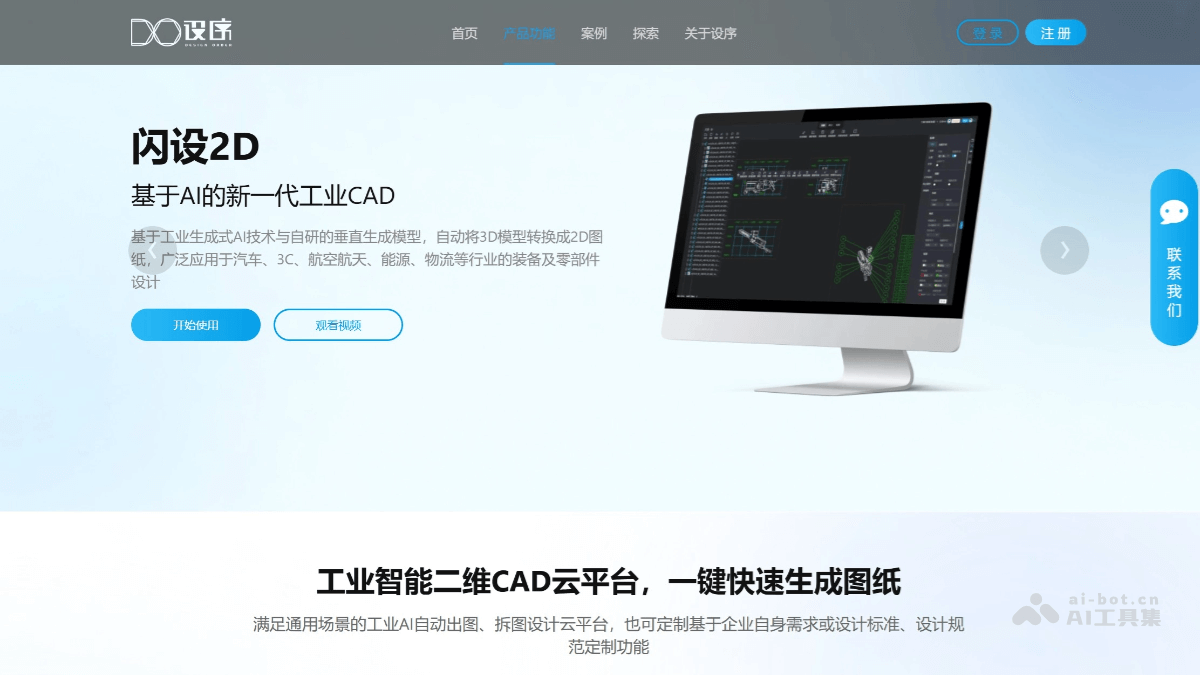
Main Functions of 闪设2D
-
3D to 2D Drawings: Based on industrial generative AI technology, it automatically converts 3D models into 2D drawings and is suitable for various industries.
-
Intelligent Drawing Frame View Annotation Layout: Automatically selects drawing frame templates, with adaptive scale and automatic information filling, and supports quick modification of drawing frames, views, annotation information, and overall layout.
-
Multi-format Support and Export: Compatible with the operation style of mainstream CAD software, supports import and export of multiple formats, including various CAD software formats, to meet the needs of different users.
-
Multitasking: Upload 3D model data with one click, batch apply project/drawing frame standards, run multiple drawing tasks simultaneously, and quickly generate multiple drawings within minutes.
-
Management Functions: Includes functions such as personnel permission management, design file management, and project standard management, supports multi-device operation, and is convenient for enterprises to use.
How to Use 闪设2D
- Visit the Platform: Visit the official website of 闪设2D:https://www.designorder.cn/zh/product2d
-
Upload 3D Models: Upload 3D model data with one click, and the system automatically recognizes and processes it.
-
Select Drawing Frame Templates: Automatically select and apply drawing frame templates, with adaptive scale and automatic information filling.
-
Modify Drawing Information: Quickly modify drawing frames, views, annotation information, and overall layout, and support natural language instructions or CAD shortcut key operations.
-
Batch Apply Standards: Batch apply project/drawing frame standards, and multiple drawing tasks can be carried out simultaneously.
-
Generate 2D Drawings: Quickly generate various 2D drawings within minutes, such as welding drawings, part drawings, assembly drawings, hole position drawings, and blanking drawings.
-
Export Drawings: Supports export in multiple standard formats and CAD software formats, and adapts to multi-device use.
Application Scenarios of 闪设2D
-
Mechanical Design: Quickly convert 3D models of mechanical parts into 2D drawings, improve design efficiency, and is suitable for industries such as automotive, 3C, and aerospace.
-
Engineering Drafting: Efficiently generate various engineering drawings, such as welding drawings, assembly drawings, and hole position drawings, to meet drafting needs in different engineering fields.
-
Enterprise Design Process Optimization: Help enterprises optimize design processes, uniformly manage design standards, and improve overall design efficiency and quality.
-
Multi-industry General Use: Suitable for multiple industries, including energy and logistics, and meets the equipment and parts design needs of different industries.