
What is Presenton
Presenton is an open-source AI presentation generatorthat helps users quickly and efficiently create professional presentations. Through AI technology, it automatically generates presentations from user-input text prompts or uploaded documents (such as PDF, TXT, PPTX, etc.), supporting multiple languages and theme layouts. Presenton's core advantage lies in its privacy protection feature: all processing is done locally on the device without relying on cloud services, ensuring the security and privacy of user data. It supports high customizability, allowing users to customize the presentation layout, theme, colors, and text, and to create personalized templates using HTML and Tailwind CSS. Presenton offers rich media support, including icons, charts, and custom graphics, as well as multiple image generation options such as DALL-E 3, Gemini Flash, etc. The generated presentations can be exported as PowerPoint (PPTX) and PDF formats for use in different scenarios.
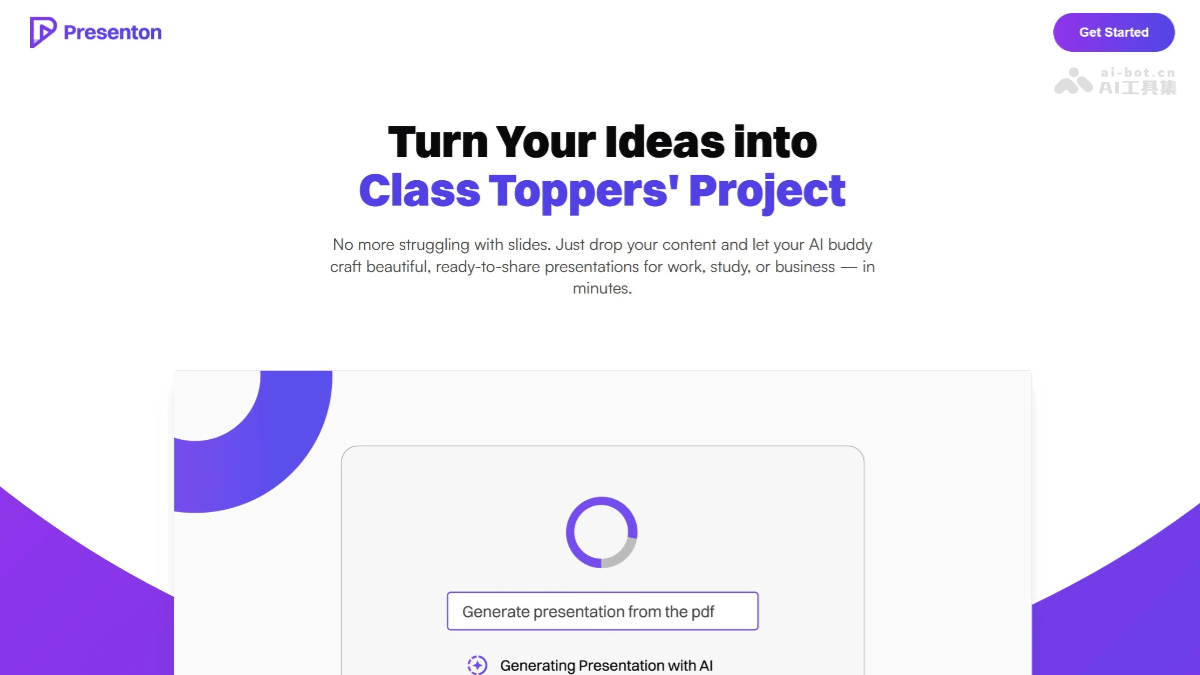
Presenton's Main Features
- Presentation Generation: Users only need to input text prompts or upload documents (such as PDF, TXT, PPTX, etc.), and Presenton will automatically generate presentations based on AI technology.
-
Customized Generation: Supports customizing the number of slides, language, theme layout, etc., to meet the needs of different users.
-
Local Operation: All processing is done locally on the device without relying on cloud services, ensuring the security and privacy of user data.
-
API Key Management: Users can use their own API keys (such as OpenAI, Google Gemini, etc.), or use locally hosted models through Ollama, ensuring data sovereignty.
-
Custom Layouts and Themes: Users can create personalized presentation designs using HTML and Tailwind CSS.
-
Rich Media Support: Supports icons, charts, custom graphics, and multiple image generation options (such as DALL-E 3, Gemini Flash, Pexels, Pixabay, etc.).
-
Multiple Export Formats: Generated presentations can be saved as PowerPoint (PPTX) and PDF formats for use in different scenarios.
-
API Deployment: Supports deploying Presenton as an API service, facilitating team integration and automated workflows.
-
Docker Deployment: Provides one-click deployment commands, supports Linux, MacOS, and Windows systems, and also supports GPU acceleration.
-
Environment Variable Configuration: Users can hide and protect API keys through environment variables, and choose different models and image generators.
Presenton's Official Website Address
- Official Website Address:https://presenton.ai/
- Github Repository:https://github.com/presenton/presenton
Presenton's Application Scenarios
-
Meeting Presentations: Business professionals can quickly transform data such as quarterly reports, sales updates, and market analyses into professional presentations, saving production time and improving meeting efficiency.
-
Project Reporting: Project managers can use Presenton to quickly organize project progress, key data, and team achievements into presentations for reporting to clients or superiors.
-
Classroom Teaching: Educators can quickly transform teaching syllabi, course content, or academic research into vivid presentations, improving teaching effectiveness.
-
Data Analysis Report: Analysts can quickly transform complex data analysis results into clear and easy-to-understand presentations, displaying data trends and insights through charts and graphs.
-
Creative Presentation: Designers and creative professionals can use Presenton to quickly generate presentations for creative concepts, product designs, or project plans, for team discussions or client presentations.