
What is PPT.AI
PPT.AI isAI presentation creation tool, which can quickly convert user-input topics or uploaded document content into professional PPT presentations. It features intelligent content generation, automatic design and layout, a rich selection of templates, multilingual support, supports 15 major languages, and provides more than 50 professional templates. Users only need to input a topic or upload a file and choose a template to quickly generate a presentation, with support for further custom editing. PPT.AI considers data security and provides bank-level encryption and secure cloud storage.
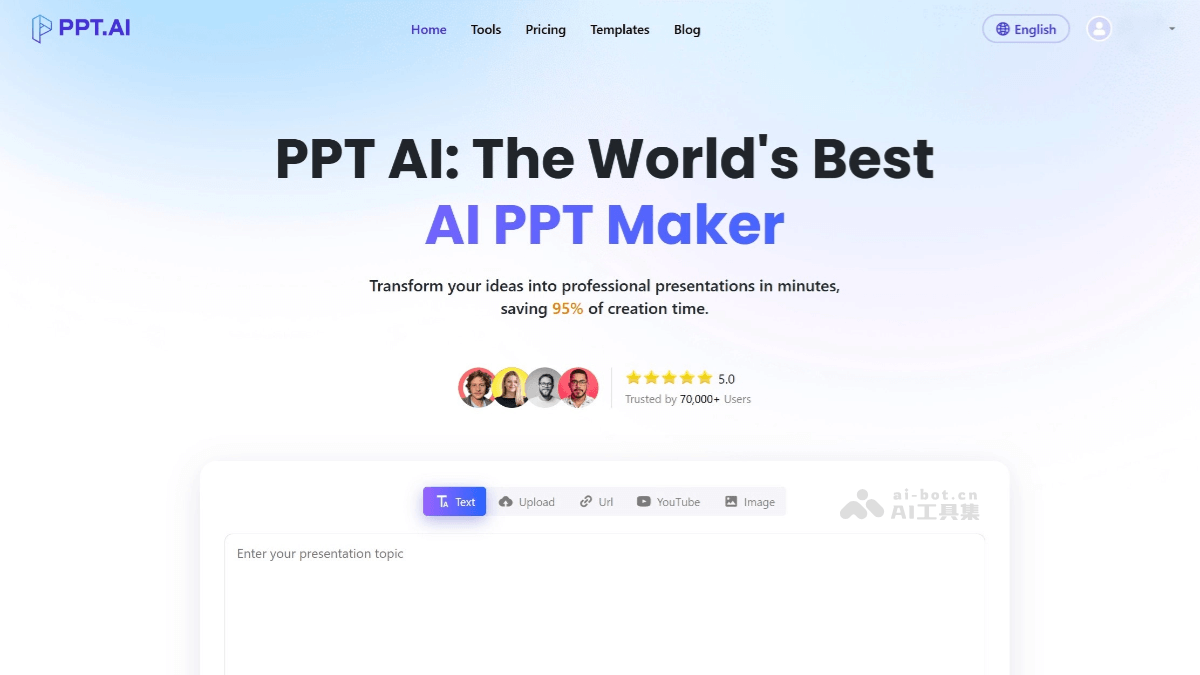
Main features of PPT.AI
- Intelligent presentation generation: After users upload a document or input a topic, PPT.AI can automatically generate a complete presentation. It intelligently analyzes content and optimizes structure, automatically extracts key information, and generates logically clear, well-structured PPT.
- Professional template library: Provides more than 50 professionally designed templates, covering multiple fields such as business, education, technology, and marketing. It supports intelligent matching of the best template and one-click switching of presentation styles.
- Intelligent design optimization: PPT.AI automatically optimizes the layout and visual effects of presentations, ensuring slides have a clear structure and professional style. It can intelligently place visual elements and automatically adjust the layout of charts, images, and text to improve design aesthetics.
- Multilingual support: Supports 15 major languages, including Chinese, Japanese, Korean, French, German, and Portuguese, etc.
- Easy editing and sharing: Users can use built-in editing tools to customize and edit generated presentations, including modifying text, colors, images, and other content. After editing is complete, presentations can be downloaded in formats such as PPT, PPTX, and PDF.
How to use PPT.AI
- Registration and login: Visit PPT.AI'sofficial websiteto register and log in to the platform.
- Upload content or input a topic: Choose to upload files in formats such as Word, PDF, TXT, and Markdown, or directly input the presentation topic.
- Choose a template style: According to your needs and preferences, choose a suitable style from the various templates provided by the platform.
- Generate the presentation: Click the generate button, and PPT.AI will automatically generate a presentation based on the content provided by the user and the selected template.
- Review and customize: Users can review the generated presentation and make further custom edits as needed, such as modifying text content, adjusting layout, and adding images.
- Download and share: After editing is complete, users can download the presentation or share it with others.
Application scenarios of PPT.AI
- Teaching material creation: Teachers can quickly create presentations such as course introductions, teaching outlines, and explanations of knowledge points.
- Work reporting and summarization: Employees can easily create presentations such as work summaries, project reports, and business analyses.
- Project reports and solution presentations: In project management, it can be used to create presentations such as project progress reports, solution presentations, and feasibility analyses.
- Product introduction and promotion: Enterprises can create presentations such as product introductions, product feature showcases, and marketing plans.
- Business Plans and Investment Pitches: Entrepreneurs can quickly generate business plans and investment pitch presentations to attract investment.