
What is Pointa
Pointa is a video creation tool focused on creating smooth and natural Zoom effects. Unlike other video editing tools that require complex keyframe settings, Pointa lets you easily achieve professional-grade Zoom animations with just one click. Pointa supports one-click addition of Zoom animations, including importing images, PDFs, and videos, and also features screen recording. Pointa provides a variety of background options, supports adding audio and background music, and supports adding text to videos and automatically generating subtitles. Pointa can locally blur sensitive information in videos and add watermarks to protect copyright. Pointa supports export in multiple video formats and sizes, making it suitable for different video platforms, and as an online tool, it is not limited by device, and can be used without downloading software.
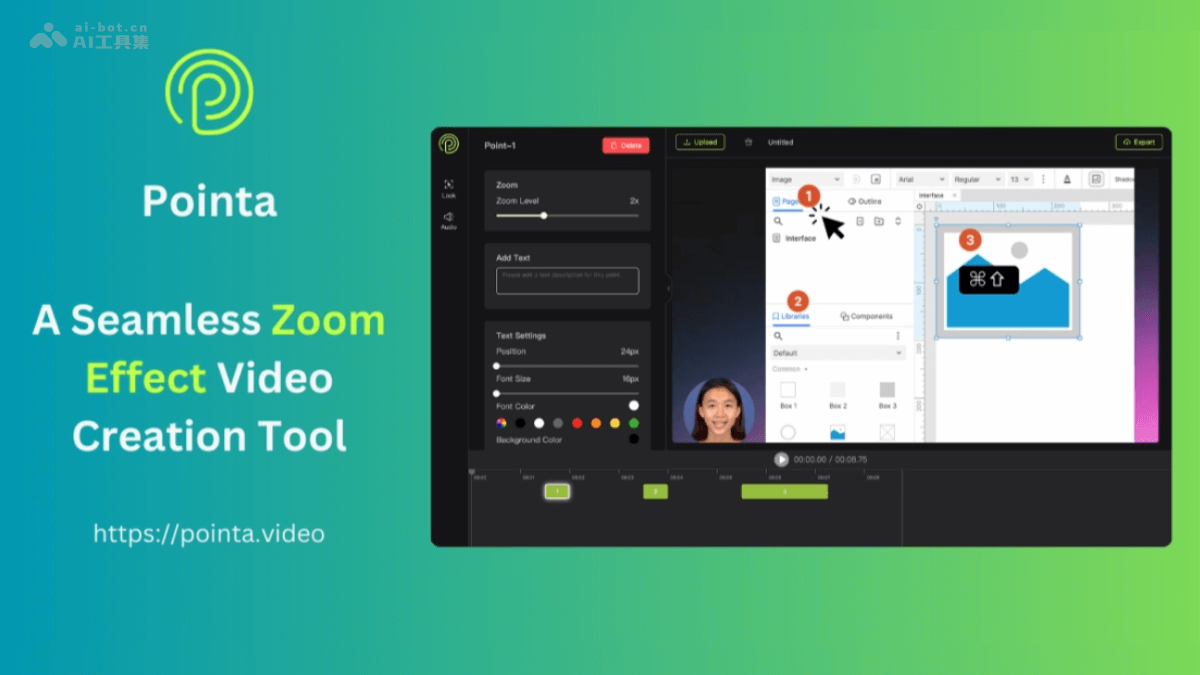
Pointa's main features
- One-click Zoom effect: Users can achieve smooth Zoom animations with just one easy click.
- Multiple file type support: Supports importing images, PDFs, and video files, and includes a built-in screen recording feature.
- Beautify backgrounds: Provides a variety of desktop backgrounds and color landscape backgrounds, and supports custom background image uploads.
- Add audio and background music: Built-in audio recording and text-to-speech features, and a variety of background music options.
- Add text: Add text explanations or shortcut key displays at specific positions in the video.
- Automatic subtitles: Automatically recognizes video content and converts it into subtitles, and users can choose whether to display them.
- Local blur: Blurs sensitive information in videos to protect privacy.
- Add watermark: Supports adding text or image watermarks, and adjusting the watermark position and size.
- Multi-format export: Supports export in multiple video formats such as MP4, WebM, GIF, and PNG.
How to use Pointa
- Visit the Pointa official website: Visit Pointa'sofficial website。
- Upload files: After logging in, select "Upload files" and upload the images, PDFs, or video files you want to edit.
- Choose editing features: After uploading files, use the editing options provided by Pointa, including adding Zoom effects, choosing backgrounds, adding text, and more.
- Add Zoom effect: Click "Add Zoom effect" on the interface, choose the position you want to Zoom, and click to mark it.
- Choose a background: As needed, choose a background from the background library provided by Pointa, or upload a custom background.
- Add audio and background music: Use the built-in audio recording feature or text-to-speech feature to add narration, and choose background music at the same time.
- Add text: Add text at specific positions in the video, such as titles, explanations, or shortcut key displays.
- Automatic subtitles: With the automatic subtitles feature, Pointa can automatically recognize video content and generate subtitles.
- Local blur processing: If the video contains sensitive information, use the local blur feature to process it.
- Add watermark: To protect copyright and expand brand influence, add text or image watermarks, and adjust the position and size.
- Export Video: After completing the edits, choose the format and size for exporting the video, then click "Export."
- Download or Share: After the video export is complete, download it locally or share it directly to social media platforms.
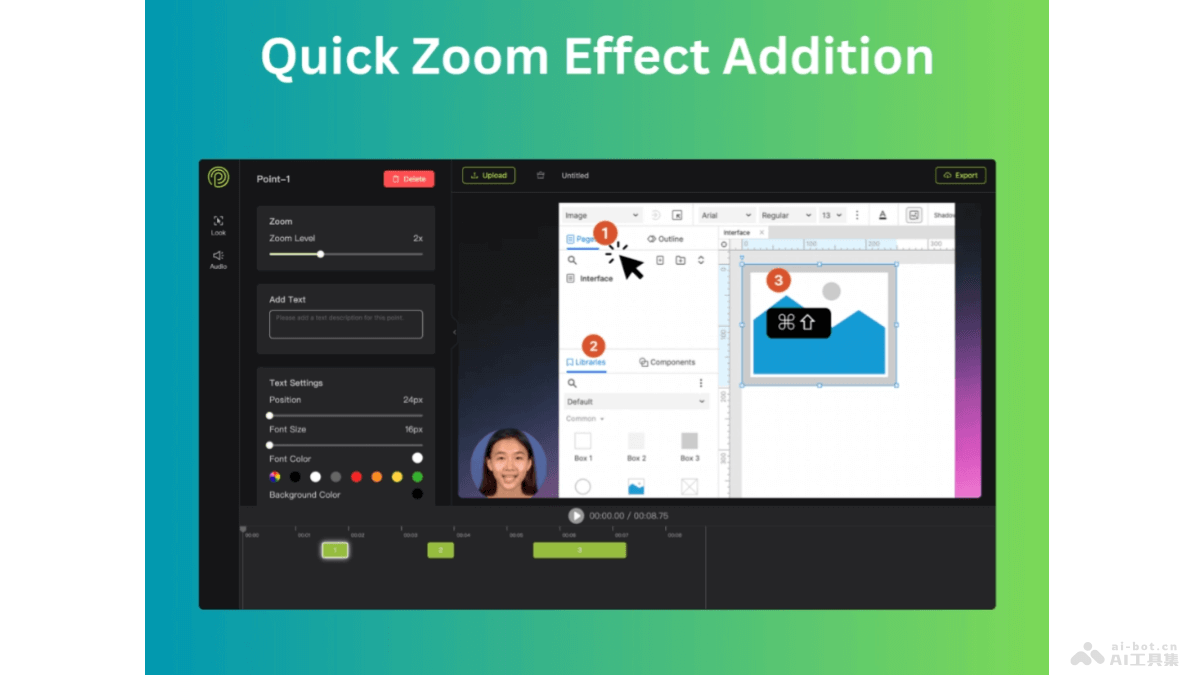
Pointa's Application Scenarios
- Marketing Video Production: Create product introductions, advertising promotional videos, social media ads, etc., to attract potential customers.
- Online Education and Training: Create instructional videos, course content, and online training materials to make learning content more vivid and easier to understand.
- Corporate Presentations: Create corporate introductions, project proposals, business reports, etc., to present information in a more intuitive way.
- Personal Creative Works: Create personal video blogs, travel logs, life records, etc., to increase the watchability and professionalism of videos.
- Social Media Content: Create original content suitable for the video sizes and styles of platforms such as YouTube, TikTok, and Instagram.