
What is Playwriter
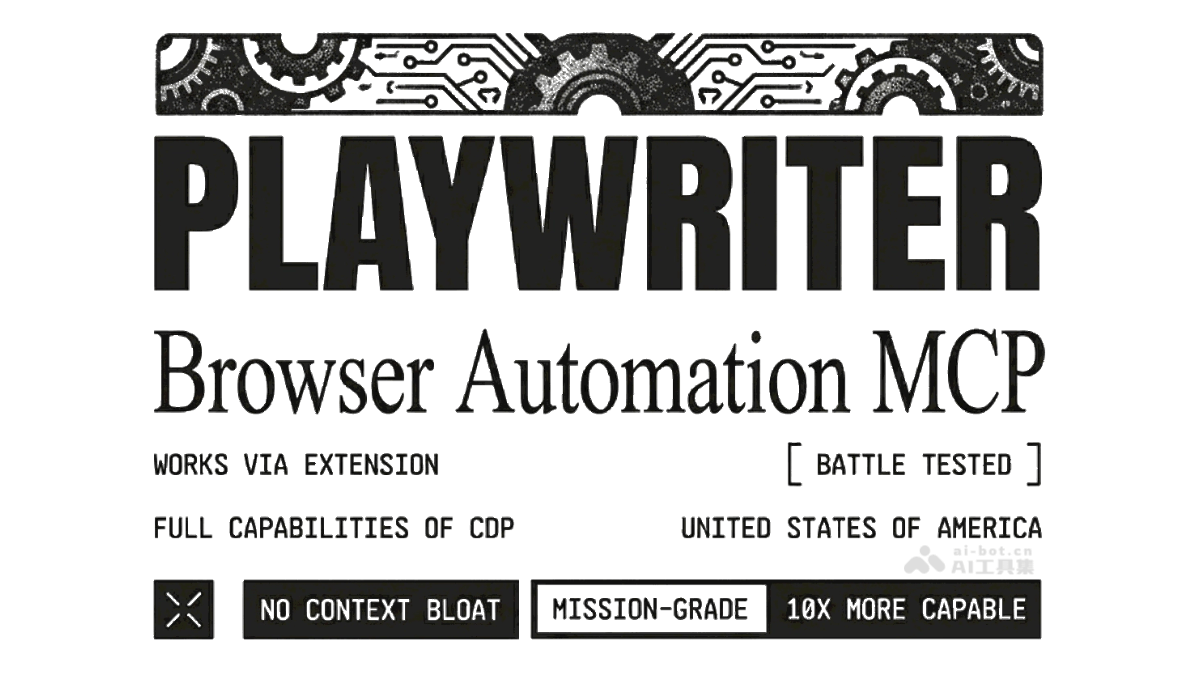
Playwriter is an open-source Chrome extension built on Microsoft Playwright, designed specifically for AI to operate browsers. The tool seamlessly integrates into Chrome through an extension, embedding AI capabilities directly into the user's browser environment, allowing AI to operate web pages directly like a human. With Playwriter, users can easily solve login verification challenges encountered by AI in automation tasks, achieving seamless human-AI collaboration switching. Playwriter optimizes AI operation efficiency, greatly reduces Token consumption, and opens up new possibilities for AI applications in browser automation.
Main Features of Playwriter
- Seamless human-AI collaboration switching: Users can manually handle complex login or CAPTCHA issues, then let AI take over subsequent tasks, achieving seamless human-AI collaboration switching.
- Saves Token consumption: Through accessibility label technology, web page elements are converted into text descriptions, reducing context window usage. Compared to traditional screenshot methods, it can save about 80% of Token consumption.
- Full Playwright functionality support: The tool retains Playwright's complete API, supporting complex browser operations such as intercepting network requests, executing JS scripts, debugging React components, etc.
- Browser extension integration: As a Chrome extension, it integrates directly into the browser, avoiding additional browser instances, saving resources, and supporting users' existing browser extensions (such as ad blockers).
- Security and user control: Tab pages are controlled through explicit user authorization, ensuring that only pages approved by the user can be operated by AI, safeguarding browser usage security.
How to use Playwriter
- Install the Playwriter extension: Download and install Playwriter MCP from the Chrome Web Store https://chromewebstore.google.com/detail/playwriter-mcp/jfeammnjpkecdekppnclgkkffahnhfhe,或从 GitHub repositoryhttps://github.com/remorses/playwriter获取源码,手动加载到 in Chrome.
- Configure the AI client: Add Playwriter configuration information in the AI client (such as Claude Desktop) to ensure AI can operate the browser through Playwriter.
- Connect Playwriter: After opening the target web page, click the Playwriter extension icon in the Chrome toolbar. When the icon turns green, it indicates a successful connection, and AI has taken over the tab page.
- Use AI to issue commands: Enter commands in the AI client, such as "organize page data" or "monitor page updates". AI will execute tasks in the browser through Playwriter and provide real-time feedback on results.
- Accessibility label feature: Playwriter adds accessibility labels to web page elements, helping AI accurately identify and operate elements such as buttons and input boxes, improving task execution accuracy.
- Auto-enable extension (optional): By configuring environment variables, Playwriter automatically creates an initial tab page when the AI client starts, making it convenient to quickly start tasks.
Playwriter's project address
- GitHub repository:https://github.com/remorses/playwriter
Playwriter's application scenarios
-
Data scraping and organization: The tool can quickly scrape data such as tables, news, and product information from web pages, and organize it into Excel or Markdown format for subsequent analysis and use.
-
Automated task monitoring: Monitor web content changes in real time, such as flight bookings and product inventory updates, and notify users immediately once there is a change, saving time and effort.
-
Complex web interactions: Automatically complete complex operations on web pages, such as filling out forms, clicking buttons, and uploading files, improving work efficiency.
-
Development and debugging: The tool can help developers with front-end debugging, intercept network requests, debug React components, and optimize web page performance.
-
Cross-platform collaboration: Control Chrome on development containers, virtual machines, or remote hosts via SSH to achieve a secure and efficient development process.