
What is PhotoKit
PhotoKit is an online image editing tool based on AI technology, supporting one-clickAI cutout, which can quickly recognize and remove backgrounds, and use smart brushes to repair photos, eliminate blemishes, or remove unwanted elements. PhotoKit provides features such as image quality enhancement and exposure repair, which can optimize image clarity and light-dark contrast. It supports batch processing, including resizing, compressing, cropping, and format conversion of images, improving work efficiency.
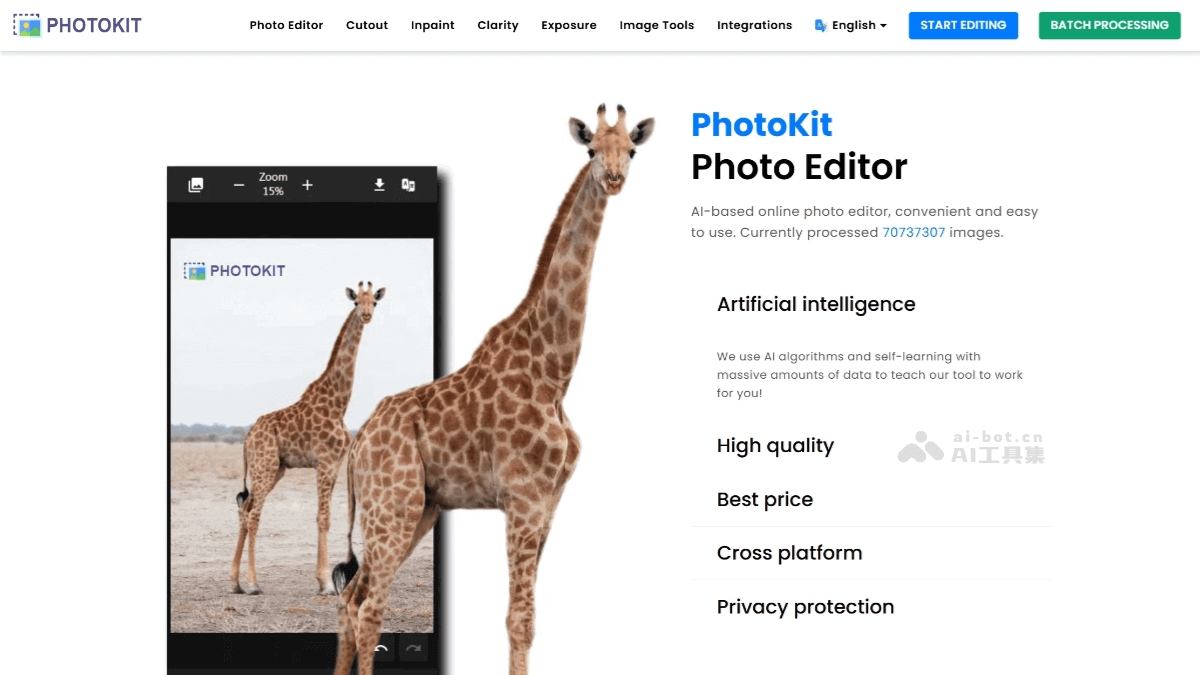
PhotoKit's main features
- AI smart cutout: One-click recognition and separation of the subject and background in an image, quickly generating transparent background images, supporting batch operations, suitable for scenarios such as e-commerce and design.
- Image quality enhancement: Based on AI algorithms to improve image clarity, repair blurry or low-resolution images, and optimize visual effects.
- Smart repair: Through the smart brush feature, repair old photos, remove watermarks, eliminate blemishes, or delete extra elements, restoring image integrity.
- Exposure adjustment: One-click repair of overexposed or underexposed photos, balancing light-dark contrast and improving the overall look.
- Batch processing: Supports batch resizing, cropping, compression, format conversion, etc., meeting batch editing needs and improving efficiency.
- Creative compositing and collage: Provides photo compositing and collage features, which can blend or stitch multiple images to create unique visual effects.
- Style transfer: Convert images into different artistic styles, such as oil painting, watercolor, etc., giving photos a new artistic feel.
- Asset library: Provides over 2.2 million high-definition images, illustrations, and vector assets for users to use for free, enriching design resources.
- Cross-platform use: Supports devices such as Windows, Mac, Linux, iOS, and Android, no installation required, cloud-based operation, convenient and quick.
PhotoKit's official website address
- Official website address:photokit.com
PhotoKit's application scenarios
- Creative design: Use features such as style transfer and special effect filters to transform ordinary photos into artistic works, meeting personal creative needs.
- E-commerce product display: Merchants can use PhotoKit to quickly cut out images and replace backgrounds, optimize product images, improve product display effects, and attract more customers.
- Poster and advertising design: Designers can use PhotoKit's batch processing, image compositing, and other features to efficiently complete commercial design tasks such as posters and advertisements.
- Teaching material production: Teachers can use PhotoKit to edit and process teaching images, creating more intuitive and vivid teaching courseware and presentations.
- Travel photo editing: In travel applications, users can use PhotoKit to record and edit photos and videos from their trips, add text, stickers, or filters, and share travel moments.