
What is PHOTOG
PHOTOG is anAI commercial photography tool, hailed as the "Midjourney of the e-commerce world," capable of seamlessly integrating real-world objects into any scene, providing instant control and results, and achieving 100% accurate scene replication. PHOTOG can precisely generate and implant specified objects in complex scenes, maintaining a high degree of realism while simulating object materials, lighting, and shadow details. The platform has established partnerships with leading brands in multiple fields (including furniture retail, footwear and apparel retail, jewelry, lighting and fabrics, etc.), and can go from single-item replacement to whole-house design, creating a smart home living agent to help users build a better life.
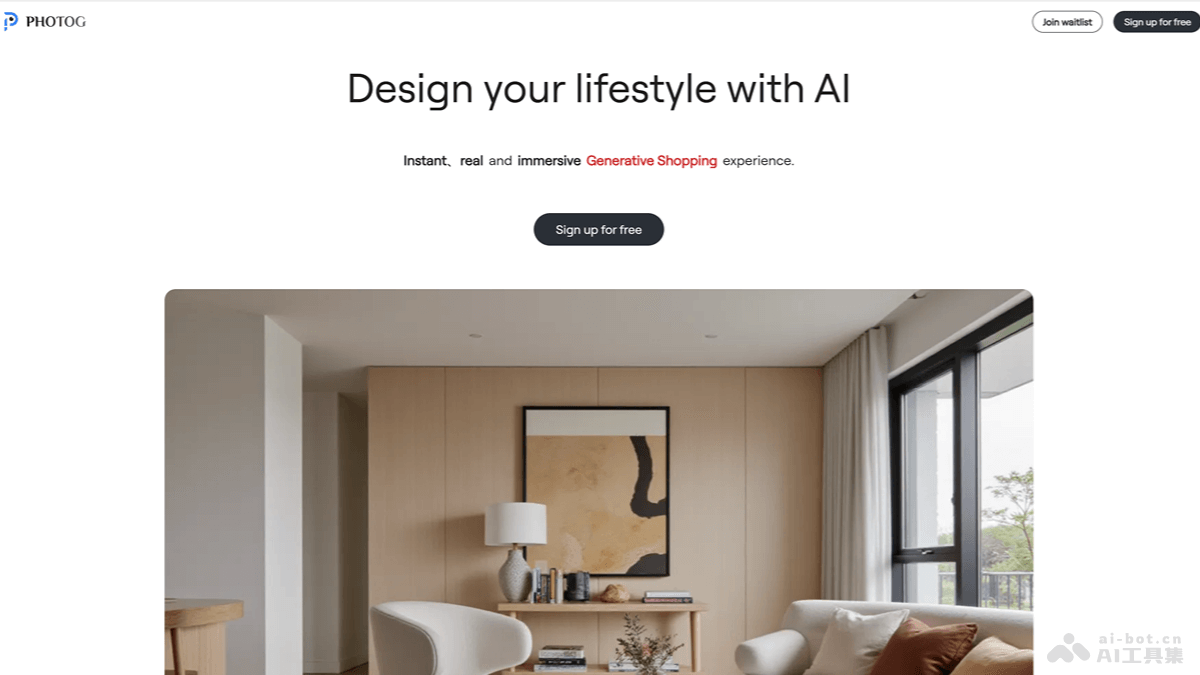
PHOTOG's main features
- Image production modes: Provides two image production modes, Free-mode and Precise-mode, to meet the needs of different users.
- Inpaint function: Users select a product from the product library and, with one click, place the product into a specified scene or an AI-generated scene.
- Parameter adjustment and optimization: If users are not satisfied with the generated result, they can modify parameters such as the product's horizontal angle, pitch angle, lighting blend level, and size to adjust the presentation effect.
- Prompt-to-image generation: Users generate images carrying products based on prompts.
- Product library upload: Users upload 360-degree product rotation videos or 3D models to add products to the product library.
- Pre-decision assistance: Supports users in uploading their own spaces to replace different items, enabling cool features such as "furniture into my home" and "clothing onto my body," assisting users in making pre-purchase decisions.
PHOTOG's official website address
- Official website address:photog.art
PHOTOG's application scenarios
- Home decoration: Users use PHOTOG to virtually place a new sofa in their living room and preview the sofa's placement effect.
- E-commerce: Online clothing stores display models wearing new-season clothing against different backgrounds.
- Interior design: Designers present interior design plans to clients, allowing clients to see in advance what the renovated space will look like.
- Real estate: Real estate agents display 3D views of properties, allowing potential buyers to experience the property's interior environment before purchasing.
- Product marketing: Marketing teams create realistic product advertisements to show how products perform in actual usage scenarios.