
What Is Pai Shijuan
Pai Shijuan is exam paper scanning and processing software designed for students and teachers. Based on OCR (Optical Character Recognition) technology, Pai Shijuan makes extracting text from images fast and accurate while preserving the original layout format. Pai Shijuan features high-definition scanning, handwriting erasure, exam paper restoration, and other functions. It can remove handwritten notes and correction marks from exam papers with one click, quickly generating blank exam papers for re-practice. The software includes practical tools such as text recognition, intelligent translation, and PDF processing, comprehensively improving office and learning efficiency. It supports use across multiple platforms, and with its convenience and efficiency, Pai Shijuan has become a capable assistant in study and work.
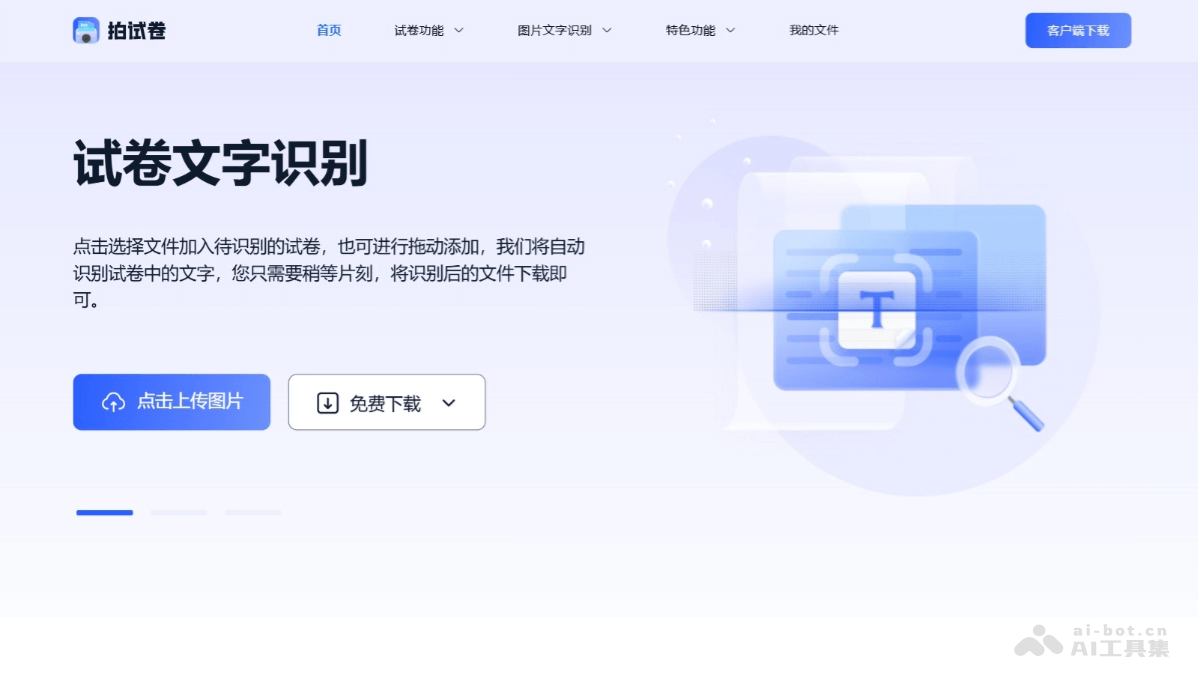
Main Features of Pai Shijuan
- Exam Paper Text Recognition: Quickly recognize the text content in exam paper images and convert it into an editable text format, making it convenient for users to modify, copy, paste, and perform other operations.
- Exam Paper Erasure: Erase the text content on exam papers for reuse or other processing.
- Exam Paper to Word: Convert the recognized exam paper content into Word document format for further editing and processing in Word.
- Formula Recognition: Recognize mathematical formulas in exam papers and convert them into an editable format.
- Image Text Recognition: Recognize text in images, not limited to exam papers, including images containing text.
- Scanned PDF Recognition: Recognize the text content in scanned PDF files.
How to Use Pai Shijuan
- Visit the Website: Visit the Pai Shijuan official website https://www.paishijuan.com/ and register or log in to your account.
- Upload Files: Click "Click the button to add files" on the page or drag files to the designated area. Supported file formats include JPG, JPEG, PNG, and BMP, with a maximum file size of 2M.
- Select Files: Select the exam paper image files to be recognized from your computer. Or directly drag files to the website's upload area.
- Start Recognition: After uploading files, the system recognizes the text in the exam paper images.
- View and Edit Recognition Results: After recognition is complete, view the recognition results on the webpage. Edit, copy, paste, and perform other operations on the recognized text.
- Save or Export Results: According to the functions provided by the website, save the recognized content as a Word document or other format.
- Use Special Features: If you need to compress images, convert formats, translate, or edit.
Application Scenarios of Pai Shijuan
- Teacher Lesson Preparation: Teachers quickly convert paper exam papers into electronic documents for display and explanation in class.
- Student Self-Directed Learning: Students scan their own exam papers and convert them into electronic formats for review and annotation on electronic devices.
- Organizing Academic Research Materials: Researchers scan and recognize historical exam papers for digital archiving and research analysis.
- Online Examination Systems: Educational institutions digitize paper exam papers for online examination platforms, achieving paperless examinations.
- Exam Paper Editing in the Publishing Industry: Publishing houses quickly digitize exam paper content for editing and typesetting.