
What is OS-Copilot
OS-Copilot is an open-source operating system intelligent assistant project, designed to build general-purpose computer agents that can interact with various elements in the operating system (such as networks, code terminals, files, multimedia, and third-party applications). At its core is the FRIDAY agent, which can automatically execute tasks and continuously improve through self-learning. It supports multimodal interaction, including text, voice, and vision, and can run on Windows, MacOS, and Linux. Users can interact with FRIDAY through simple command-line operations or a friendly front-end interface. OS-Copilot supports multitasking, can handle multiple tasks simultaneously, and provides real-time feedback.
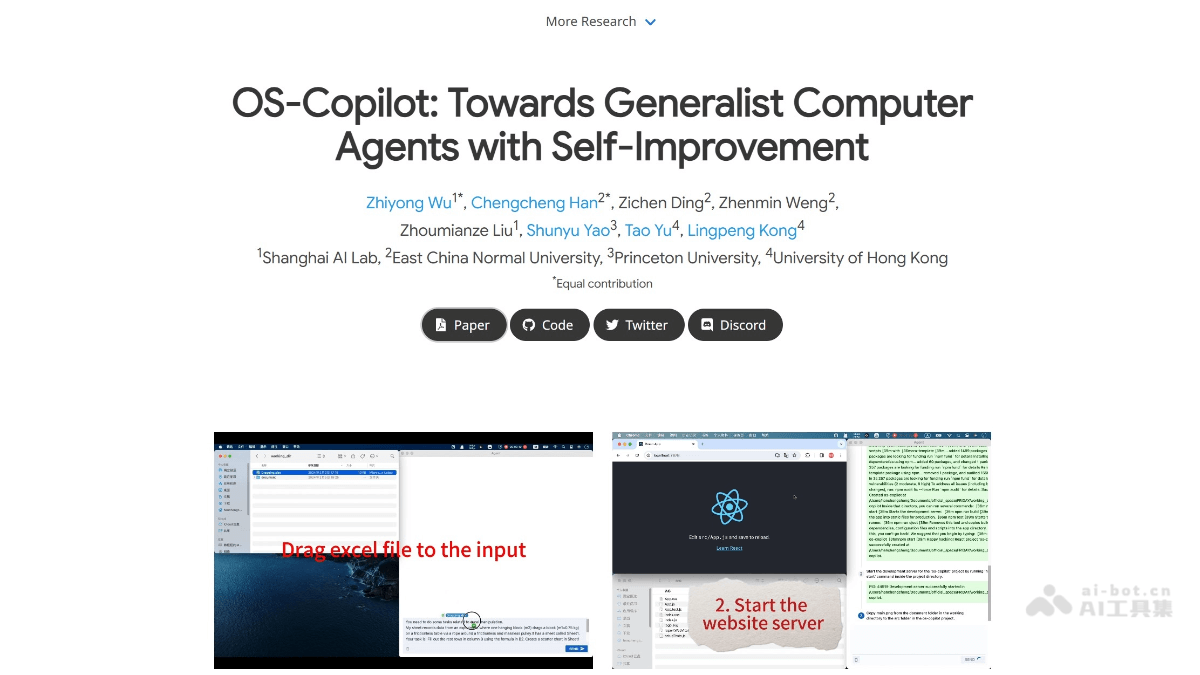
Main features of OS-Copilot
-
Multimodal interaction: Supports multiple interaction methods such as text, voice, and vision, allowing users to choose different interaction modes according to their needs.
-
Task automation: Can automatically execute various tasks in the operating system, such as file operations, code execution, and network access, improving work efficiency.
-
Self-learning and improvement: Accumulates knowledge through trial and error, continuously optimizes its own performance, and achieves self-improvement.
-
Cross-platform support: Compatible with multiple operating systems such as Windows, MacOS, and Linux, with broad applicability.
-
Multitasking: Can handle multiple tasks simultaneously and provide real-time feedback on results, meeting usage needs in complex scenarios.
-
Custom tool development: Provides tools and API interfaces, making it convenient for developers to develop and deploy new functional modules according to their own needs.
-
User-friendly interface: Equipped with an intuitive front-end interface, users can control the agent more conveniently, enhancing the user experience.
How to use OS-Copilot
-
Clone the project repository: Through
git clone https://github.com/OS-Copilot/OS-Copilot.gitcommand to clone the project code locally. -
Set up the Python environment: Create and activate a Python environment, for example using
conda create -n oscopilot_env python=3.10 -yandconda activate oscopilot_env。 -
Install dependencies: Enter the project directory and run
pip install -e .to install the dependencies required by the project. -
Configure API keys: In the project root directory, in the
.envfile, configure API keys such as OpenAI. -
Start FRIDAY: Start the FRIDAY agent through the command line or front-end interface and begin using it.
-
Usage tutorial: Refer to the tutorial provided by the project, from quick start to advanced feature development, to gradually master how to use OS-Copilot.
-
Join the community: Join the Discord or Twitter community to get real-time support and exchange usage experience.
OS-Copilot project address
- Project official website:https://os-copilot.github.io/
- Github repository:https://github.com/OS-Copilot/OS-Copilot
- arXiv technical paper:https://arxiv.org/pdf/2402.07456
Application scenarios of OS-Copilot
-
Automated office tasks: Handles daily office tasks such as file operations, data analysis, and document editing, improving work efficiency.
-
Code development assistance: Executes code, debugs programs, and generates code snippets in the code terminal, helping developers quickly complete development tasks.
-
Multimedia management: Manage and edit multimedia files such as images, audio, and video to achieve automated processing.
-
Network Information Retrieval: Automatically search for network information, organize related content, and provide users with real-time network data support.
-
Third-Party Application Integration: Interact with various third-party applications (such as Excel, browsers, etc.) to achieve cross-application automated operations.
-
Education and Training: As a teaching assistant, assist students in completing learning tasks such as programming exercises and data analysis.