
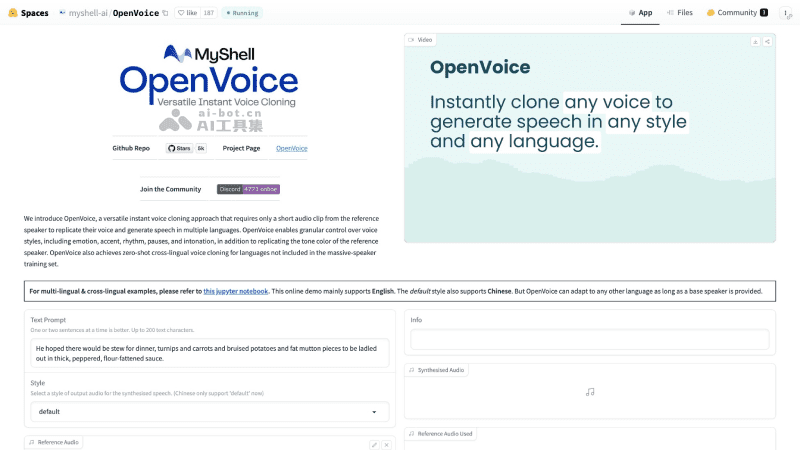
OpenVoice is a free and open-source AI instantvoice cloning projectlaunched by MyShell. Compared with other voice cloning technologies, OpenVoice's advantage lies in its ability to replicate the speaker's timbre with astonishing accuracy from just a short audio clip, creating natural speech that sounds convincingly real. In addition to cloning and referencing the speaker's timbre, OpenVoice can also finely control voice style, including subtle changes in emotion, slight differences in accent and rhythm, variations in speaking speed, and intonation shifts.
OpenVoice's Features
- Accurate timbre and tone cloning. OpenVoice can precisely capture and clone the reference timbre. Regardless of the language or accent, it can generate matching speech, making cross-language communication more natural and fluent than ever before.
- Flexible voice style control. OpenVoice gives users full control over voice style. Whether it is the expression of emotion, imitation of an accent, grasp of rhythm, arrangement of pauses, or changes in intonation, all can be controlled in detail according to the user's creativity.
- Zero-shot cross-language voice cloning. OpenVoice's advanced algorithm supports zero-shot learning. Even without a large multilingual dataset of speakers, it can achieve voice cloning for any language.
OpenVoice's Official Website Address
- GitHub project address:https://github.com/myshell-ai/OpenVoice
- Official project introduction:https://research.myshell.ai/open-voice
How to Use and Run OpenVoice
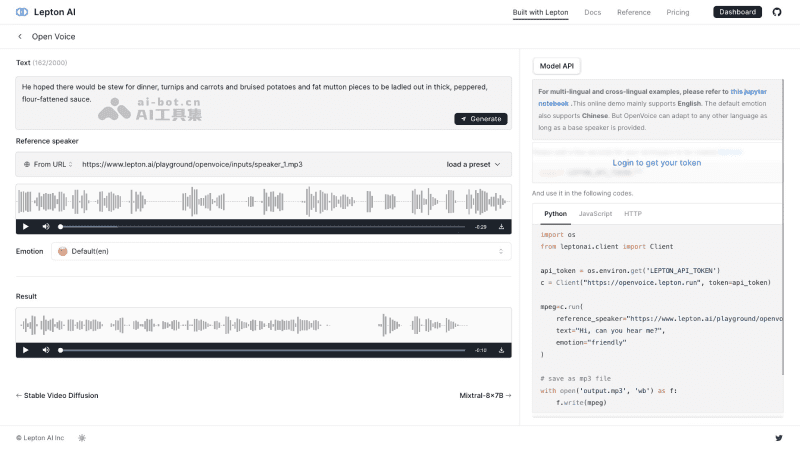
Developers can install and run OpenVoice locally through the GitHub project address according to the description and usage introduction, or run the OpenVoice Demo online through Lepton AI, MyShell, or HuggingFace to experience it: