
What is Opal
Opal is an experimental AI workflow generation tool launched by Google Labs. It supports helping users quickly create and share small AI apps through simple natural language and visual editing. Opal supports chaining prompts, model calls, and tools into workflows, building multi-step AI applications without writing code. Opal provides rich editing features, supporting users to modify and optimize with natural language instructions or a visual editor, and can share apps with others. Currently, Opal is in public testing only in the United States, accelerating the prototyping of AI concepts and the construction of workflows.
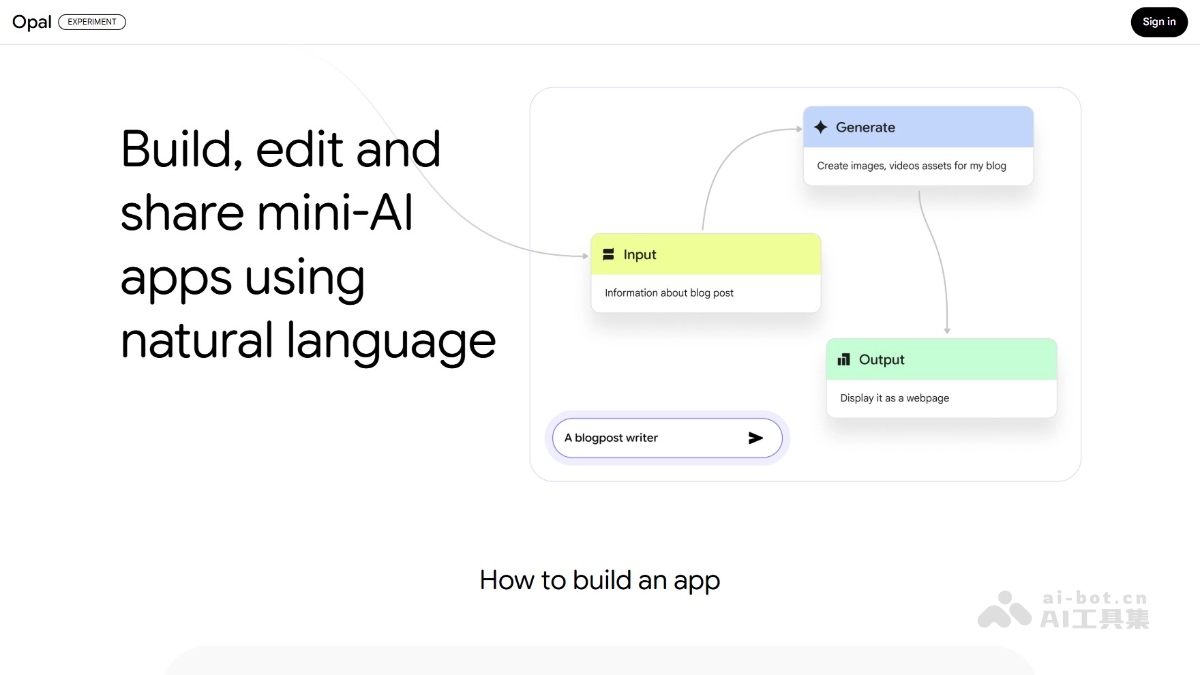
Opal's main features
- Create workflows: Opal can simplify the complex process of building AI applications into a visual flowchart. Users only need to describe the logic and build multi-step applications by chaining prompts, model calls, and other tools.
- Natural language editing:Users modify the application through natural language instructions, such as adjusting the prompt of a certain step, adding new features, or calling tools, without writing code.
- Visual editor: Opal provides a visual editing interface, allowing users to intuitively adjust and optimize workflows, further enhancing control over the application.
- Quick sharing: After completing the application, it supports users to share it with others. The other party can use it directly through their own Google account, making collaboration and sharing convenient.
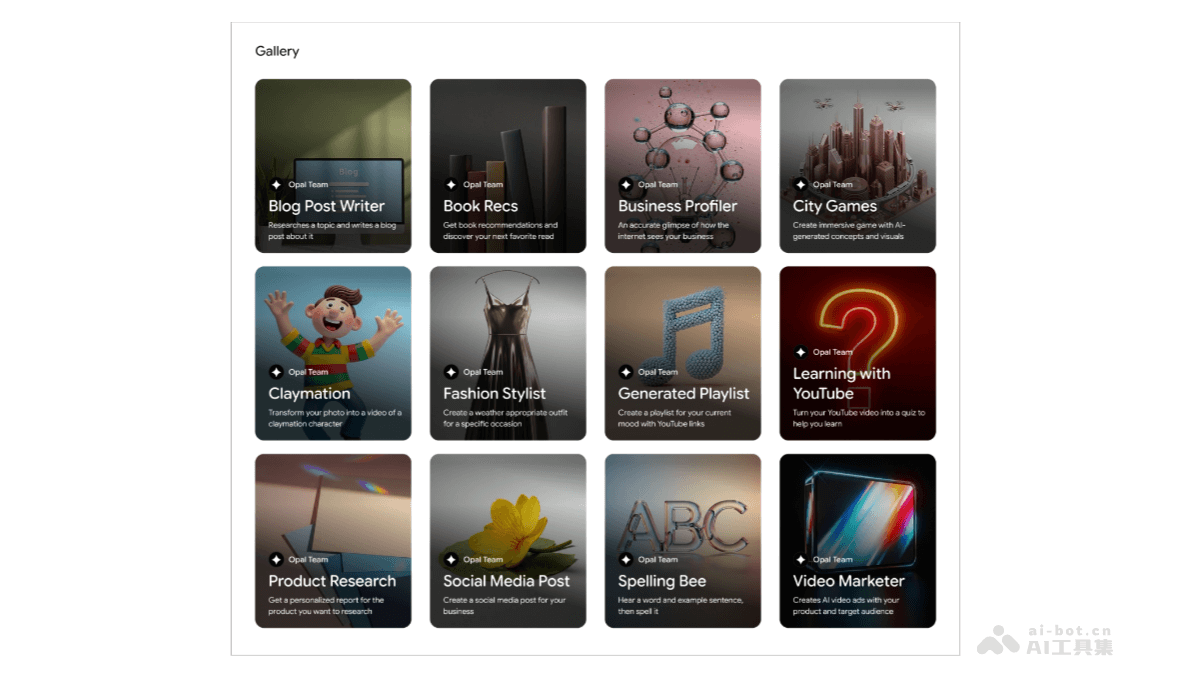
- Template library: Opal provides a prebuilt template library. Users can quickly start with templates or modify and customize them according to their needs.
How to use Opal
- Visit the Opal official website: Visit the Opal official website:https://opal.withgoogle.com/,目前 Opal provides a public beta only in the United States. You need to ensure you are in the United States or have the relevant access permissions.
- Register and log in: Complete registration and login as prompted.
- Choose a template or create a new app:
- Use a template: Opal provides a template library. Choose a template that suits your needs as a starting point.
- Create a new app: If you have a clear idea, directly create a new blank app.
- Describe the app logic: Describe the app logic in natural language. Opal automatically generates a visual workflow based on the description.
- Adjust with the visual editor
- Natural language instructions: Directly describe the desired modification in natural language, for example: "Change the prompt in step 2 to 'detailed answer.'"
- Visual editor: Manually drag, add, or delete steps, and adjust connection lines to achieve the desired effect.
- Test the app: After completing the construction and adjustment of the workflow, test the app directly on the Opal platform. Enter test data, view the output results, and ensure the app meets expectations.
- Share the app: Once the app passes testing, choose to share it with others.
Opal's application scenarios
- Content creation: Use Opal to automatically write articles, blogs, or social media content, improving the efficiency of content production.
- Data analysis: Extract key information from large amounts of data and automatically generate easy-to-understand analysis reports.
- Customer service: Help build intelligent chatbots that automatically answer customers' common questions and improve service efficiency.
- Education and learning: Use Opal to create personalized learning plans and interactive courses to meet the needs of different learners.
- Project management: Automate task assignment and progress tracking to help project managers manage projects more effectively.