
What is Onit
Onit is an AI chat assistant designed for Mac, supporting docking in any application. Onit supports automatic loading of highlighted text; users only need to select text, and Onit automatically opens it as context without the need to copy and paste. Onit can load the content of the current window as context, making it convenient for users to quickly get AI help. Onit supports multiple AI models, and users can switch freely. Onit provides users with a more efficient and convenient interaction method, greatly improving users' work efficiency and interaction experience.
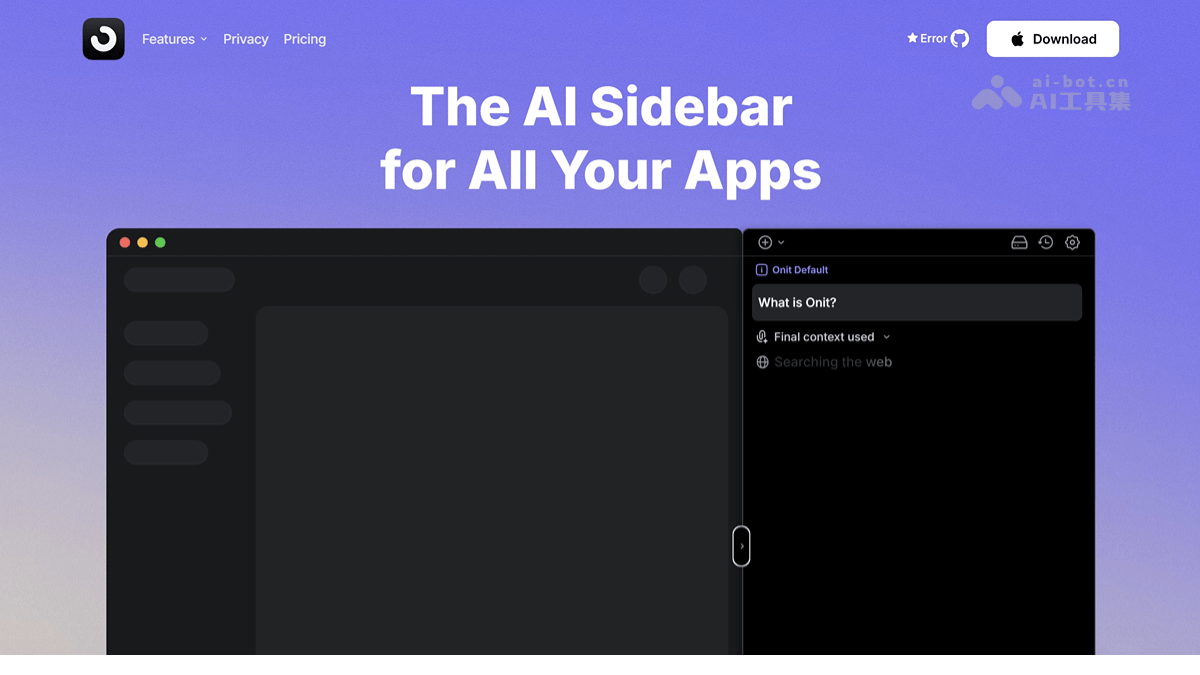
Onit's main features
- Automatic loading of highlighted text: Supports users highlighting and selecting text in any application, and Onit automatically loads the text into the chat window without the need for manual copy and paste.
- Automatic context extraction: Onit can automatically read the content of the currently active window and load it as context into the chat window, making it convenient for users to quickly get AI help.
- Free model switching: Supports users freely switching between different AI models (such as OpenAI, Anthropic, xAI, etc.), choosing the most suitable model according to their needs.
- Local mode: Onit supports local mode; all processing is completed locally without the need for an internet connection, ensuring data security and privacy protection.
- Customizable shortcuts: Users can customize the shortcut for launching the Onit chat window; the default shortcut is Command+0, and the local mode shortcut is Command+Shift+0.
- File upload: Supports uploading files by drag-and-drop or from the computer, making it convenient for users to use file contents as context.
- Code block support: Makes it convenient for users to write, edit, and explore code.
Onit's technical principles
- Local and remote modes: Onit supports integration with local model management tools such as Ollama. Users can run AI models locally, with all data processing completed locally without the need for an internet connection. This ensures data privacy and security. Onit supports connecting to remote AI model providers (such as OpenAI, Anthropic, etc.). Users interact directly with the providers' models via API to obtain more powerful AI capabilities.
- Automatic context extraction: Based on monitoring the system clipboard or the content of the currently active window, it automatically extracts highlighted text or window content and loads it as context into the chat window. It is implemented based on system-level hooks and APIs, ensuring that users do not need to manually input context.
- Multi-model support: Onit provides a flexible model switching mechanism; users switch between different AI models through simple interface operations. Onit internally integrates API interfaces for multiple models, supporting seamless switching between local and remote models.
Onit's project address
- Project official website:https://www.getonit.ai/
- GitHub repository:https://github.com/synth-inc/onit
Onit's application scenarios
- Code assistance: Developers quickly obtain code optimization suggestions and error troubleshooting help.
- Content creation: Creators obtain writing suggestions and language polishing to improve content quality.
- Technical support: Technical personnel quickly resolve user feedback and system errors.
- Learning and research: Students and researchers obtain knowledge explanations and analysis to deepen understanding.
- Daily office work: Users efficiently organize information, reduce manual operations, and improve work efficiency.