
What is oli
oli is an open-source intelligent code assistant that provides powerful programming support for developers. Based on a modern hybrid architecture, it combines the high performance of a Rust backend with an interactive terminal interface powered by a React/Ink frontend. oli supports multiple cloud APIs and local language models (based on Ollama). oli has powerful agent capabilities, supporting file search, code editing, command execution, and other functions, helping developers complete tasks more efficiently.
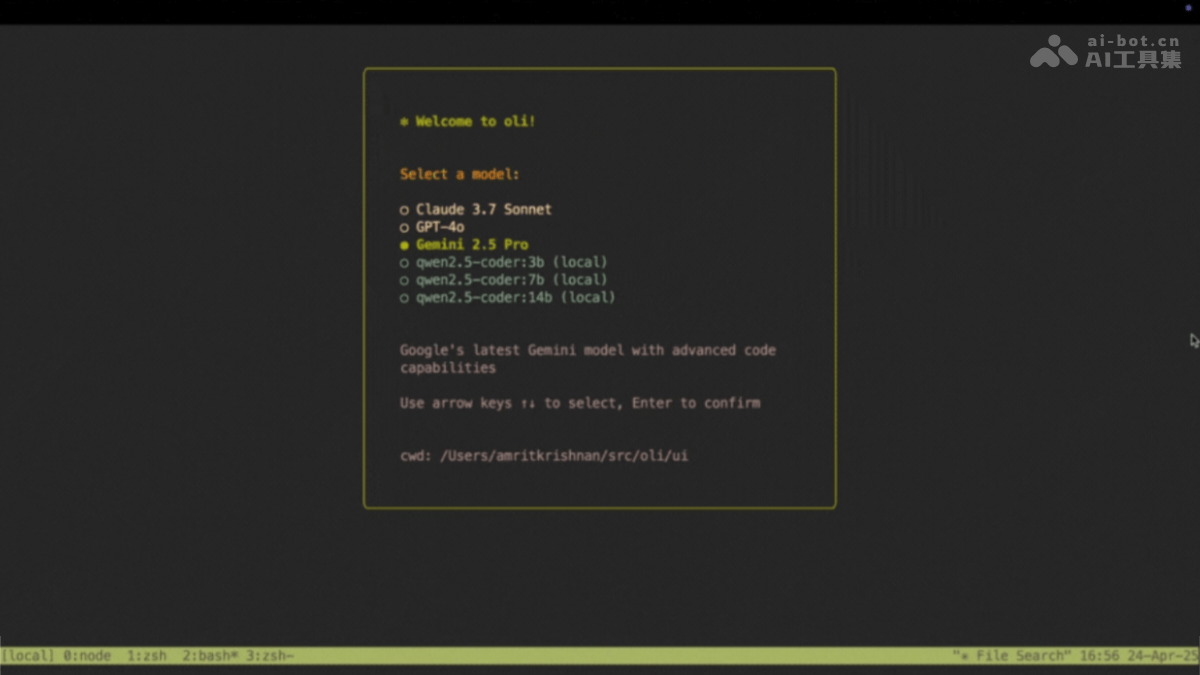
Main features of oli
- Code assistance and explanation: Explains code logic, provides code examples, and optimizes code structure.
- File operations: Supports file search, viewing file contents, editing files, and other operations.
- Command execution: Executes Shell commands directly in the terminal, making it convenient for developers to quickly test and verify.
- Multi-model support: Supports multiple cloud APIs and local LLMs, allowing users to choose the appropriate model according to their needs.
- Interactive interface: Provides a modern terminal interface with support for real-time interaction and task display.
Technical principles of oli
- Rust backend: The backend is written in Rust, ensuring efficient operation and reliability of the program. Rust handles agent functions, tool execution, API calls, and code parsing. It optimizes system prompts for different models and provides error handling and retry mechanisms.
- React/Ink frontend: Built with React and Ink, it provides a modern terminal UI with support for animations and interaction. It displays task progress and results in real time, improving the user experience.
- Model integration: Configures API keys through environment variables and connects to cloud services such as Anthropic, OpenAI, and Google. It integrates local language models through Ollama, supporting offline use and more efficient inference.
Project addresses of oli
- Project website:https://amrit110.github.io/oli/
- GitHub repository:https://github.com/amrit110/oli
Application scenarios of oli
- Code understanding and learning: Helps beginners quickly get started with projects or learn new programming languages and frameworks.
- Code editing and optimization: Developers can modify code directly in the terminal to improve code quality.
- Rapid development and debugging: Quickly test code snippets or verify development environment configurations, accelerating the development and debugging process.
- Project management and file operations: Quickly locate and manage files in a project, improving development efficiency.