
What is Octofriend
Octofriend is anintelligent programmingassistant that, like a thoughtful companion, can freely switch between GPT-5, Claude, and other large language models (LLMs), selecting the optimal model based on task requirements. Octofriend comes with a custom machine learning model that can automatically fix code editing and JSON encoding errors. It is open-source with zero data tracking, protecting user privacy. Developers can use it via API or integrate it into editors such as VS Code to check code in real time, provide suggestions, simplify the development process, and improve code quality and development efficiency.
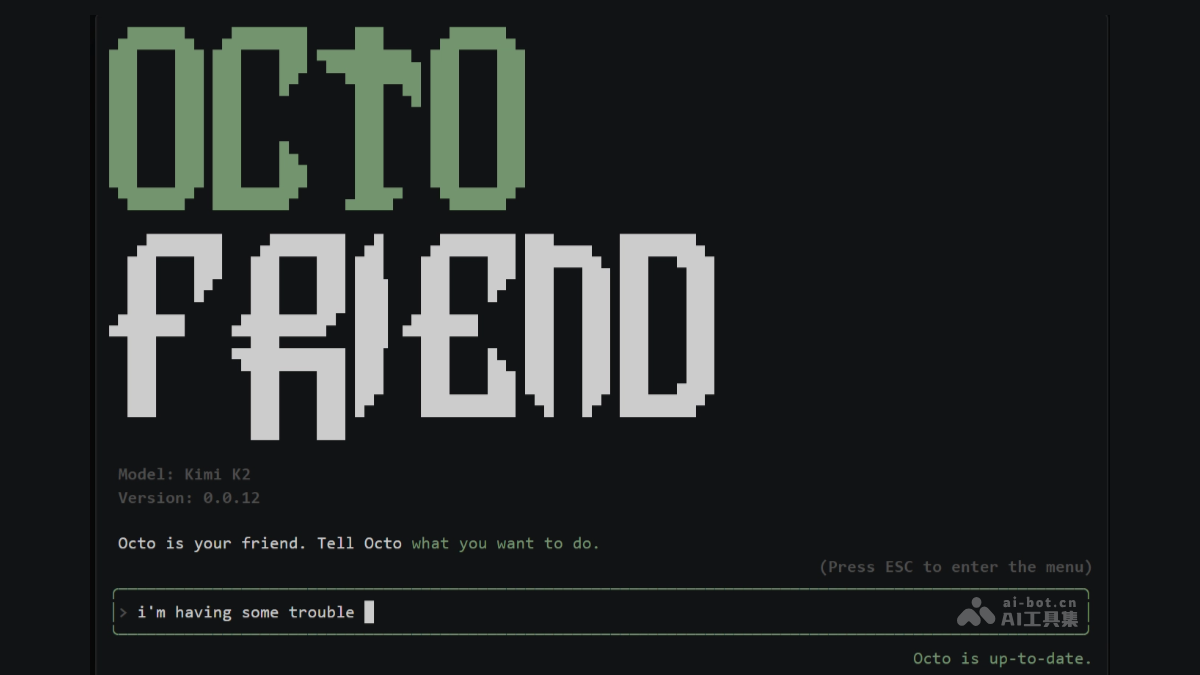
Main features of Octofriend
-
Free LLM switching: Octofriend can freely switch between large language models such as GPT-5 and Claude, selecting the optimal model on demand to improve code quality and development efficiency.
-
Encrypted information processing: Supports processing encrypted tokens from OpenAI and Anthropic, ensuring information security when using powerful LLMs.
-
Custom machine learning model: Built-in custom machine learning model automatically fixes code editing and JSON encoding errors, reducing manual debugging time.
-
Docker support: Supports Docker containers, seamlessly connecting to existing containers or starting new ones, ensuring a clean and secure development environment.
-
Zero data tracking: Octofriend does not collect user data, ensuring the security of code and privacy.
How to use Octofriend
- Install Octofriend: Run the installation command in the terminal or command-line interface to install Octofriend on your system.
- Start Octofriend: After installation is complete, enter the startup command in the terminal or command-line interface to start Octofriend and begin using it.
- Configure Octofriend: Octofriend's configuration file is usually located in the user's home directory under the
.config/octofriendfolder. Open and edit the configuration file with a text editor to add custom model configurations, connect to MCP servers, and more. - Use Octofriend:
- Integrate into the development environment: Integrate Octofriend into commonly used code editors or development tools, such as VS Code and IntelliJ, so you can conveniently call Octofriend's features while writing code.
- Real-time programming assistance: While writing code, provide real-time code checks, suggestions, and automatic generation of code snippets.
- Flexibly switch LLMs: Switch between different large language models at any time according to the current programming task and needs. For example, use a more powerful model when handling complex logic analysis, and switch to a lighter model when formatting code, achieving the best development results.
- Securely handle encrypted information: When using an LLM that supports encrypted tokens, Octofriend ensures the security of information during transmission and processing.
- Automatically fix errors: Octofriend's built-in machine learning model can automatically identify and fix common errors in code editing and JSON encoding, reducing the time and effort spent on manual debugging and improving code quality.
Octofriend project address
- GitHub repository:https://github.com/synthetic-lab/octofriend
Octofriend application scenarios
-
Individual developers writing code: When individual developers work on independent development projects, it provides real-time code completion and optimization suggestions, helping users complete code writing more efficiently and save time and effort.
-
Team collaborative development: In a team development environment, it assists in unifying code style, ensuring that code written by team members conforms to unified standards, facilitating collaboration and subsequent maintenance.
-
Cross-language project development: When a project involves multiple programming languages, it helps developers quickly perform code conversion and adaptation, reducing development obstacles caused by language differences.
-
Complex system debugging: When facing complex systems or difficult bugs, it quickly locates problems and provides repair suggestions, shortening the debugging cycle and improving problem-solving efficiency.
-
Learning programming and teaching: For programming beginners or in teaching scenarios, as an auxiliary tool, it provides code examples and explanations to help learners better understand and master programming knowledge.