
What is NocoBase
NocoBase is an open-source, data-firstAI no-code development platform. With a microkernel + plugin architecture at its core, all features (permissions, workflows, APIs, themes, etc.) can be plugged in or removed as needed, and it supports Node.js and mainstream databases. Developers first model, and the system automatically generates table structures and interfaces; then, with the visual page designer, complex backends can be built by dragging and dropping blocks. It includes built-in multilingual support, fine-grained RBAC, Webhook, charts, calendars, Gantt charts, and other plugins, making it suitable for business users to quickly build applications and also convenient for engineers to do secondary development.
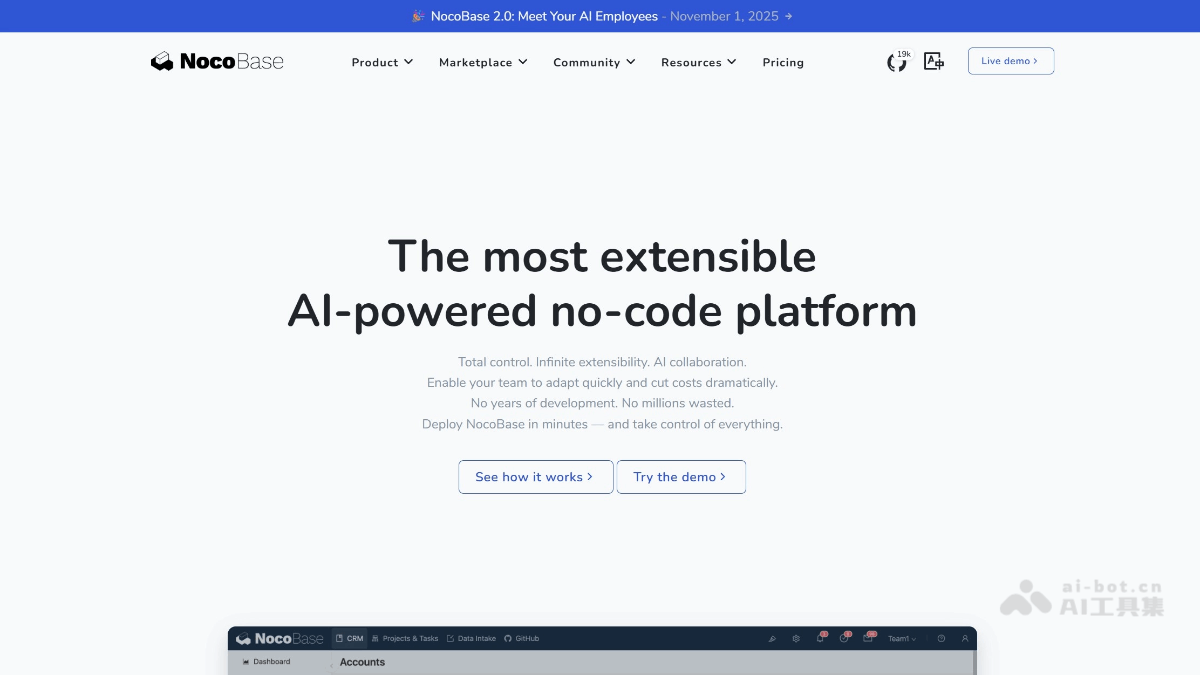
Main features of NocoBase
-
No-code/low-code development: Provides a visual interface, allowing users to quickly build applications by dragging and dropping components without writing code.Supports rapid setup of databases and applications, suitable for non-technical users and developers.
-
Plugin architecture: Adopts a microkernel architecture, with all features loaded as plugins, supporting on-demand enablement, replacement, and extension.Developers can easily develop and integrate custom plugins to meet personalized needs.
-
Data model driven: Automatically generates table structures, field relationships, and interfaces through data model configuration.Supports complex business scenarios, with powerful data association and extension capabilities.
-
Fine-grained permission control: Provides permission control based on roles, data conditions, and field level.Suitable for enterprise-level applications with multiple roles and complex permission management.
-
Highly decoupled frontend and backend: The backend focuses on data modeling, while the frontend flexibly arranges the UI through visual blocks.Supports on-demand customization, meeting personalized interface needs.
-
Multilingual support: Built-in multilingual support, convenient for internationalized application development.
-
Rich built-in plugins: Provides a variety of visualization components such as charts, calendars, and Gantt charts.Supports advanced features such as Webhook and workflows, improving application flexibility.
-
Flexible deployment and extension: Supports one-click Docker deployment, making quick startup and maintenance convenient.Supports multiple databases (such as PostgreSQL, SQLite, MySQL), adapting to different development needs.
How to use NocoBase
-
Installation and deployment: Deploy NocoBase via Docker or manual installation. Docker deployment is simple and quick, suitable for rapid startup; manual installation provides more custom configuration options.
-
Initial setup: After the first launch, perform basic initial setup, including creating an administrator account, configuring database connections, etc., laying the foundation for subsequent use.
-
Create data models: Define data models in the visual interface, including table structures, field types, association relationships, etc. The system will automatically generate database tables and corresponding API interfaces based on the models.
-
Build application interfaces: Use the visual page designer to build the application's frontend interface by dragging and dropping components (such as forms, tables, charts, etc.), enabling data display and interaction.
-
Configure permissions and roles: According to application requirements, set permissions for different roles, including field-level and data-level access control, to ensure the security and flexibility of the application.
-
Extension and Customization: Develop or install plugins as needed to extend the platform's functionality. You can also further optimize the application's performance and user experience through custom code or configuration.
-
Testing and Release: After completing development, conduct testing to ensure the application's stability and functional completeness. Once testing is passed, the application can be released to the production environment for use.
-
Continuous Maintenance and Updates: Based on user feedback and business requirements, continuously maintain and update the application to ensure its long-term stable operation.
NocoBase project address
- Project official website:https://www.nocobase.com/
- Github repository:https://github.com/nocobase/nocobase
NocoBase application scenarios
-
Enterprise management systems: Quickly build various internal enterprise management systems, such as customer relationship management (CRM), human resource management (HRM), project management, etc., to meet complex and ever-changing business needs.
-
Project management tools: Support full project lifecycle management, provide functions such as task assignment, progress tracking, and resource management, and help teams collaborate efficiently and advance projects.
-
Data visualization platforms: Through built-in visualization components such as charts and dashboards, quickly build data analysis and visualization applications to help users understand data intuitively.
-
Workflow automation: Realize automated processing of business processes, such as approval processes and task routing, improving work efficiency and process transparency.
-
Custom application development: Quickly develop customized applications according to specific business needs, supporting personalized functions and interface design.
-
Education and training platforms: Build online education platforms, manage information such as courses, students, and assignments, and support the digital transformation of educational institutions.