
What Is Nano Bananary
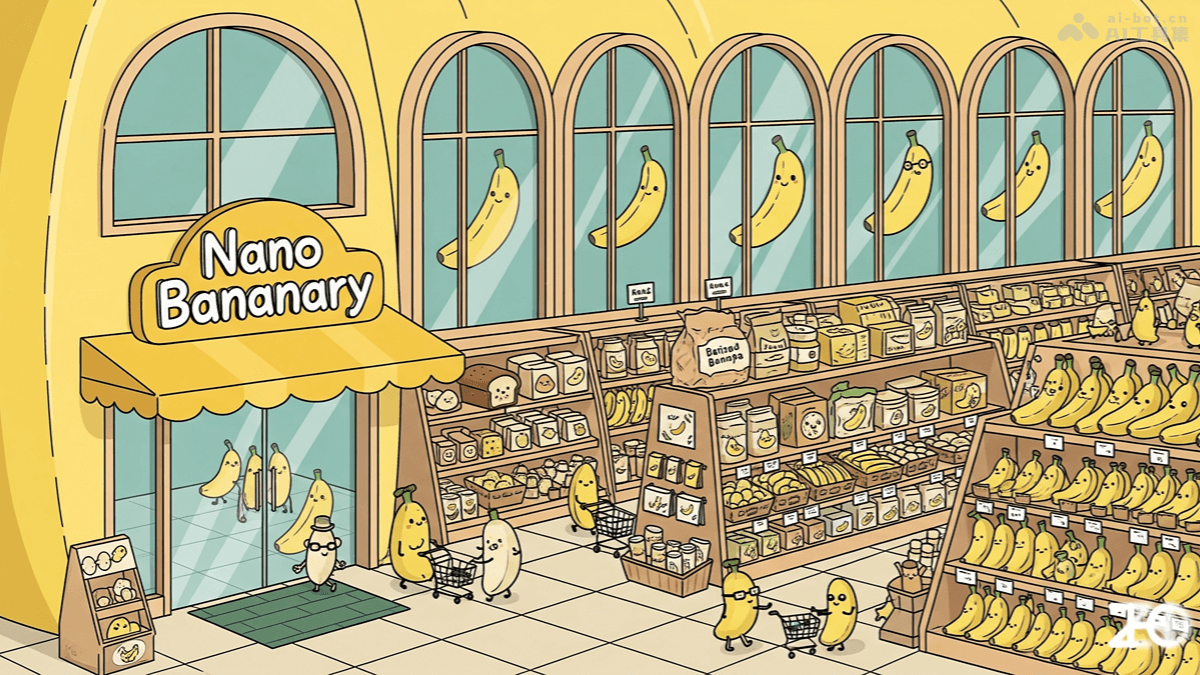
Nano Bananary (Banana Supermarket) is an open-source image editing tool developed based on the Google Gemini image model. It supports a Chinese interface and light/dark theme switching, and offers more than 50 image transformation effects. Without complex prompts, it can turn images into 3D figurines, LEGO models, and more with one click. Nano Bananary supports local brush selection, continuous editing, history, multi-mode comparison, and one-click download, making it convenient for users to generate and edit creative images.
Main Features of Nano Bananary
-
Multiple Image Transformation Effects: Offers more than 50 image transformation styles, such as 3D figurines, LEGO models, Van Gogh-style paintings, and more.
-
No Complex Prompts Needed: Users do not need to enter complex prompts and can complete image transformations with one click.
-
Continuous Editing Feature: Generated results can be directly used as new input for further editing, supporting continuous creation.
-
Local Brush Selection Feature: Supports users in brushing and editing local areas of an image to achieve more refined adjustments.
-
History and Comparison: Supports viewing historical editing records and provides before-and-after image comparison, making it convenient for users to compare differences before and after modifications.
-
Multi-Mode Comparison: Supports comparison viewing of multiple editing modes, helping users choose the most satisfactory effect.
-
One-Click Download: Users can conveniently download generated images locally with one click.
How to Use Nano Bananary
- Preparation: Make sure Python 3.8 or a higher version is installed on your computer.
- Download the Code
- Open a terminal or command prompt.
- Use Git to clone the Nano Bananary code repository to your local machine:
git clone https://github.com/ZHO-ZHO-ZHO/Nano-Bananary.git - Enter the downloaded folder:
cd Nano-Bananary
- Install Dependencies: In the terminal or command prompt, run the following command to install the dependencies required by the project:
pip install -r requirements.txt - Run the Program: In the terminal or command prompt, run the following command to start the program:
python app.py - Use the Interface
- Upload an Image: Find the "Upload Image" button in the web interface and select the image you want to edit.
- Choose a Transformation Style: Select the desired image transformation style in the interface, such as 3D figurine, LEGO model, Van Gogh style, and more.
- Edit the Image: If needed, use the local brush selection feature to edit specific areas of the image.
- View the Result: View the generated image effect, with support for before-and-after comparison and multi-mode comparison.
- Save the Result: Use the one-click download feature to save the generated image locally.
Nano Bananary Project Address
- GitHub Repository:https://github.com/ZHO-ZHO-ZHO/Nano-Bananary
Application Scenarios of Nano Bananary
-
Creative Design: Artists and designers quickly generate creative concept images to inspire ideas.
-
Education: Teachers convert ordinary images into more attractive teaching materials, such as turning historical photos into comic style, enhancing students' interest in learning.
-
Social Media: Content creators quickly generate unique image content to use in social media posts, attracting more attention and interaction.
-
Advertising and Marketing: Advertising designers generate creative advertising images, such as converting product images into artistic styles, to enhance the appeal and influence of advertisements.
-
Personal Entertainment: Ordinary users convert personal photos into fun styles, such as 3D figurines or Lego models, to increase the fun and personalization of photos.