
What is Music 2.0
Music 2.0 is MiniMax's latest advancedmusic creationmodel. The model can accurately capture and reproduce the delicate emotions of vocals and the dynamic tension of instruments, support multiple singing methods and style switching, such as pop, jazz, rock, etc., and can also achieve effects such as male-female duets and a cappella. The melodies generated by the model are catchy and have a complete structure. It can independently control accompaniment instruments to create rich arrangements. With upgraded sound quality, it brings an immersive experience and generates cinematic-level soundtrack monologues. Music 2.0 makes music creation accessible to everyone, allowing them to easily express musical inspiration and achieve creative freedom. Music 2.0 is now fully launched. VisitMiniMax Audiothe official website to use it.
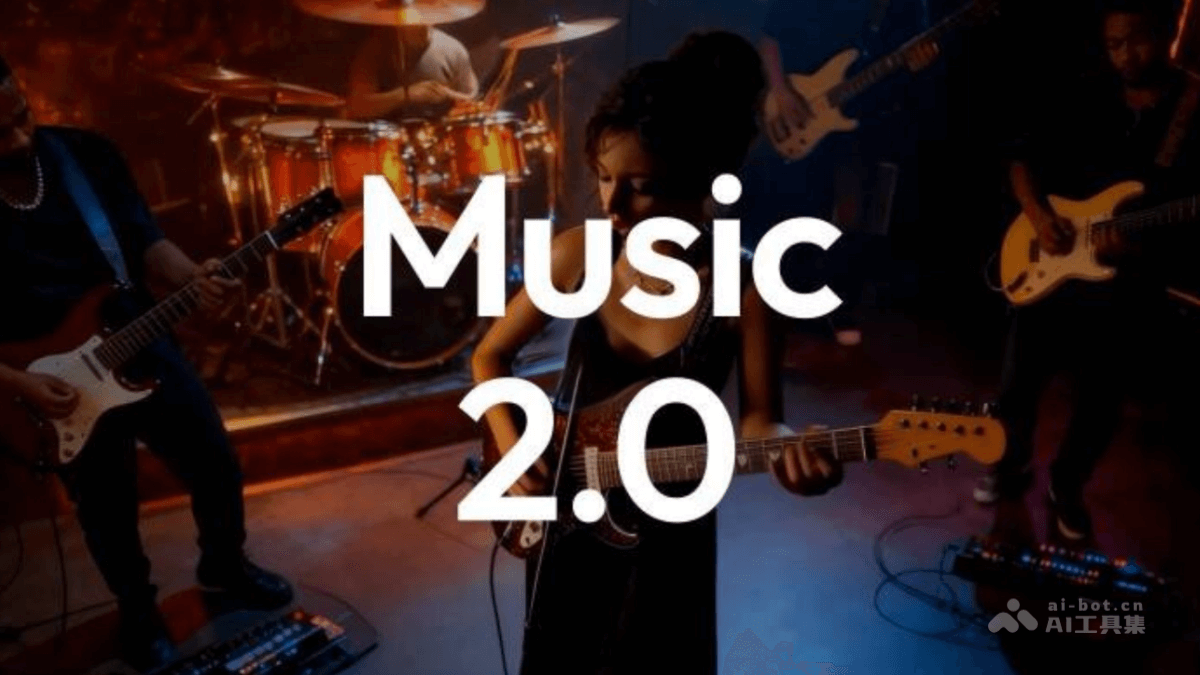
Main Features of Music 2.0
- Vocal Creation: Accurately reproduces the texture of real vocals, supports multiple singing methods and style switching, and achieves rich vocal expressiveness through precise control.
- Melody Creation: The model can generate songs with a complete structure, clear logic, and catchy melodies, with complete verses, choruses, bridges, etc. A single song can be up to 5 minutes long. The melody design conforms to human creative habits and is easy to remember.
- Instrument Arrangement: Supports independent control and adjustment of multiple instruments, generates richly layered and naturally rhythmic arrangements according to different musical styles, and creates a professional-level musical atmosphere.
- Sound Quality Experience: Music 2.0 enhances the texture of vocal tracks and the spatial sense of instruments, provides an immersive listening experience, supports the generation of cinematic-level soundtrack monologues, and makes music more emotionally expressive through precise control of vocal emotions and scenes.
How to Use Music 2.0
- Visit the Platform: VisitMiniMax Audiothe official website, register an account and log in, and start your music creation journey.
- Select a Music Creation Model: Select the "Music Creation" feature. From the model selection dropdown menu, select the "Music-2.0" model.
- Enter Your Idea: Enter your music idea in the text box. It can be a song title, style description, emotional tone, or anything you want the music to express.
- Adjust Parameters (If Needed): Adjust other parameters as needed, such as song style, scene, etc.
- Generate Music: Click the generate button to let the system create music based on the input.
- Preview and Edit: Preview the generated music to see whether it meets your expectations. If needed, make further edits or adjustments.
- Save and Export: If you are satisfied with the music work, save it to your account.
Application Scenarios of Music 2.0
-
Personal Entertainment Creation: Music enthusiasts create personalized music works for their own enjoyment or to share with friends.
-
Professional Music Production: Music producers assist the creative process, quickly generate melodies and arrangements, and improve work efficiency.
-
Film and Television Soundtracks: Create original soundtracks for movies, TV dramas, advertisements, etc., providing music that meets the emotional needs of the scene.
-
Game Music: Design background music and sound effects for video games, enhancing the game's immersion and interactive experience.
-
Education and Learning: In music education, help students understand and learn the basic principles of music composition.