
What is MotionGo
MotionGo is an AI-driven PPT animation plugin that makes PPT creation fast and efficient through intelligent dialogue and an exclusive animation library. It offers over 7,000+ animation effects and supports the FlowCode feature, breaking through traditional animation limitations and enhancing expressiveness. The ChatPPT feature enablesone-click PPT generation, suitable for various presentation scenarios and improving creative efficiency. Compatible with Windows and mainstream Office software.
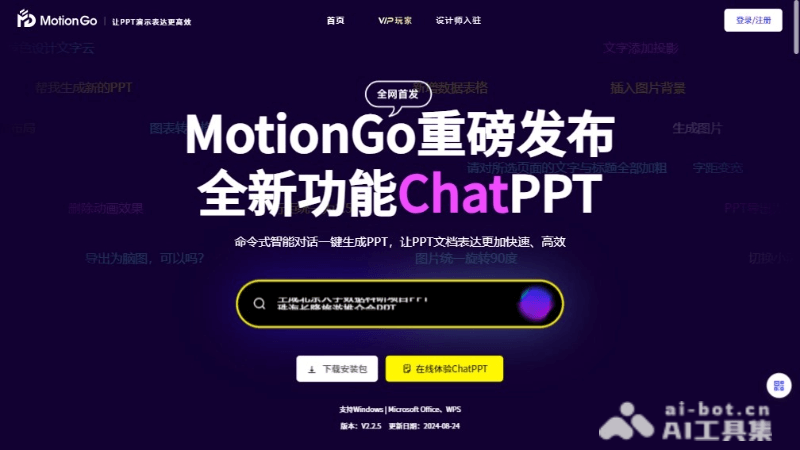
MotionGo's main features
- Command-based intelligent dialogue: Users can quickly generate PPTs through simple commands, greatly improving production efficiency.
- Exclusive animation library: Provides over 7,000+ exclusive intelligent animations, covering 8 major online animation libraries, meeting diverse presentation needs.
- FlowCode: An innovative feature that supports 143 attribute effects and 7 major animation graphic types, breaking through Office animation limitations.
- ChatPPT: An AI intelligent content creation tool that automatically generates PPT pages based on user input, simplifying the design process.
- AI presentation voiceover: Integrates AI technology to provide voiceovers for presentations, enhancing interactivity and appeal.
MotionGo's project address
- Project official website:motion.yoo-ai.com
How to use MotionGo
- Download and install:Visit the MotionGo official website.Select the corresponding installation package to download based on your operating system and Office software.Run the downloaded installation package and follow the prompts to complete the installation.
- Launch the plugin:Open the PPT software of Microsoft Office or WPS Office.Find MotionGo in the PPT plugin or add-in list and launch it.
- Command-based intelligent dialogue:In the MotionGo interface, use command-based language to input a description of the animation or page you want to create.The plugin will automatically generate the corresponding PPT content based on the input commands.
- Select an animation library:Browse the animation libraries provided by MotionGo and select a suitable animation effect.Apply the selected animation to your PPT slides.
- Use FlowCode:The FlowCode feature can create more complex animation effects, possibly including custom animation paths, timelines, etc.
- ChatPPT content creation:Use the ChatPPT feature and enter the theme or content requirements you want to present.AI will automatically generate PPT pages based on these requirements.
MotionGo's application scenarios
- Business presentations: In business meetings, product launches, investment roadshows, and other occasions, MotionGo can be used to create professional and attractive PPTs, helping to better showcase the company's image and product features.
- Education and training: Teachers and trainers can use MotionGo's animation effects to make course content more vivid and interesting, increasing students' learning interest and participation.
- Academic reports: At academic conferences, researchers can use MotionGo to create presentations with complex data and charts, making research results more intuitive and easier to understand.
- Marketing: Marketers can use MotionGo to create dynamic product introductions and market analysis reports, attracting the attention of potential customers.
- Corporate internal training: When conducting internal corporate training, MotionGo can be used to create highly interactive training materials, improving employees' learning efficiency and training effectiveness.