
What is Monologue
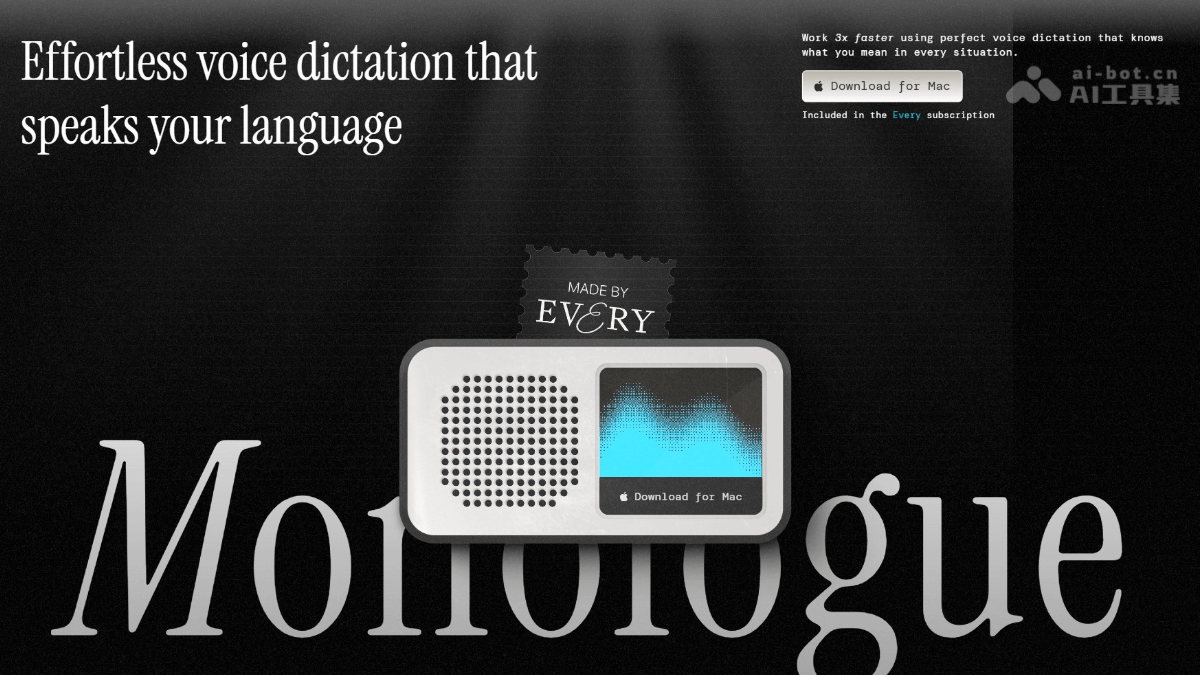
Monologue is designed for efficient writingAI speech-to-texttool. Monologue is based on advanced speech recognition technology, converting users' spoken words into clear, standardized text, automatically adjusting tone and format based on context, and delivering output that is accurate and aligned with user habits. Monologue supports multilingual input and can adapt to writing needs in different scenarios, from daily notes to professional documents. Monologue prioritizes privacy protection: all data is stored only locally and is not uploaded to servers, letting users use it with peace of mind. Currently, the tool only supports the Mac platform, and with its simple and easy-to-use design, it has become a capable assistant for improving writing efficiency.
Monologue's main features
- Smart transcription: Accurately recognizes speech content and supports offline transcription, so it can be used even without a network connection.
- Context awareness: Automatically adjusts tone and format according to the usage scenario, such as keeping a relaxed tone when writing messages to family and maintaining professionalism in work emails.
- Multilingual mixing: Supports freely switching languages within the same paragraph, for example using both English and Spanish in one passage of text.
- Automatic dictionary: Learns and remembers users' technical terms and personalized vocabulary, ensuring that the transcribed content meets users' specific needs.
- Automatic editing: Intelligently cleans up colloquial expressions and outputs standardized text, avoiding common colloquial errors.
- Mode customization: Sets dedicated writing styles for different applications, for example using different formats in Slack and email.
How to use Monologue
-
Download and install: Visit the Monologue official website https://www.monologue.to/ to download the Monologue application, which currently only supports the Mac platform.
-
Register and log in: After opening the application, complete account registration and login.
-
Choose a mode: Choose or create a suitable mode according to the usage scenario (such as work, study, or personal notes).
-
Start recording: Click the record button and start speaking; Monologue will convert speech to text in real time.
-
Automatic optimization: Monologue can automatically adjust text formatting, clean up colloquial expressions, and optimize content based on context.
-
Edit and adjust: If needed, manually edit the generated text, adding or modifying content.
-
Save and export: After editing is complete, save the text locally or export it to other formats (such as Word or PDF).
-
Custom settings: According to personal needs, adjust speech recognition preferences, add technical terms, and more to improve the user experience.
Monologue's application scenarios
- Writing and creation: Writers, bloggers, or content creators can quickly generate articles, stories, or blog content through voice, saving typing time and sparking creative inspiration.
- Meeting notes: Transcribe discussion content in real time during meetings and automatically generate meeting minutes, making later organization and review convenient.
- Study notes: Students use Monologue in class or lectures to quickly convert the teacher's explanations into notes, improving learning efficiency.
- Business communication: When writing work emails, reports, or business documents, quickly generate a first draft through voice input, make minor adjustments, and save time.
- Personal Journal: Use voice to record daily thoughts, feelings, or plans. Monologue can automatically organize them into text for easy review later.