
What is Modify Video
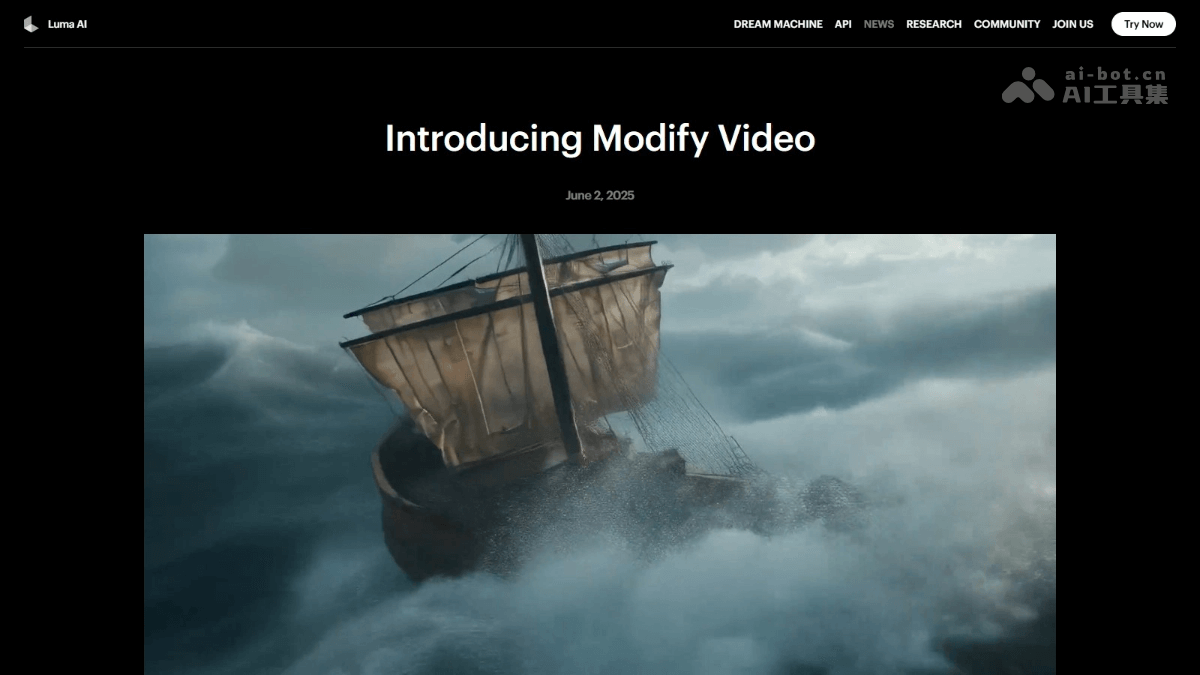
Modify Video is an innovative AI video editing feature launched by Luma AI . The tool supports freely modifying and reshaping the environment, style, individual elements, etc., while preserving key elements of the original video such as motion and camera movement. Based on advanced performance signal processing technologies, such as pose, facial expression, and scene structure analysis, Modify Video achieves high-fidelity creative control, supports multiple output variants, and provides a flexible user interface that can select different preset modes to determine the degree of transformation. Modify Video greatly improves the flexibility and efficiency of video creation, bringing new creative methods and unlimited possibilities to fields such as film and television production, advertising creativity, and animation design.
Main features of Modify Video
- Motion capture and manipulation: Extract full-body, facial, or lip-sync motion from a video and transfer it to a new character or prop to achieve motion synchronization.
- Style transfer: While preserving the original motion and camera framing, change the appearance of the scene, such as from day to night, or from a realistic scene to a sci-fi scene.
- Individual element editing: Edit individual elements in a video (such as clothing, faces, props, sky, etc.) without changing the entire shot.
- High-fidelity creative control: Based on advanced performance signals such as pose, lip sync, and facial tracking, preserve the original motion and expressions, and support visual references, first-frame images, or prompts to guide the output.
- Multiple output variants: Generate outputs in multiple styles from the same base motion to meet different needs and provide rapid style exploration and feedback.
- Structured presets: Provide three preset modes (paste, bend, restructure), and users can choose the degree of transformation according to their needs.
- Seamless integration: Supports 16:9 (720p) format resolution and integrates seamlessly with existing video production workflows.
Technical advantages of Modify Video
- Temporal understanding and motion preservation: Modify Video analyzes the "performance signals" in a video (such as motion, expressions, lip sync, etc.), intelligently determines which parts need to be preserved and which can be modified, and ensures the authenticity of motion and expressions.
- Video-level high-fidelity control: It not only focuses on a single frame but can understand the entire video clip, ensuring the coherence and consistency of the output result on the timeline.
- Detail consistency: It performs excellently in facial, body motion, and temporal continuity, and can keep the picture natural and smooth even when the scene is substantially modified.
- Superior to peers: Official tests show that Modify Video outperforms Runway's V2V tool in visual fidelity and motion consistency.
Modify Video official website address
- Official website address:https://lumalabs.ai/blog/news/introducing-modify-video
Application scenarios of Modify Video
- Film and television production: Achieve scene conversion, character replacement, special effects addition, and detail adjustment without reshooting, improving production efficiency.
- Advertising creativity: Quickly generate advertising videos in different styles, optimize scenes and details, and meet diverse market needs.
- Animation design: Efficiently transfer real motion to animated characters, quickly explore multiple styles, and improve animation creation efficiency.
- Short video creation: Easily replace backgrounds, add special effects, and transform styles to enhance the fun and appeal of videos.
- Education and Training: Simulate teaching scenarios and transfer teacher or student movements to virtual characters to enhance the immersive teaching experience.