
What is MMX-CLI
MMX-CLI is a full-modal command-line tool built by MiniMax specifically for AI Agents, supporting text, image, video, speech, and music generation as well as visual understanding capabilities. Agents can call it directly in environments such as Claude Code and OpenClaw without writing an MCP Server. MMX-CLI optimizes output isolation, semantic status codes, and asynchronous task control for automation scenarios, ensuring stable operation.
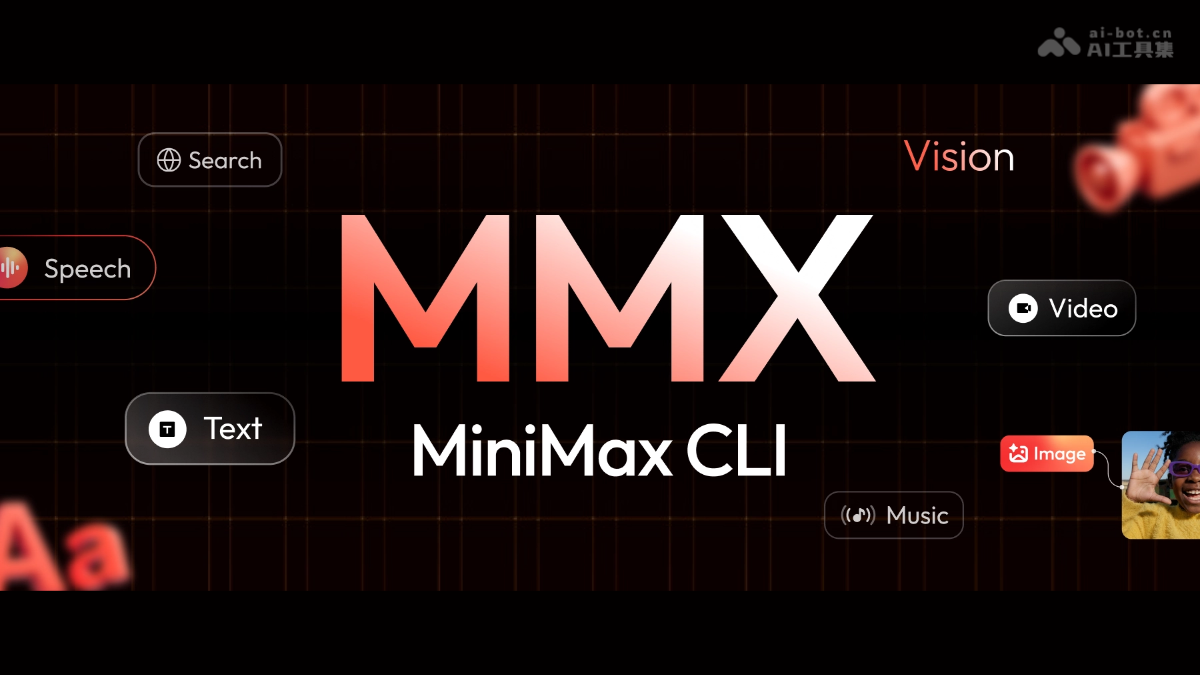
Main features of MMX-CLI
-
Text: Supports multi-turn dialogue, streaming output, system prompts, and JSON structured output, meeting the complex text interaction needs between Agents and MiniMax large models.
-
Image: Provides text-to-image capability, supports custom aspect ratios and batch generation control, making it easy to automatically obtain visual assets of specified specifications.
-
Video: Integrates the Hailuo model to support asynchronous video creation, can track progress and automatically download, suitable for background processing of long-duration video generation tasks.
-
Speech: Built in with more than 30 voice timbres and speech rate control, supports streaming audio playback, and can generate natural human voices for narration or dialogue scenarios.
-
Music: Generates music works based on text prompts, supports custom lyrics input or instrumental-only mode, meeting diverse audio creation needs.
-
Visual understanding: Can describe and analyze the content of local or online images, enabling automated processing and understanding of visual information.
-
Web search: Integrates MiniMax search capabilities to provide Agents with real-time information retrieval, supporting access to the latest news and data.
How to use MMX-CLI
- Environment preparation: Ensure that Node.js 18 or a higher version is installed locally, and subscribe to the MiniMax Token Plan (Global or CN platform) to obtain API access.
- Install the tool: Choose and execute according to the usage scenario
npx skills add MiniMax-AI/cli -y -gto add skills for AI Agents such as OpenClaw, or executenpm install -g mmx-clito install the command-line tool globally in the terminal. - Authentication: Run
mmx auth login --api-key sk-xxxxxto complete authentication via API Key, or executemmx auth loginto start the browser OAuth process and complete login authorization. - Basic invocation: After installation and authentication are complete, you can use
mmxcommands together with subcommands such as text, image, speech, video, music, vision, and search to invoke MiniMax's full-modal generation and understanding capabilities. - Agent optimization: When used in an automated environment, it is recommended to add
--quiet、--output jsonand--asyncparameters to ensure clean output data, support asynchronous task processing, and avoid task hangs caused by interactive input.
Key Information and Usage Requirements of MMX-CLI
- Product Positioning: MMX-CLI is an omni-modal command-line tool released by MiniMax (Xiyu Technology) specifically designed for AI Agents, enabling Agents to natively invoke MiniMax's text, image, video, speech, music, and other generation capabilities in environments such as Claude Code and OpenClaw. Without writing an MCP Server, it can complete the full automated workflow of "information gathering — copywriting generation — voice and image matching — video production."
- Core Capabilities: Supports text dialogue (multi-turn/streaming/JSON output), text-to-image (batch/custom aspect ratios), asynchronous video generation (progress tracking), speech synthesis (30+ voices/speed control), text-to-music (lyrics supported), image understanding, web search, and other omni-modal AI capabilities. It connects to the MiniMax Token Plan and is billed and used according to the subscription package.
- Technical Features: Optimized and designed for Agent automation scenarios, it achieves output isolation through
--quietand--output jsonto ensure clean data. It uses semantic Exit Codes so that Agents can determine error types without parsing English. It supports--asyncasynchronous mode to avoid long-running tasks blocking, meeting the stability requirements of non-interactive environments. - Usage Requirements: The runtime environment requires Node.js 18 or above. Users must subscribe to the MiniMax Token Plan (Global or CN platform) to obtain an API Key. During installation, you can use
npx skills add MiniMax-AI/cli -y -gto add skills for the Agent, or usenpm install -g mmx-clifor global installation. After authentication, use themmxcommand together with each submodule to invoke omni-modal features.
Core Advantages of MMX-CLI
- Born for Agents: Unlike traditional CLIs designed for humans, MMX-CLI is optimized for Agent automation scenarios. Through clean output isolation and semantic status codes, Agents can stably execute commands without parsing interactive interfaces.
- Omni-Modal One-Click Invocation: A single tool integrates seven major capabilities: text, image, video, speech, music, vision, and search. Agents do not need to connect to multiple APIs to independently complete the full-process automated creation from information gathering to finished video.
- Production-Grade Automation Assurance: Provides
--quietpure data mode,--asyncasynchronous tasks, and non-interactive error handling mechanisms, ensuring that Agents run reliably in pipeline environments without manual intervention, avoiding task hangs or parsing errors. - Zero-Barrier Ecosystem Access: Natively connects to the MiniMax Token Plan subscription system, automatically consuming the user's existing quota without additional billing logic configuration, and supports seamless switching between Global/CN regions and real-time quota monitoring.
MMX-CLI Project Address
- GitHub Repository:https://github.com/MiniMax-AI/cli
Comparison of MMX-CLI with Similar Competing Products
| Comparison Dimension | MMX-CLI | fal.ai CLI/MCP | Replicate CLI |
|---|---|---|---|
| Modality Coverage | Full modality: text, image, video, speech, music, vision, search | Full modality: image, video, audio, speech | Image, video, audio, 3D |
| Agent optimization | Designed for Agents: output isolation, semantic Exit Code, async mode --async, non-interactive error handling |
Supports Agents via the MCP protocol, provides structured output, requires additional configuration | Standard CLI, requires scripts to adapt to Agents, lacks native automation optimization |
| Billing model | Token Plan subscription-based (package-based, includes free quota) | Pay-as-you-go (e.g., $0.028/img, $0.35/5s video) | Billed per second/per usage |
| Ecosystem integration | MiniMax's own ecosystem, natively supports Claude Code/OpenClaw, etc., no MCP required | Multi-model aggregation platform (600+ models including Kling, Veo, Seedance, Nano Banana, etc.), requires MCP configuration | Open-source model community, supports user-built model deployment |
| Core features | Deeply optimized for automation scenarios, a single tool covers the full pipeline, zero MCP dependency | Richest model selection, unified API access to multi-vendor models, fast cold start (5-10 seconds) | Rich open-source models, supports custom models, slower cold start (20-60 seconds) |
Application scenarios of MMX-CLI
- AI Agent automated workflows: In Agent environments such as OpenClaw and Claude Code, MMX-CLI enables Agents to independently execute the complete multimedia content creation process of "data collection—copy generation—speech synthesis—image creation—video production", achieving end-to-end automated delivery without manual intervention.
- Intelligent media production line: Enterprise content teams can use MMX-CLI to build automated production pipelines, completing short video script generation, AI voiceover, cover image creation, background music synthesis, and video rendering in batches, greatly improving the output efficiency of marketing materials, educational courseware, and social media content.
- Development assistance and document creation: Developers can quickly generate architecture diagrams, code demo videos, voiceover audio, and visual charts needed for technical documentation in the terminal with a single-line command, seamlessly integrating AI's full-modality capabilities into daily development and document writing workflows.
- Multimodal data analysis: Automated systems can invoke MMX-CLI's visual understanding capabilities to analyze monitoring screenshots, product images, or scanned documents, combined with web search to obtain real-time information, and generate structured text reports or voice alerts, suitable for scenarios such as quality inspection, patrol inspection, and intelligence summarization.