
What is Mistral OCR
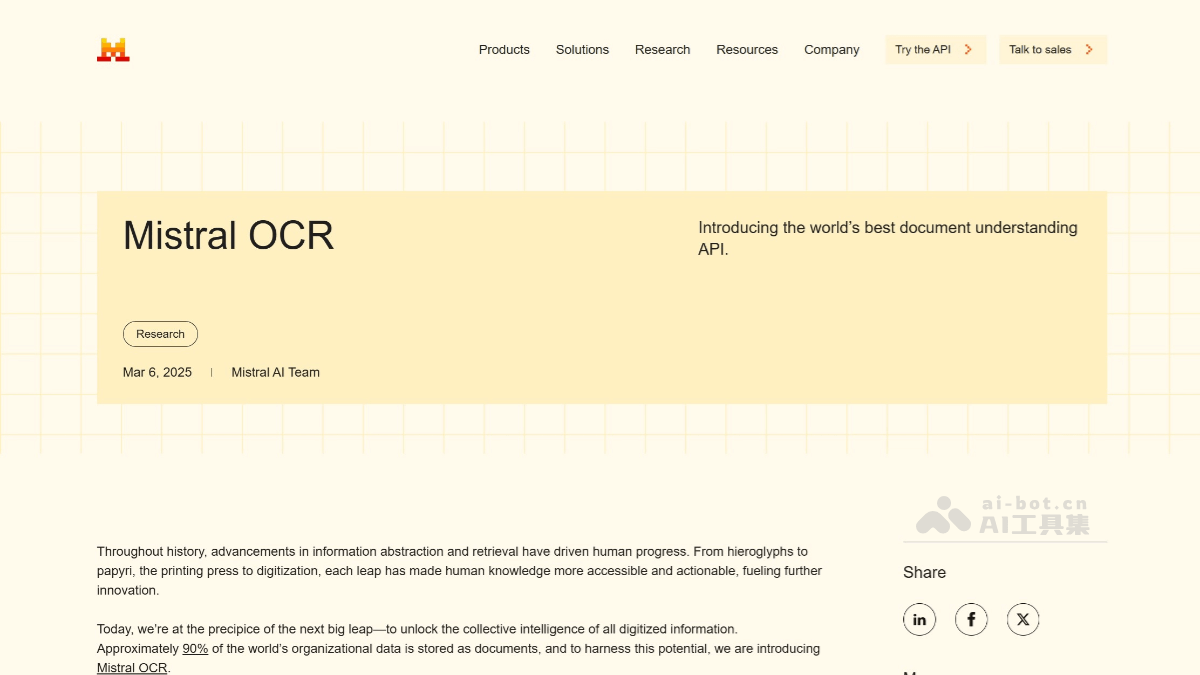
Mistral OCR is an advanced optical character recognition (OCR) tool launched by Mistral AI, designed specifically for processing complex documents. It can comprehensively understand elements in documents such as text, images, tables, and mathematical formulas, supports thousands of languages and fonts, and achieves up to 99.02% accuracy in multilingual processing, surpassing Google Document AI and Azure OCR in benchmark tests. Mistral OCR provides structured output and can export document content in JSON format for further processing. Single-node processing speed can reach 2,000 pages per minute, and it features a "Doc-as-prompt" function that can use an entire document as an input instruction to extract specific information. Mistral OCR supports multimodal processing and can extract text and image content from images and PDFs.
Main features of Mistral OCR
- Complex document understanding: It can comprehensively understand every element of a document, including text, images, tables, mathematical formulas, etc.
- Multilingual support: It supports thousands of languages and fonts, with multilingual processing accuracy as high as 99.02%, outperforming Google Document AI and Azure OCR in benchmark tests.
- Structured output: When extracting content, it preserves the document's original format and supports converting documents into structured data (such as JSON format) for further processing.
- Efficient processing speed: Single-node processing speed can reach 2,000 pages per minute.
- Doc-as-prompt function: It supports using an entire document as an input instruction for AI, extracting specific information and outputting it in a structured format.
- Multimodal processing: It supports extracting text and image content from images and PDFs.
- Document format conversion: It can quickly convert documents in PDF, image, and other formats into Markdown, HTML, JSON, and other formats, making it convenient for users to further edit or process them as needed.
- High accuracy: In benchmark tests, Mistral OCR's overall accuracy is as high as 94.89%, performing excellently in mathematical formulas, multilingual support, scanned documents, and table extraction, outperforming other mainstream OCR models.
How to use Mistral OCR
- Visit the official page: Visit the Mistral OCR official websiteto learn more about the product.
- Register an account: Register and log in to an account on Mistral's developer platform.
- Obtain API access: Generate an API key in the developer platform to authenticate API requests.
- Visit Le Chat: You can use Mistral's AI assistant Le Chat to try Mistral OCR features for free.
- Upload documents: Upload the PDF or image files to be processed to the platform and select the Mistral OCR model for processing.
- Choose a processing mode: Choose the standard API or batch inference mode according to your needs to optimize processing speed and cost.
- Get output results: The extracted text and image content will be output in a structured format (such as Markdown or JSON), and users can further process or analyze it as needed.
- Local deployment (optional): For users with higher data privacy requirements, a self-hosted deployment option can be chosen to ensure data security.
Mistral OCR product pricing
- Pricing: The standard price is $1 per 1,000 pages, and in batch inference mode, about 2,000 pages can be processed per dollar.
Mistral OCR use cases
- Scientific research institutions: Used to convert scientific papers and journals into AI-processable formats, accelerating research collaboration.
- Cultural heritage preservation: Digitize historical documents and artifacts to ensure their long-term preservation.
- Enterprise customer service centers: Convert documents and manuals into knowledge bases to improve customer satisfaction.