
What is Midjourney V1
Midjourney V1 is the firstAI video generationmodel launched by Midjourney. It supports users in converting static images into dynamic videos. Users upload images or generate images in Midjourney and turn them into videos based on the "Animate" button. The model provides automatic and manual animation settings, as well as high and low motion modes, allowing users to choose the appropriate mode to create videos as needed. The model supports users in extending generated videos, with each extension of about 4 seconds, for a total of four extensions. The launch of Midjourney V1 provides users with a new tool for exploring dynamic content creation. The model's basic subscription fee is only $10/month. Midjourney V1 is currently available onthe Midjourney official website.
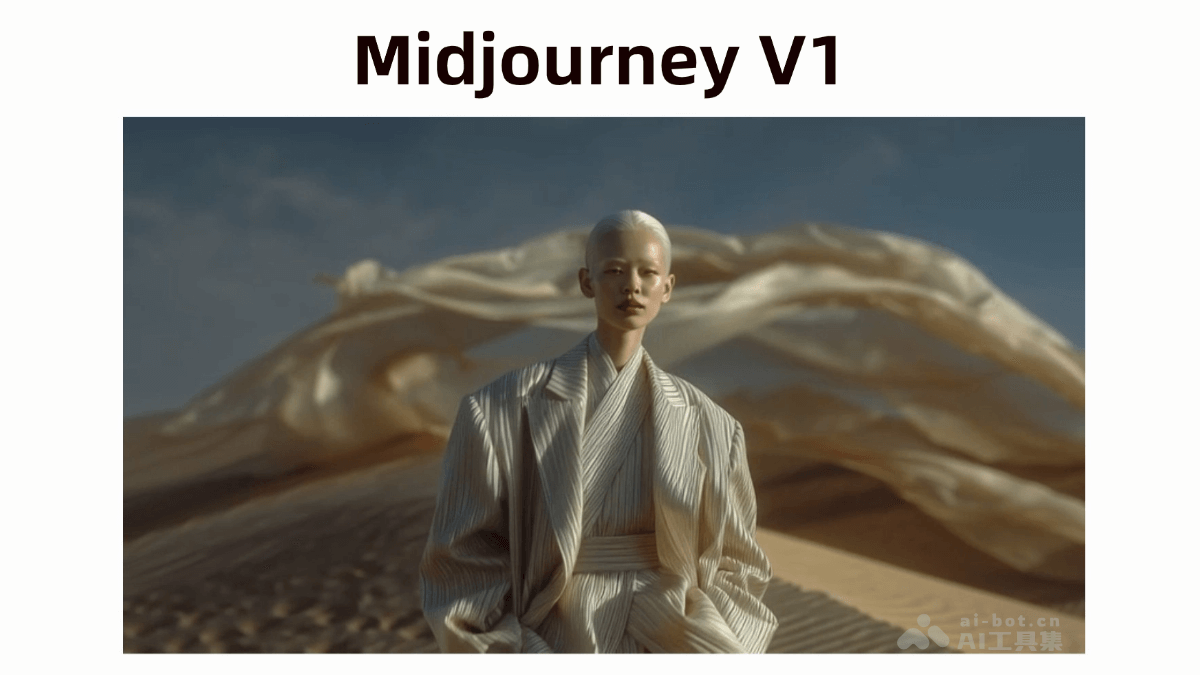
Main features of Midjourney V1
- Image-to-video conversion: Users use images generated by Midjourney as the starting frame or images uploaded externally, and turn them into videos based on the "Animate" button.
- Automatic and manual animation settings: Provides an automatic animation feature, where the system automatically generates "motion prompts" to make the image move; supports manual animation, where users describe the motion themselves.
- Motion mode selection: Offers "high motion" and "low motion" modes. "Low motion" is suitable for scenes where the subject moves slowly or intentionally; "high motion" is suitable for scenes where both the subject and the camera move significantly.
- Video extension feature: Supports users in extending videos they like, with each extension of about 4 seconds, for a total of four extensions.
- External image support: Supports users in uploading external images as the starting frame, and generating videos based on input motion prompts describing the desired motion effect.
How to use Midjourney V1
- Visit the Midjourney platform: VisitMidjourney's official website, and complete registration and login as prompted.
- Select the "Image-to-Video" feature: Find the "Image-to-Video" video creation feature entry on the platform.
- Upload an image: Generate a static image on the platform according to the prompt or use an existing image, and upload it to the Midjourney platform.
- Select an animation mode:
- Automatic animation: Select the "Automatic" animation mode, and the system will automatically generate a "motion prompt" to automatically make the image move. This method is suitable for quickly generating interesting animation effects without much user intervention.
- Manual animation: Select the "Manual" animation mode, and you need to enter a "motion prompt" to describe in detail how you want the image to move.
- Select a motion mode:
- Low motion mode: Suitable for scenes where the subject moves slowly or intentionally.
- High motion mode: Suitable for scenes where both the subject and the camera move significantly.
- Adjust other parameters: Adjust other video parameters as needed, such as frame rate, resolution, etc. (if the platform provides these options).
- Generate the video: After completing the above settings, click the "Animate" button to start generating the video. The system generates a dynamic video based on the settings and prompts.
- Extend the video: If you are satisfied with the generated video, use the "Extend" feature to extend it by about 4 seconds each time, up to four times in total, to get a longer video.
- Download and Share: After the video is generated, download it to your local device, or share the video to social media or other platforms to share your creation with others.
Application Scenarios of Midjourney V1
- Content Creation and Entertainment: Transform static images into dynamic videos, use them to create animated short films, advertisements, or social media content, and increase appeal and interest.
- Education and Training: Transform static teaching images into dynamic videos to help students better understand and remember complex concepts and improve teaching effectiveness.
- Advertising and Marketing: Transform product images or brand logos into dynamic videos for advertising and promotion, attract consumer attention, and enhance brand influence.
- Art and Design: Transform static artworks into dynamic videos, create unique dynamic art works, and add vitality to art exhibitions or personal creations.
- Film and Television Production: Create visual effects and dynamic trailers for films and TV series, and enhance the visual impact and promotional effect of film and television works.