
What is MeloTTS
MeloTTS is an open-source, high-quality multilingual text-to-speech (TTS) library developed by MyShell AI. It can convert text into natural and fluent speech output and supports multiple languages, including but not limited to English (including different accents such as American, British, Indian, and Australian English), Spanish, French, Chinese, Japanese, and Korean. MeloTTS's speech synthesis speed is very fast, and it can achieve real-time speech synthesis even on an ordinary CPU without GPU acceleration, generating high-quality, natural, and fluent speech output like that of a real person.
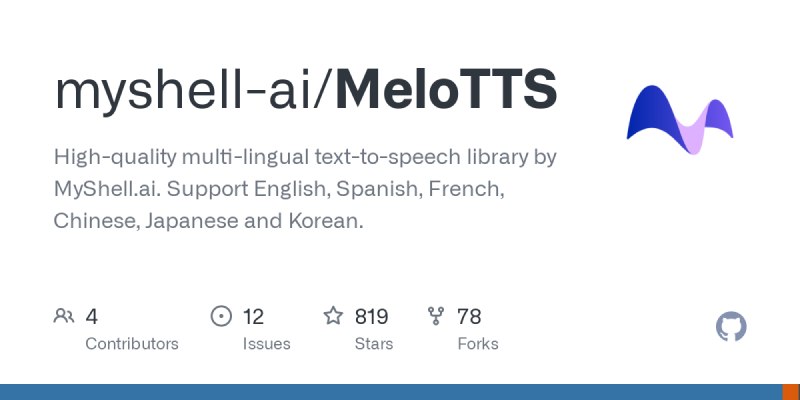
MeloTTS official website entry
- Official GitHub source code repository:https://github.com/myshell-ai/MeloTTS
- Third-party Hugging Face online experience:https://huggingface.co/spaces/mrfakename/MeloTTS
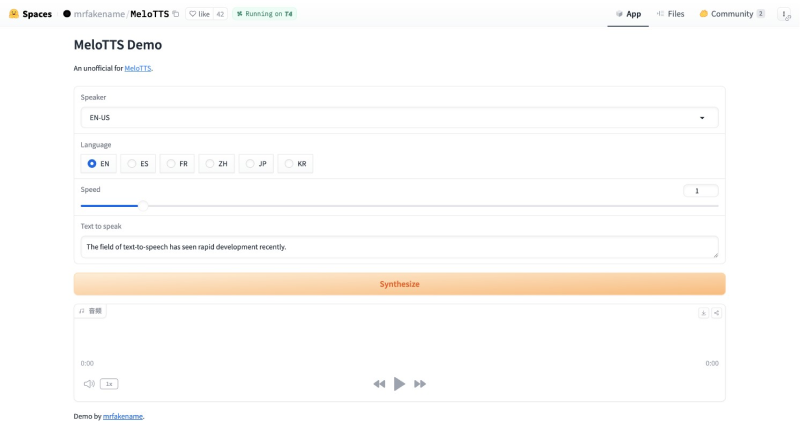
Main features of MeloTTS
- Multilingual support: MeloTTS can handle text-to-speech tasks in multiple languages, including English, Spanish, French, Chinese, Japanese, and Korean, and supports different accents and language environments.
- Mixed Chinese-English pronunciation: MeloTTS is specifically designed for Chinese users and supports mixed Chinese-English pronunciation. It can handle Chinese text containing English words, which is very useful for multilingual communication and international application scenarios.
- Real-time speech synthesis: MeloTTS has been optimized to achieve real-time speech synthesis even on an ordinary CPU without GPU acceleration, providing users with a more convenient and efficient experience.
- High-quality speech output: MeloTTS aims to generate high-quality speech output, maintaining the naturalness and clarity of the speech, making the synthesized speech sound more realistic and natural.
- Easy to install and use: MeloTTS provides a simple installation guide and Python API. Users can easily install MeloTTS in system environments such as Linux, macOS, Windows, and Docker.
How to install and use MeloTTS locally
For Linux and macOS computers, first confirm that Python 3 is installed, then use the following commands to install and run MeloTTS:
pip install melotts
python -m unidic download
python melo/app.py
For the Docker environment (Windows, macOS), enter the following commands in the terminal in sequence to install and run it:
git clone https://github.com/myshell-ai/MeloTTS.git
cd MeloTTS
docker build -t melotts .
docker run --gpus all -it -p 8888:8888 melotts