
What is Lovify
Lovify is a Chrome extension designed specifically for developers to enhance Lovable's work efficiency and experience. Lovify provides intelligent debugging tips to help developers quickly solve code problems. Lovify supports seamless integration with GitHub, enabling one-click project import, automatic setup, and version control, simplifying the development process. Lovify supports voice interaction, helping developers solve problems more efficiently. Lovify helps developers accelerate development, boost productivity, and create a smoother development experience.
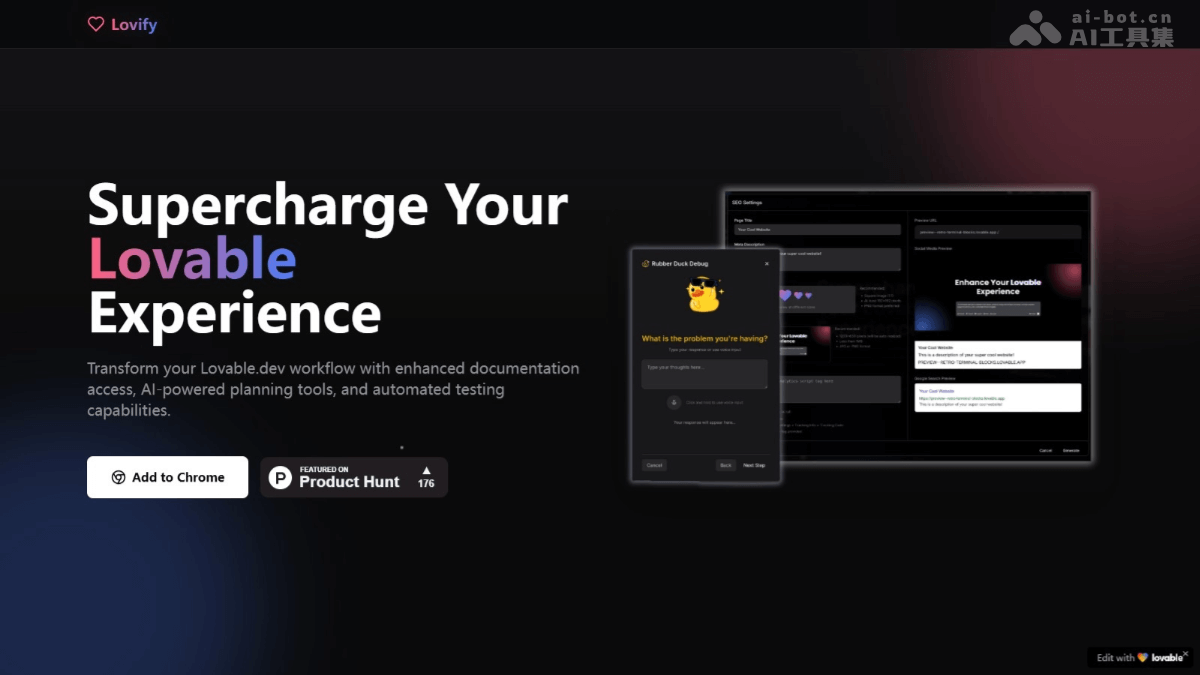
Lovify's main features
- Intelligent prompt enhancement: Context-based intelligent prompts that provide code suggestions and custom prompt templates, helping developers write code more efficiently.
- Voice interaction: Supports voice mode for coding, executing operations with voice commands.
- Project planning tool: Generates product requirement documents (PRD) and action plans, supporting task tracking, progress monitoring, and task organization.
- GitHub integration: One-click import of GitHub repositories, automatic project setup, simplifying the workflow.
- Slash commands: Quickly access documentation links, generate tests, add integrations, and other powerful features based on simple slash commands.
- Automated testing: Automatically generates test cases, helping developers quickly verify code quality.
Lovify's official website address
- Official website address:lovify.lovable.app
Lovify's application scenarios
- Front-end development: Provides intelligent code prompts and debugging tools, helping quickly implement front-end interfaces and interactions.
- Back-end development: Based on GitHub integration and automated testing, simplifying back-end project management and code verification.
- Full-stack development: Supports integrated front-end and back-end development, making it convenient for full-stack developers to manage project progress in a unified way.
- Team collaboration: Based on task tracking and voice interaction features, improving team collaboration efficiency.
- Beginner learning: Uses an AI assistant and document search to provide beginners with instant guidance and learning support.