
What is Coze Loop
Coze Loop is a tool platform designed specifically for individual developers and startup teams, supporting developers in quickly building AI Agents. Coze Loop provides full lifecycle management capabilities from development, debugging, evaluation to monitoring, covering Prompt development, evaluation, observation, and other functions. Based on visual tools and intelligent tuning, it helps developers efficiently build high-quality AI Agents and reduce trial-and-error costs. Coze Loop supports team collaboration and resource sharing to improve development efficiency.
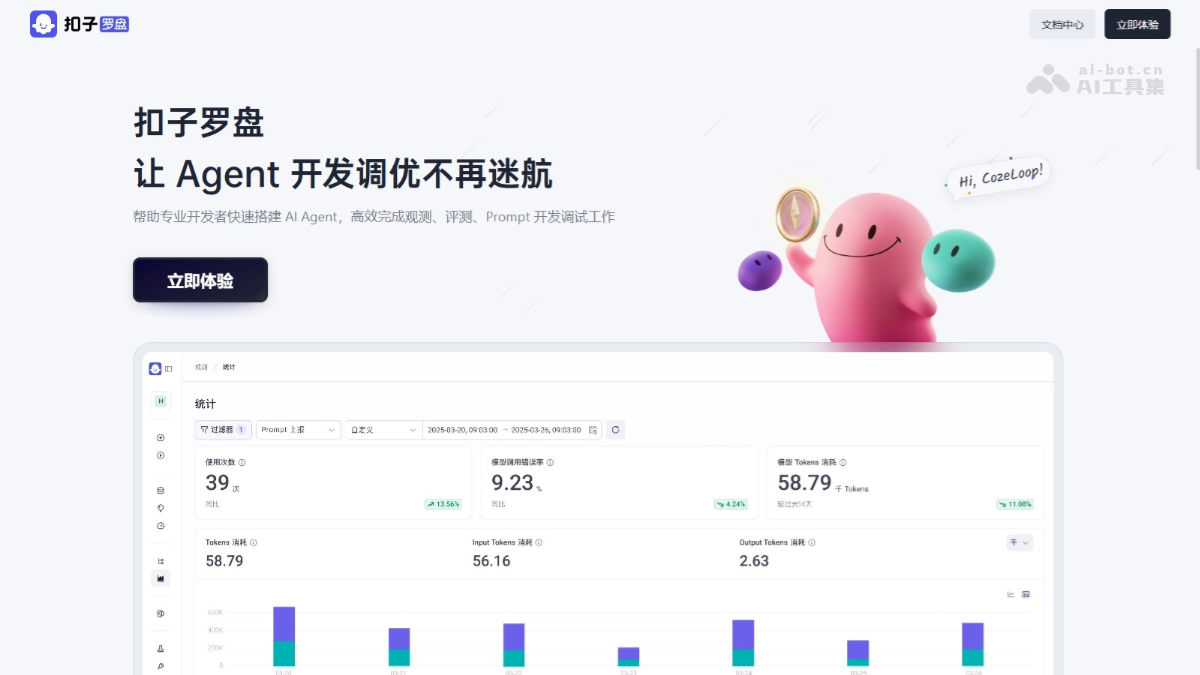
Main Features of Coze Loop
- Prompt Intelligent Hub: Supports Prompt debugging, version management, and multi-version comparison to improve development efficiency. Enables Prompt servitization for easy integration and reuse.
- Real-time Observation and Alerts: Through Trace data tracking and performance statistics, monitors system operating status in real time. Provides real-time alerts for abnormal situations, intelligently tags data, and quickly locates issues.
- Full-chain Evaluation System: Accumulates evaluation sets throughout the AI Agent lifecycle, covering end-to-end testing. Accurately evaluates AI Agent performance to ensure performance and stability.
How to Use Coze Loop
- Register and Log In: VisitCoze's official website and follow the prompts to complete registration and login.
- Enter the Demo Space: After logging in, find the Coze Loop entrance to enter and experience it.
- Experience Prompt Development: After logging in, you will enter the Prompt development page by default. View the preset Prompts on the platform, and click "Details" to learn about the detailed design of the Prompt.
- Use the Evaluation Module:
- Create an Evaluation Set:
- In the left navigation bar, select Evaluation > Evaluation Set.
- On the evaluation set list page, click "Details" to view the data of the created evaluation set.
- The sample test data consists of two parts: input data (input column) and ideal expected output data (reference_output column). The input data serves as the input information for the evaluation object, and the expected output data serves as the evaluation standard reference.
- Click the "Associated Experiments" tab to view the experiment results associated with this evaluation set.
- Prepare Evaluators:
- In the left navigation bar, select Evaluation > Evaluator.
- On the evaluator list page, view the created evaluators. Evaluators support version management. When initiating evaluation experiments, select different evaluator versions for optimization iterations.
- Click "Details" to view the evaluator configuration. On the evaluator configuration page, click "Debug", enter the constructed input data and standard output data, and test the evaluator effect.
- Initiate an Evaluation Experiment:
- In the left navigation bar, select Evaluation > Experiment.
- On the experiment list page, view the initiated evaluation experiments.
- Select an evaluation experiment and click "Details" to view the evaluation results. Coze Loop supports manual calibration of evaluation results. Select the target data to be calibrated, and then click the edit icon for manual calibration.
- Click "Metric Statistics" to view the experiment report. Coze Loop automatically generates a visual dashboard based on the experiment results, facilitating analysis and decision-making on test results.
- Create an Evaluation Set:
- Use the Observation Feature:
- The observation feature supports:
- Platform prompt development.
- Coze agents.
- Automatic data reporting for Coze AI applications.
- Integrate the SDK to report AI applications developed with other frameworks (such as Eino/Langchain).
- On the Observability > Trace page, select the time range, task node range, and observation object to view the reported Trace data. Coze Loop provides statistical metric dashboards from different dimensions, allowing you to intuitively understand the operating status and cost consumption of the observation object.
- The observation feature supports:
Application scenarios of Coze Loop
- Intelligent customer service system: Develop intelligent customer service dialogue templates, and evaluate and observe to optimize the customer inquiry experience.
- Content creation tools: Assist in generating creative content, evaluate quality, and improve creation efficiency.
- Educational tutoring system: Develop personalized learning tools, evaluate student progress, and optimize teaching content.
- Medical consultation system: Provide preliminary health advice and ensure that consultation results are scientifically sound and reasonable.
- Enterprise knowledge management system: Quickly answer internal questions, optimize the knowledge base, and improve information retrieval efficiency.