
What is Looooooong Kimi
Looooooong Kimi is the ultra-long text processing capability launched by the Kimi intelligent assistant. It can process text of up to 2 million characters and can losslessly understand and process very long documents, such as large reports, books, or research papers. What makes Looooooong Kimi powerful is that while maintaining text integrity, it provides in-depth and accurate services, and can handle fields with large amounts of text data, such as academic research, legal analysis, and market research. Users can quickly extract information from large amounts of text.
Main features of Looooooong Kimi
- Ultra-long text processing capability: Looooooong Kimi can losslessly process a context of up to 2 million Chinese characters, supporting large amounts of information input and output.
- Document upload and parsing: It can upload files in multiple formats, such as TXT, PDF, Word documents, PPT slides, and Excel spreadsheets, and Looooooong Kimi can parse these files and provide key information.
- Multi-file processing: It can process multiple documents at the same time, organize key information, and generate tables, and can upload up to 50 files for simultaneous processing and analysis.
- Web page reading feature: Looooooong Kimi can analyze links provided by users and provide concise summaries for users.
- Information query feature: It has a real-time search function, allowing users to quickly locate information on the internet through keywords and precisely locate information within specific websites.
- Language translation feature: Looooooong Kimi can translate text in multiple languages, including English, Korean, Japanese, etc., and can handle longer texts.
- Multimodal feature: Looooooong Kimi can identify and analyze key information in images and provide further answers and assistance based on image content.
How to use Looooooong Kimi
- Visit the Kimi official website: VisitKimi official website。
- Register or log in: You need to register a new account or simply log in.
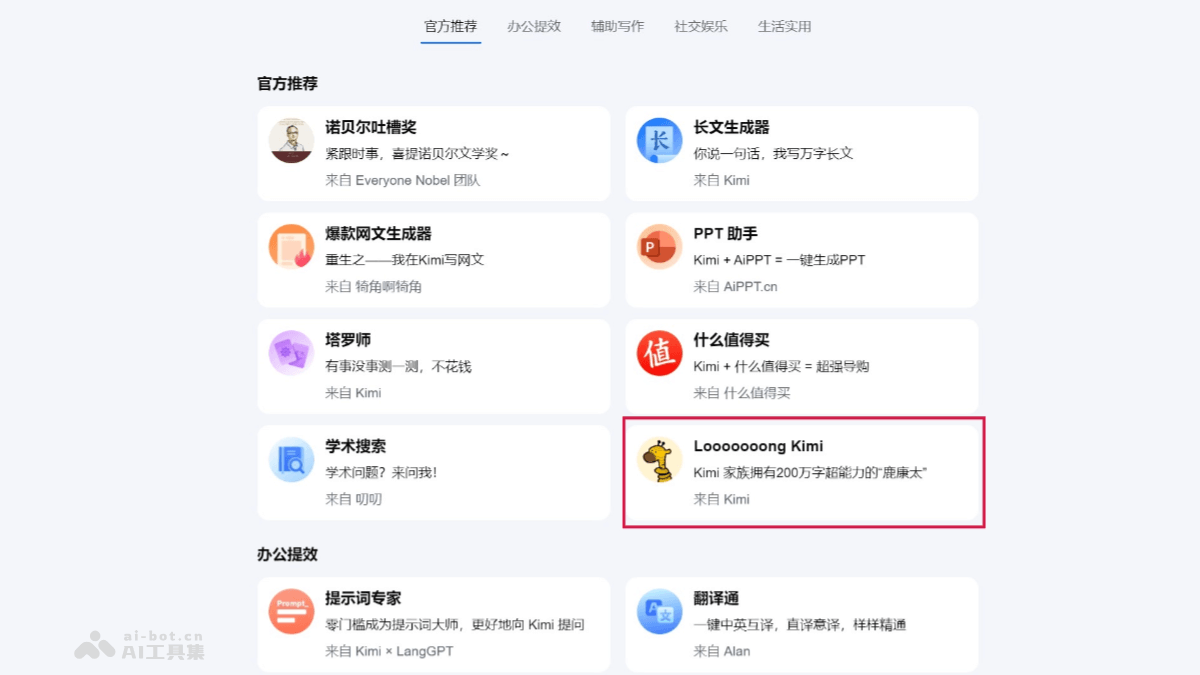
- Enter the Kimi+ page: After logging in, click the "Kimi+" option in the navigation bar to enter the Kimi+ page.
- Select "Looooooong Kimi": On the Kimi+ page, you will see different Kimi+ feature options; select "Looooooong Kimi" to try it.
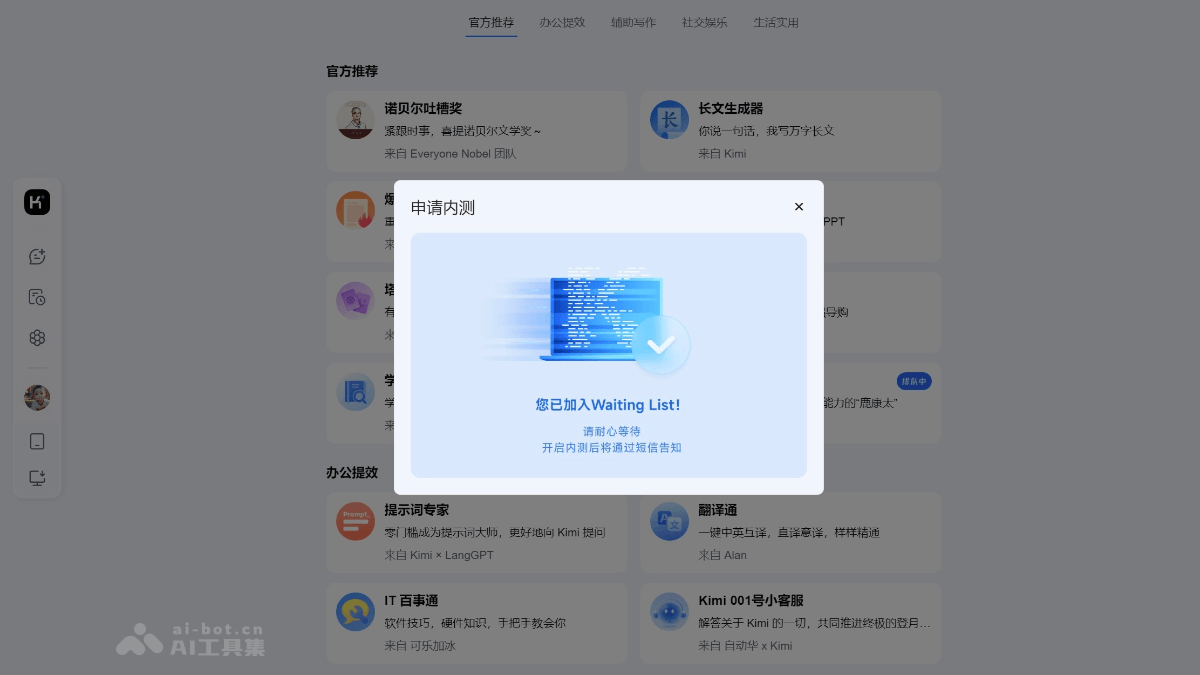
- Apply for use: After clicking "Looooooong Kimi", you need to fill in some information to apply to use this feature. After submitting the application, wait for official verification and approval.
- Upload files: After the application is approved, you can start uploading files. "Looooooong Kimi" supports multiple file formats, including TXT, PDF, Word documents, PPT slides, and Excel spreadsheets.
- Process files: After uploading files, "Looooooong Kimi" will begin processing the file contents. You can specify the particular parts that need to be processed, or let the system automatically process the entire file.
- Get results: After "Looooooong Kimi" finishes processing the files, get the processing results, and you can use them after making other adjustments.
Application scenarios of Looooooong Kimi
- Academic research and paper writing: "Looooooong Kimi" can help users process and understand academic materials of up to 2 million characters, including translation and understanding of professional academic papers and assistance in analyzing legal issues.
- Long-text summarization and generation: It can summarize long novels such as Demi-Gods and Semi-Devils, review the main plot, and describe in detail the backgrounds of minor characters in the novel.
- File reading and parsing: "Looooooong Kimi" can read and parse long text files uploaded by users, such as TXT, PDF, Word documents, etc., helping users quickly obtain information from the files.
- Search assistance: It has search capabilities and can combine search results to provide users with more comprehensive answers, for scenarios requiring the integration of large amounts of information.
- Educational tutoring: It assists users in learning, provides explanations of knowledge points, homework help, etc., when processing large amounts of study materials.
- Technical support and API documentation understanding: It helps users understand API development documentation and provides technical support.