
What Is LivePPT
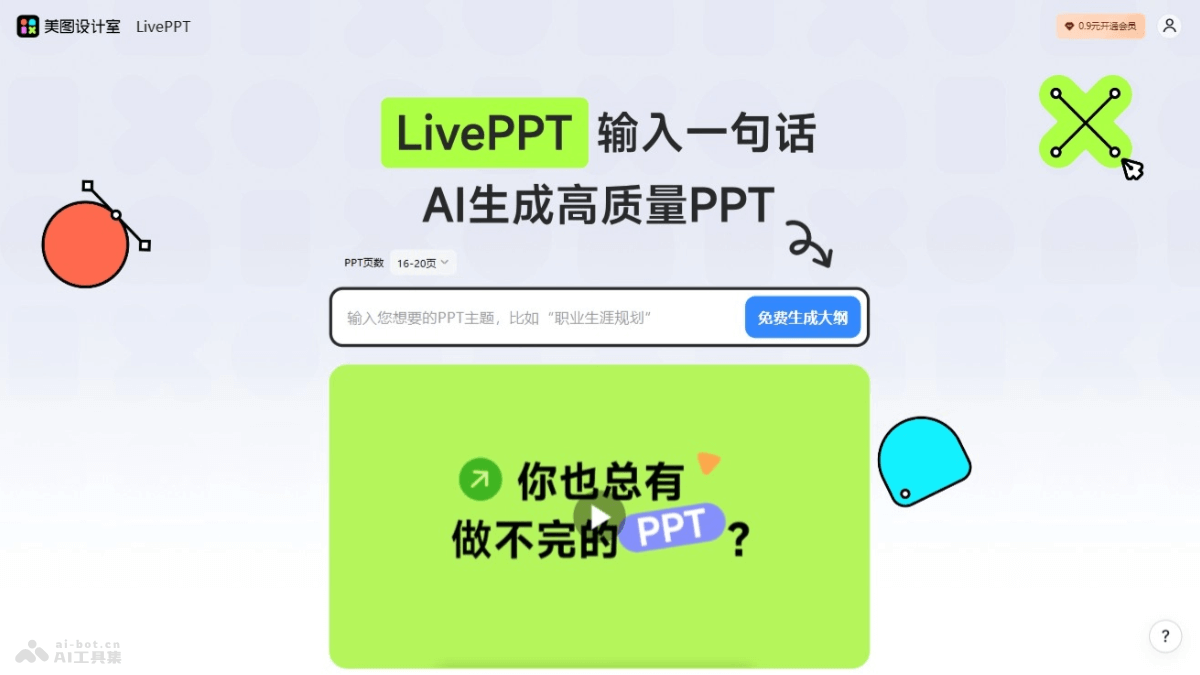
LivePPT is launched by Meitu Design Studio as anAI PPT creation tool, which can quickly generate high-quality presentations with professional layout and color schemes based on a sentence entered by the user or pasted text content. LivePPT covers various scenarios such as workplace office work, teaching and sharing, and life and entertainment, simplifying the traditional PPT creation process, saving users time, and improving work efficiency. LivePPT automatically optimizes content layout and visual effects based on AI technology, providing a brand-new PPT creation experience. It supports user-customized content and templates, including modifying the content outline, choosing template styles, setting the number of PPT pages, and switching templates after generation.
Main Features of LivePPT
- Quick PPT generation: Users enter a sentence or paste a piece of content, and LivePPT automatically generates a high-quality PPT including copy and layout based on AI technology.
- Multiple generation methods: Supports generating PPTs by entering a topic or pasting text, providing flexible creation options.
- Content and template customization: Users can modify the content outline, choose different template styles, set the number of PPT pages, and switch templates after generation.
- Intelligent editing and beautification: LivePPT supports users in further editing and beautifying the generated PPT, including rewriting, expanding, and condensing content, as well as choosing text styles.
- Multi-format export: Supports exporting PPTs in multiple formats to suit different presentation and sharing needs.
How to Use LivePPT
- Visit the official website: Visit LivePPT'sofficial website 。
- Choose a generation method: On the homepage, there are two main PPT generation methods:
- Generate PPT by entering a topic: Directly enter the PPT topic, and AI will generate a PPT including copy and layout based on the topic.
- Generate PPT by pasting text: If you have ready-made text content, paste it directly into the corresponding text box, and AI will generate a PPT based on the text content.
- Enter or paste content: According to the selected generation method, enter or paste your content. If you are entering a topic, provide detailed and specific information so that AI can understand your needs more accurately.
- Customize content and templates: After generating a preliminary PPT, edit and adjust the content, including modifying copy, adjusting layout, and choosing different template styles, etc.
- Edit and beautify: Based on LivePPT's editing tools, further beautify the PPT, including changing font styles, colors, adding images or icons, etc., to improve visual effects.
- Export PPT: After completing the edits, export the PPT in multiple formats, such as PDF, PPTX, etc., to meet different usage scenarios.
LivePPT Product Pricing
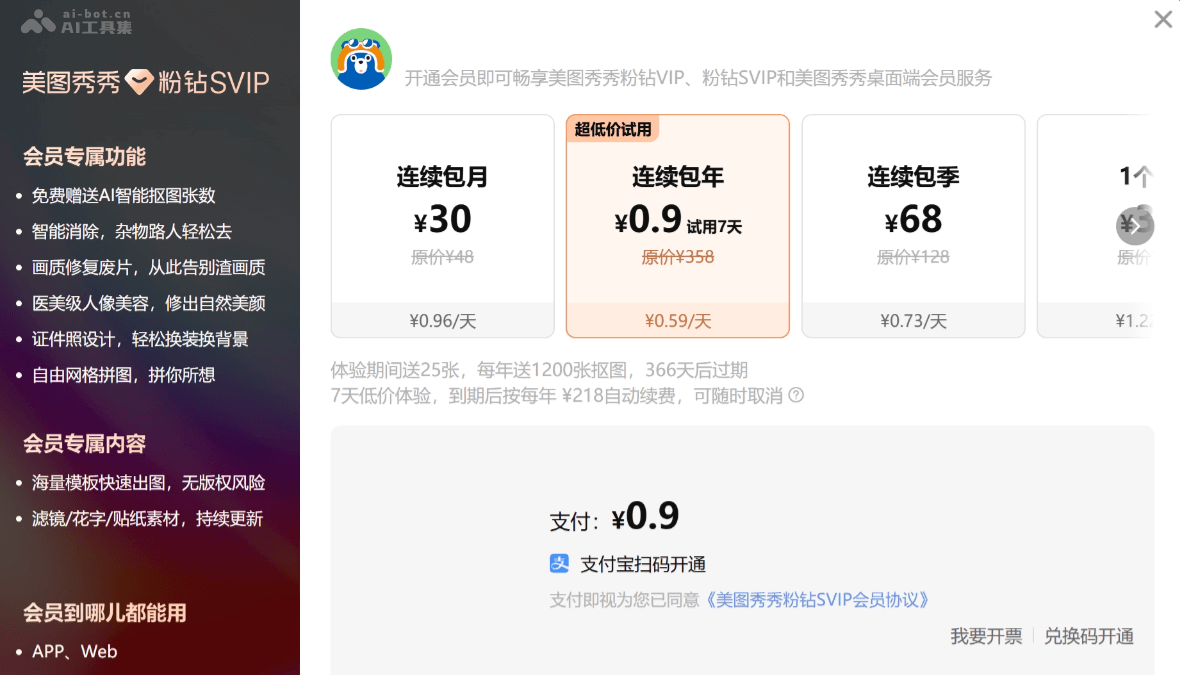
- Monthly subscription: ¥30, about ¥0.96/day
- Annual subscription: ¥0.9/7-day trial, then automatically renews at ¥218 per year
- Quarterly subscription: ¥68, about ¥0.73/day
LivePPT Application Scenarios
- Personal photo beautification:Use medical-aesthetic-grade portrait beautification features to beautify and retouch selfies or photos of others.Use intelligent removal features to remove clutter or unwanted background people from photos.
- ID photo creation:Use the ID photo design feature to quickly change clothing and backgrounds, and create ID photos that meet the requirements.
- Social Media Content Creation:Use a massive collection of templates and continuously updated filters, text graphics, and sticker materials to create eye-catching social media images.
- Professional Design Work:Designers use the AI smart cutout feature to quickly extract elements from images and use them in design projects.
- E-commerce and Marketing:E-commerce sellers use Meitu Xiuxiu's editing features to optimize product images and increase product appeal.Marketers use templates to quickly create marketing materials such as posters, advertising images, and more.