
What is Lingtu AI
Lingtu AI is an AI-assisted design platform launched by Xiamen Lingtu Technology, dedicated to serving the design and creative community. Based on AI algorithms, it provides scenario-based efficient tools and resources to achieve material generation and boost design productivity. Platform features include text-to-image, image-to-style, cutout-free material generation, model outfit changes, product background replacement, one-click cutout, lossless upscaling, and more, with support for personalized style customization. It can be used via the web, is suitable for Chinese designers, is easy to operate, and generates quickly.
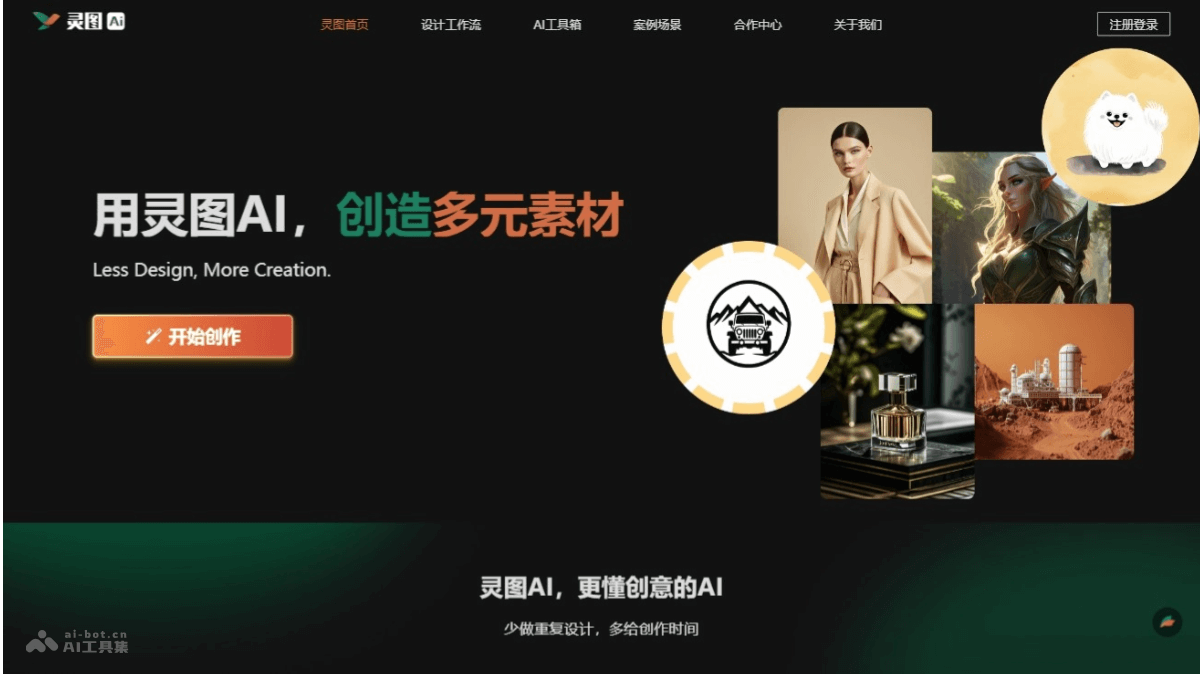
Main features of Lingtu AI
- Text-to-image: Generates images from user text descriptions, quickly turning creative ideas into visual content.
- Image-to-style: Converts uploaded images into different artistic styles, achieving stylistic transformation and innovation.
- Cutout-free material generation: Generates materials that require no cutout and can be used directly, improving design efficiency.
- Model outfit changes: Changes models into different outfits, for use in fashion design and advertising production.
- Product background replacement: Quickly replaces the background of product images, suitable for e-commerce and advertising design.
How to use Lingtu AI
- Visit the Lingtu AI platform: Open a browser and visit Lingtu AI'sofficial website。
- Register and log in: If you are a new user, you need to register an account. Fill in the information as prompted on the page and complete registration.
- Select a feature: After logging in, select the corresponding feature according to your needs, such as text-to-image, image-to-style, one-click cutout, etc.
- Upload materials or enter a description: For features that require uploading materials, click the upload button and select an image file. For text-based features such as text-to-image, enter text describing the image you want to generate.
- Adjust parameters: Adjust parameters as needed, such as style, size ratio, outline, color blocks, etc.
- Generate the image: Click the generate button, and Lingtu AI will generate an image based on the input and selections.
- Edit and adjust: If the generated image needs further editing and adjustment to meet requirements, use the tools provided by Lingtu AI to edit it.
- Download or use: After completing editing, download the generated image or use it directly in a design project.
Lingtu AI product pricing
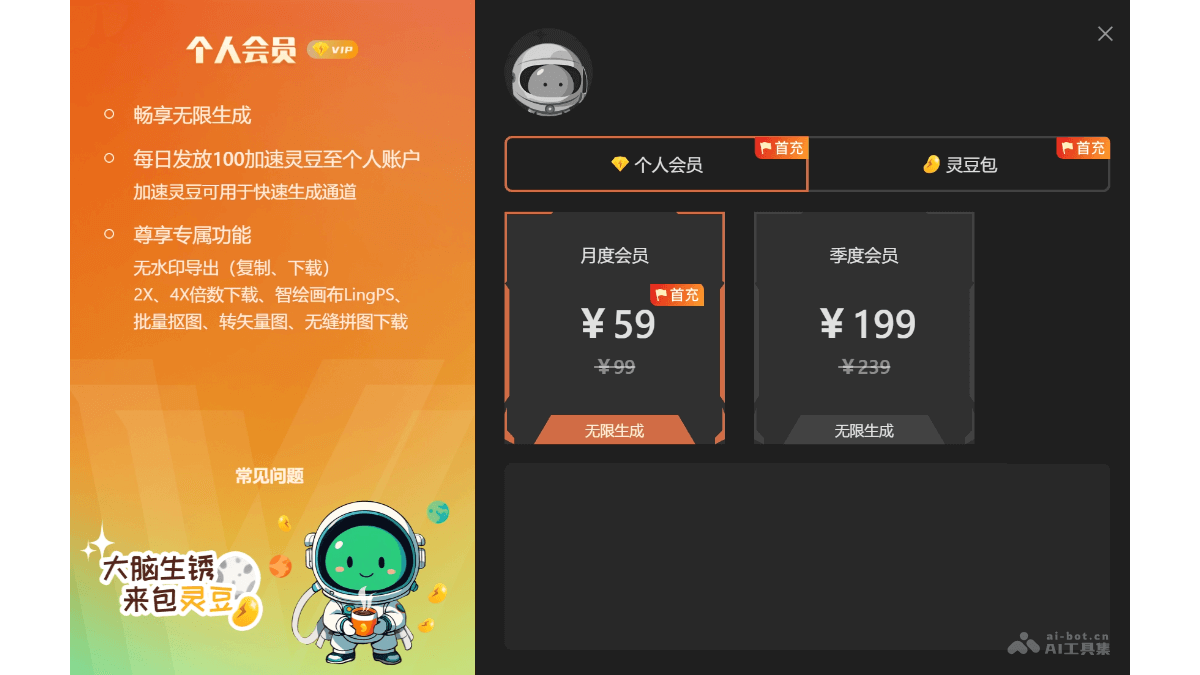
- Monthly membership: 59 yuan
- Quarterly membership: 99 yuan
- Membership benefits: Includes watermark-free export (copy, download), 2X and 4X multiple downloads, Smart Drawing Canvas LingPS, batch cutout, vector conversion, seamless puzzle download, etc.
Application scenarios of Lingtu AI
- E-commerce design: Helps e-commerce designers quickly replace product image backgrounds, generate a series of ad images with a consistent style, and create multiple variants through the similar image variation feature to adapt to different marketing strategies.
- Graphic poster design: Designers generate preliminary designs for creative posters based on text descriptions, or convert existing images into a specific artistic style to match the design theme.
- Game art: In game development, assist designers in generating concept art for game characters and scenes, or use the style training feature to customize a visual style that matches the game's atmosphere.
- Picture Book Design: Picture book designers generate illustrations and cover designs, and use the pose image generation feature to adjust character poses, creating dynamic picture book scenes.
- Brand Design: Brand designers use Lingtu AI for LOGO design, creating visual elements and patterns that match the brand's tone.