
What is LineSVG
LineSVG is an AI vector line art generation tool. Users input a one-sentence description, or upload a photo, illustration, or hand-drawn sketch, and the AI redraws it as an SVG line art made of real strokes. After generation, you can freely adjust line width, color, and dashed lines, with support for SVG/PNG export, stroke-by-stroke drawing animation, and 13 scenario presets such as tattoo designs, coloring pages, and Cricut cutting. The LineSVG interface is in Simplified Chinese and supports Alipay payment.
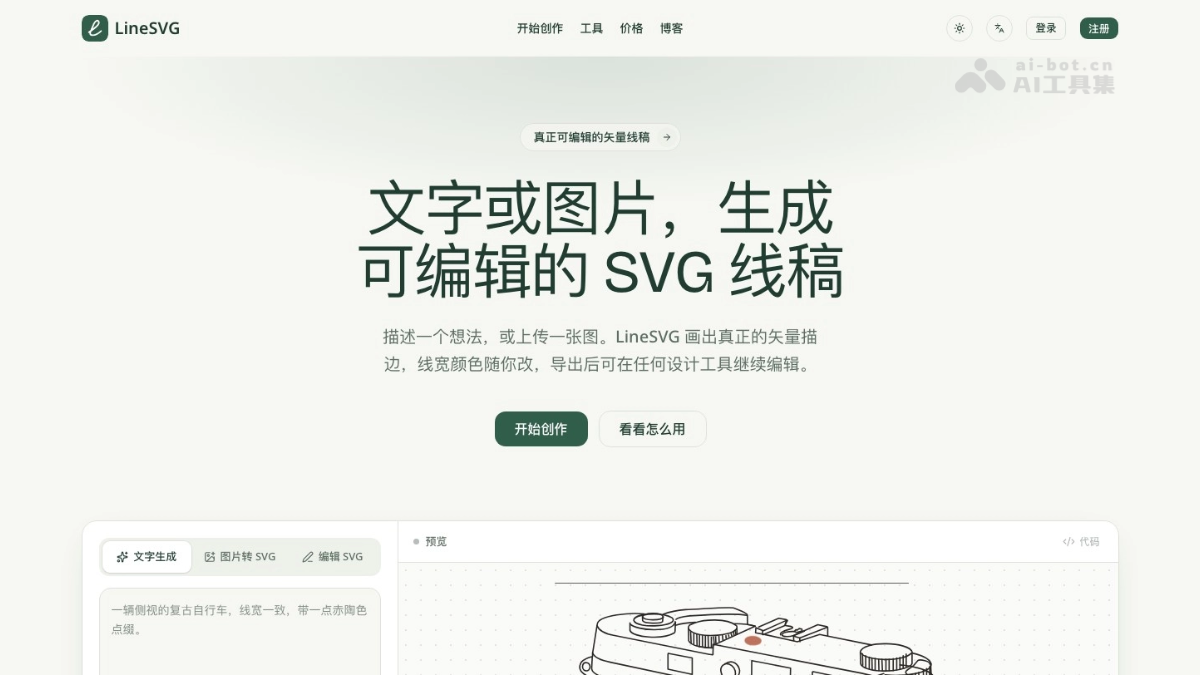
Main Features of LineSVG
-
AI Text-to-Line-Art: Input a scene description to generate vector line art, supports multiple ratios, and you can attach a reference image to constrain the composition.
-
Image/Photo to SVG: Upload PNG, JPG, WebP (max 20 MB), and AI reinterprets the image as clean lines.
-
Three Output Modes: Choose from adjustable lines (real stroke), cut contours (closed shapes), or color layers (color blocks grouped by color).
-
Free Line Style Adjustment: After generation, drag the slider to change line width, switch colors, and toggle dashed lines, all for free.
-
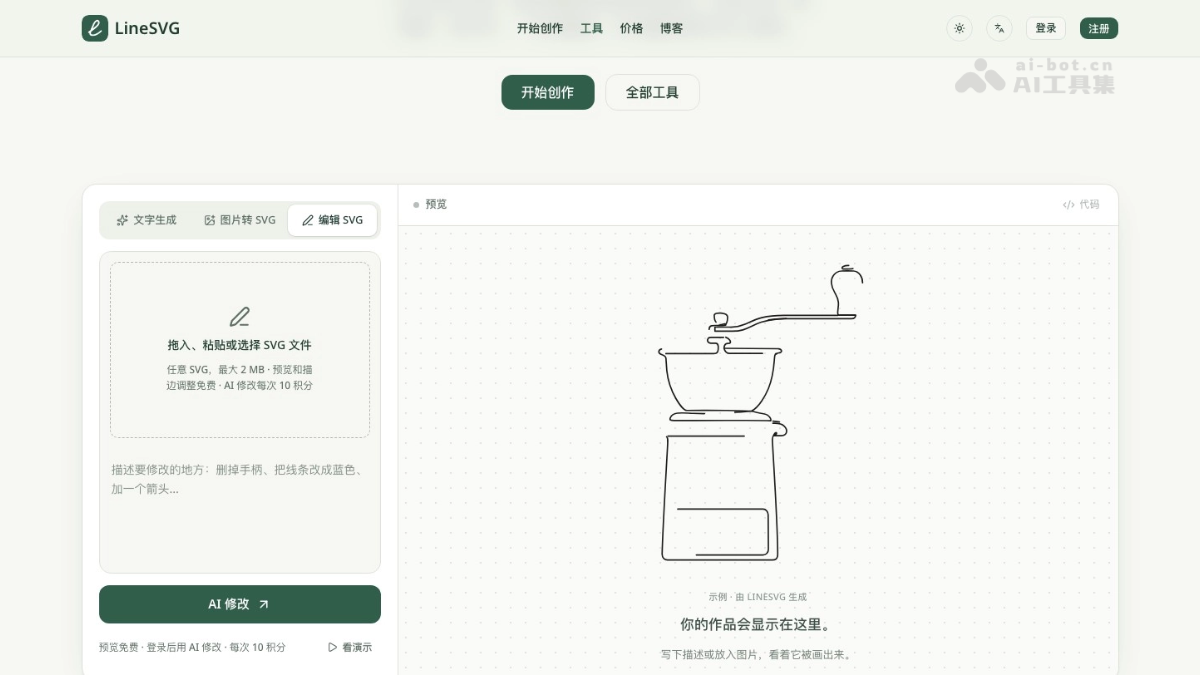
AI Modify Any SVG: Upload an existing .svg file, describe the changes in one sentence, and AI only modifies the parts you specify.
-
Stroke-by-Stroke Drawing Animation: Saved works can generate stroke animations and export 1080p MP4 or GIF in the browser.
-
Machine Processing Mode: Outputs single-line paths without fill, compatible with plotters, foil stamping, embroidery, and other devices.
-
Version History and Comparison: Every modification is automatically saved, allowing you to switch and compare between the original and result; works are centrally stored in "My Works".
-
Multiple Export Options: Supports SVG and PNG downloads, or one-click copy of SVG code for direct use.
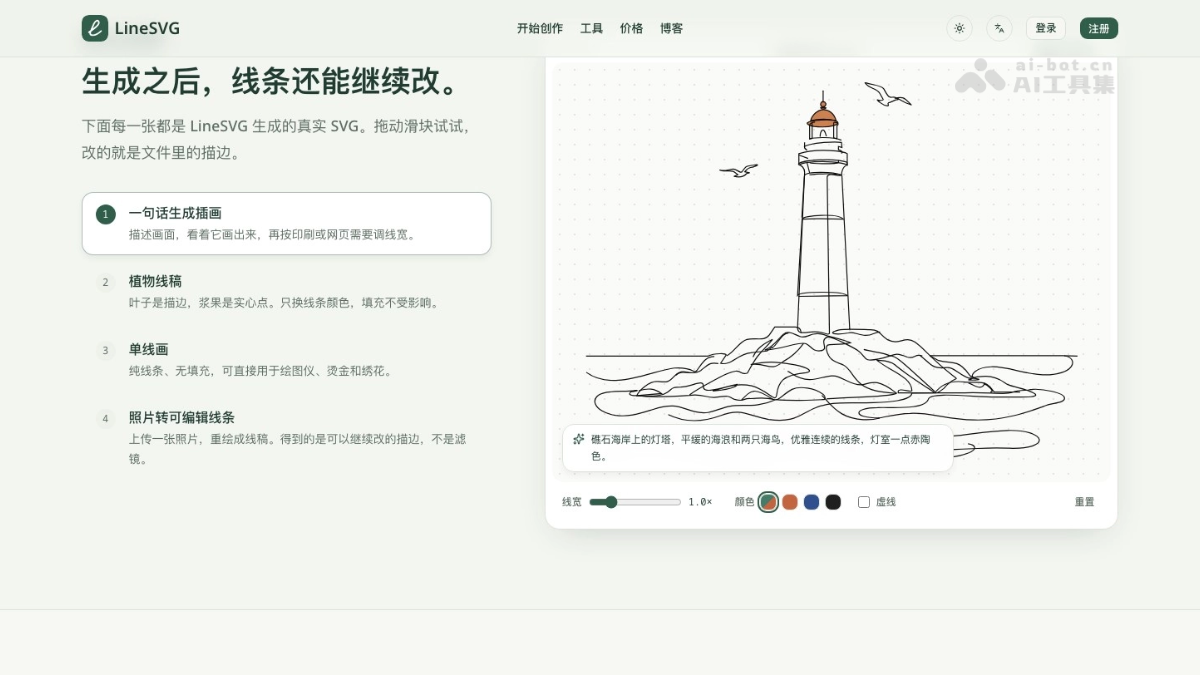
How to Use LineSVG
-
Enter the Workspace: Visit https://linesvg.ai/zh, choose "Text Generation", "Image to SVG", or "Edit SVG", and you can start by selecting a preset tool from the Tool Center.
-
Input Content: Write a scene description, or drag in an image, and select the ratio and output mode as needed.
-
Generate and Observe: Click generate and watch the lines being drawn onto the canvas in real time.
-
Adjust and Export: Use the slider to change line width, color, and dashed lines, or use one sentence to let AI modify parts; when satisfied, download SVG/PNG, copy the code, or generate an animation and export a video.
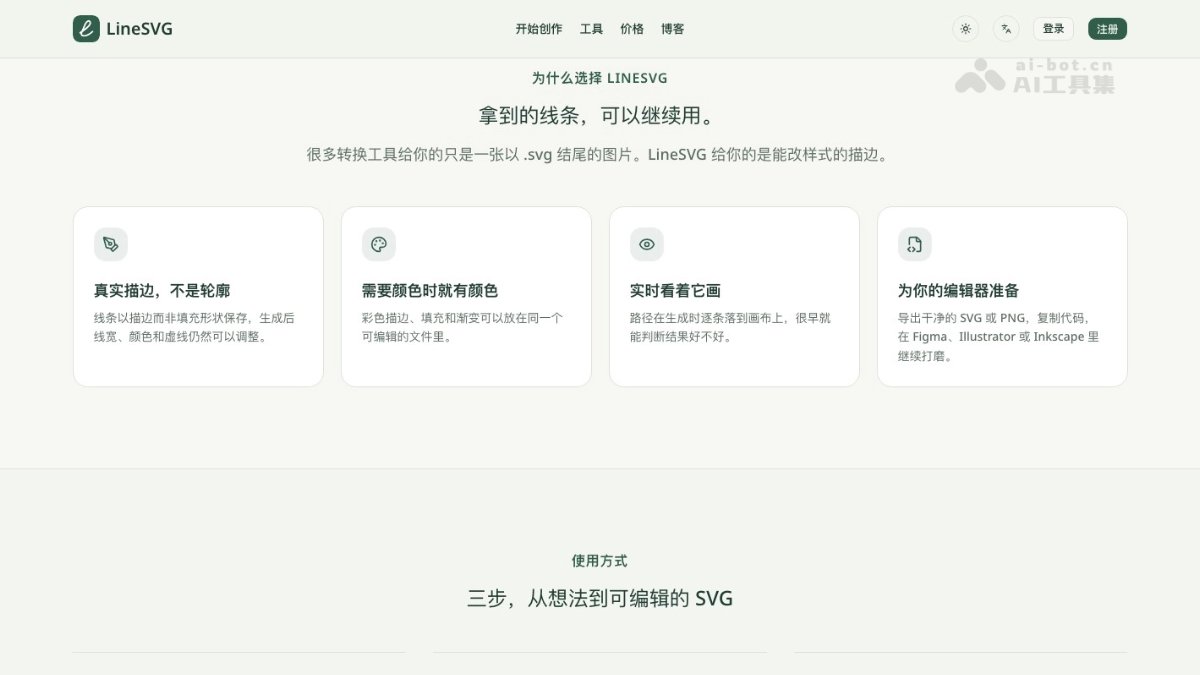
Core Advantages of LineSVG
-
Lines Are Real Lines: Output is saved as stroke paths, so after importing into design software you can adjust line width and endpoints like hand-drawn vectors, not fixed fill outlines.
-
Visible Generation Process: Watch while it draws; if the direction is wrong, restart immediately without waiting for the complete result to discover problems.
-
No Cost to Adjust Styles: Adjustments to line width, color, dashed lines, etc. are completely free; only generation, conversion, AI modification, and animation consume credits, and failed attempts are automatically refunded.
-
One Line Art, Multiple Uses: The same work can be exported as static SVG/PNG, made into a stroke animation video, or switched to cut contours for machine use.
-
Presets by Scenario: All 13 tools have output types, prompts, and aspect ratios ready, so you don't need to figure out the parameters yourself for tattoo designs, coloring pages, or Cricut files.
-
Friendly to domestic users: Simplified Chinese interface, supports Alipay payment.
Comparison of LineSVG with similar competitors
| Comparison item | LineSVG | Traditional image tracing tools | Manual redrawing in Illustrator |
| Output lines | True stroke | Fill outline | True stroke |
| Adjust line width / color after generation | Adjust directly with sliders, free | Basically cannot be adjusted | Possible, but requires manual changes one by one |
| Generate from text | Supported | Not supported | Not supported |
| Generation time | 20–40 seconds | A few seconds | Tens of minutes to several hours |
| Modify existing SVG | One-sentence AI modification | Not supported | Manual editing |
| Stroke animation / video | One-click generation, export MP4 / GIF | Not supported | Requires separate animation software |
LineSVG application scenarios
- Illustrators and designers:Quickly get editable line art drafts, and continue coloring and layout in Figma or Illustrator.
- Craft enthusiasts:Generate single-line or closed outline files for Cricut, cutting machines, and laser cutters.
- Tattoo artists:Generate fine-line tattoo designs and transfer stencils with consistent line width.
- Education and parent-child:Batch-generate printable coloring pages with clean lines.
- Brands and products:Rebuild logo bitmaps as vectors, or generate linear icons with a consistent style.
- New media operations:Turn line art into short stroke-by-stroke drawing videos for social media, courseware, and product demos.
LineSVG FAQ
Q1: What is LineSVG's official website?
A1: The only official website is https://linesvg.ai, and the Chinese entry point is https://linesvg.ai/zh。
Q2: In which software can SVGs generated by LineSVG be edited?
A2: Mainstream vector software such as Figma, Adobe Illustrator, Inkscape, and Affinity Designer can open them directly, and you can also copy the SVG code for use in web pages or programs.
Q3: Why is the converted image not exactly the same as the original?
A3: LineSVG redraws the image as lines rather than tracing pixel by pixel, so there will be a small amount of compromise in details and proportions. Original images with a clean background and clear subject work best.
Q4: Which files are supported for upload?
A4: Image-to-SVG supports PNG, JPG, and WebP, up to 20 MB; the SVG editor supports .svg files, up to 2 MB.
Q5: How is it charged?
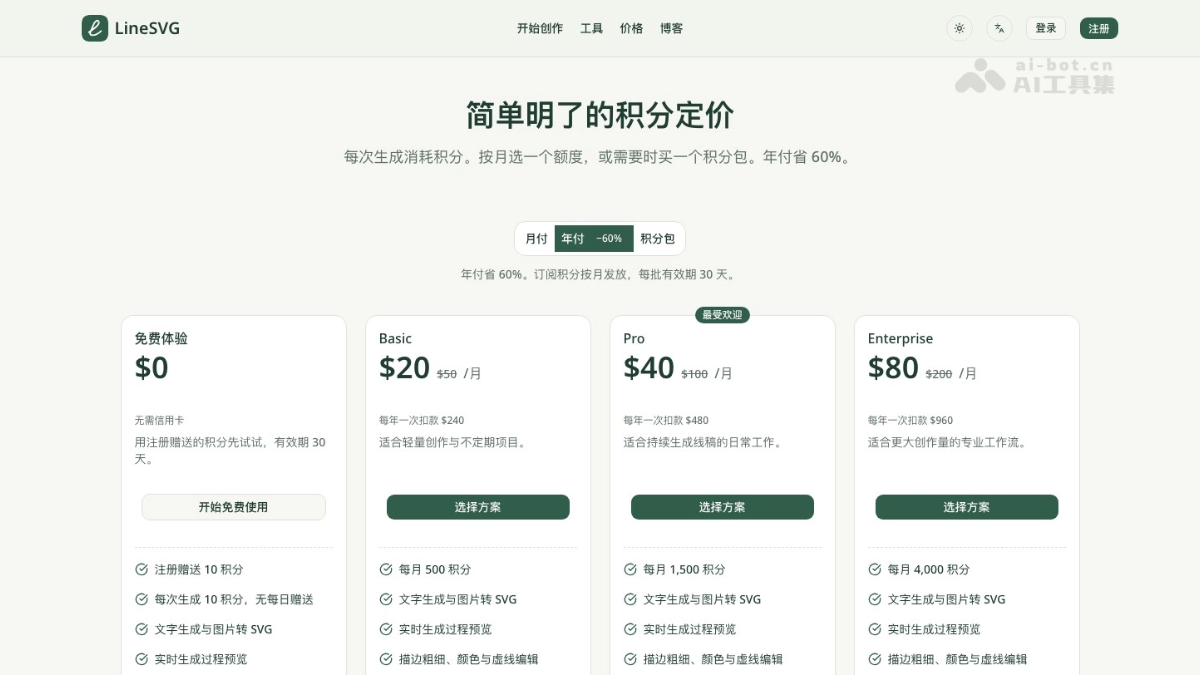
A5: Registration gives 10 credits. Generation, conversion, AI modification, or animation generation costs 10 credits each time. Adjusting line styles is free, and credits are automatically refunded on failure. Paid options include monthly subscription, annual subscription, or purchasing credit packs separately, and Alipay is supported.
Q6: Can it be made into an animation?
A6:Yes. Saved works can generate a stroke-by-stroke drawing animation with one click and export MP4 or GIF in the browser.