
What Is LightPDF
LightPDF is an AI-based online PDF tool that provides comprehensive PDF processing features, including editing, conversion, reading, annotation, signing, OCR recognition, and AI intelligent interaction. It supports converting PDF files to Word, Excel, PPT, and other formats, and can convert other format files to PDF. The AI feature can chat with PDFs, scanned documents, web pages, etc., quickly extract key information to generate summaries, and supports multiple languages. In addition, it offers document scanning, ID photo creation, cloud storage, and multi-person collaboration features.
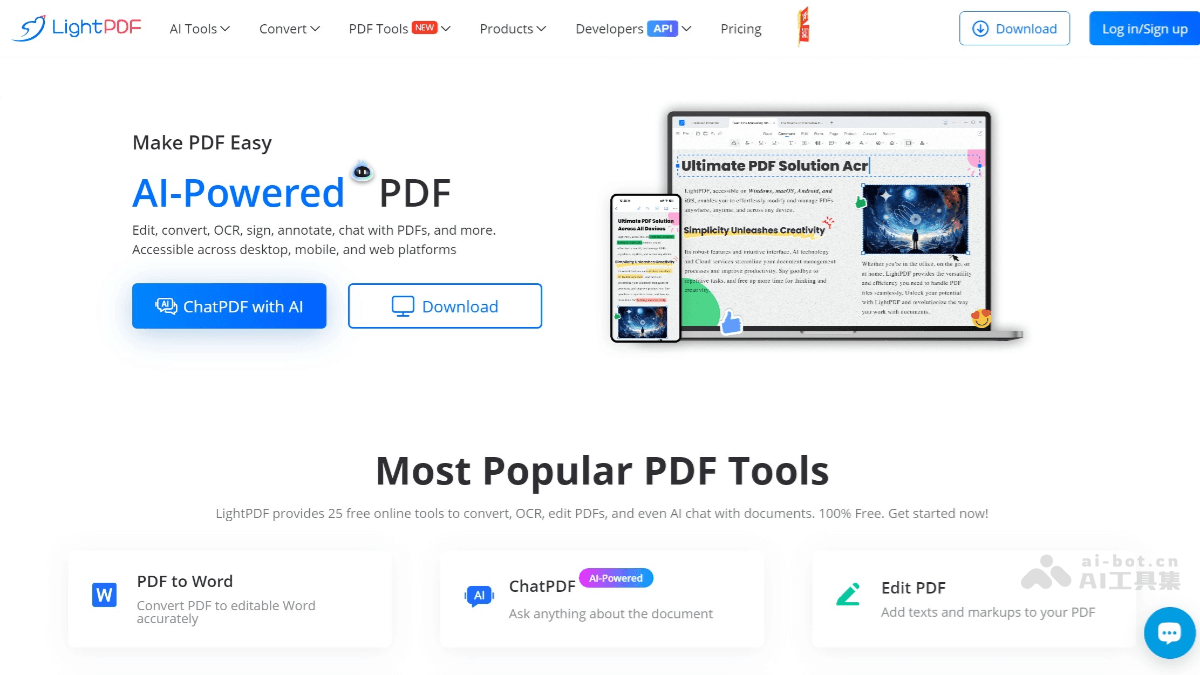
LightPDF's Main Features
- Format Conversion: Supports converting PDF files to common formats such as Word, Excel, PPT, TXT, JPG, PNG, and supports converting these formats to PDF.
- OCR Recognition: Through OCR technology, text in scanned documents or images can be recognized as editable text format, supporting multiple languages.
- Text Editing: Add, modify, and delete text content in PDFs.
- Image Insertion: Insert images into PDFs and adjust the position and size of images.
- Comments and Annotation: Add highlights, comments, annotations, etc., making it convenient to review and modify documents.
- Watermark Addition: Add watermarks to PDF files to protect document copyright.
- Page Operations: Supports cropping, rotating, deleting, and rearranging PDF pages.
- Encryption and Decryption: Set passwords for PDF files to protect the security of file contents.
- Signature Feature: Supports digital signatures to ensure the legality and integrity of files.
- Permission Management: Set permissions for viewing, editing, printing, etc., to restrict others' operations on files.
- Smart Scanning: Scan paper documents, books, etc. into PDF format through a phone or scanner.
- ID Photo Creation: Supports creating ID and passport photos that meet standards, with the ability to change background colors and adjust photo dimensions.
- Chat Feature: Chat with PDF files, scanned documents, web pages, etc., to quickly obtain key information in documents.
- Smart Summary: Extract the core content of documents and generate summaries, supporting multiple output formats such as Markdown and tables.
- Multi-language Support: Supports more than 20 languages, making it convenient for users from different language backgrounds.
LightPDF's Official Website Address
- Official Website Address:lightpdf.com
LightPDF's Application Scenarios
- Literature Management: Academic researchers can use LightPDF's merge, split, and compress features to efficiently manage large numbers of PDF documents.
- Content Creation: Creators can save and share works in PDF format, and use editing features to add watermarks, annotations, etc.
- Mobile Scanning: Use the scanning feature of the mobile app to quickly convert paper documents into PDF format, making it convenient to record and organize anytime and anywhere.
- File Processing: Lawyers and accountants can safely edit, sign, and manage sensitive legal documents and financial reports.