
What is Lepton Search
Lepton Search is a conversational AI search engine open-sourced by the Lepton AI application building platform founded by Jia Yangqing, former Vice President of Technology and AI scientist at Alibaba. The project is based on calling cloud-based artificial intelligence models on the Lepton platform and the Bing search API key, and built a conversational search engine similar toPerplexity AIusing less than 500 lines of Python code.
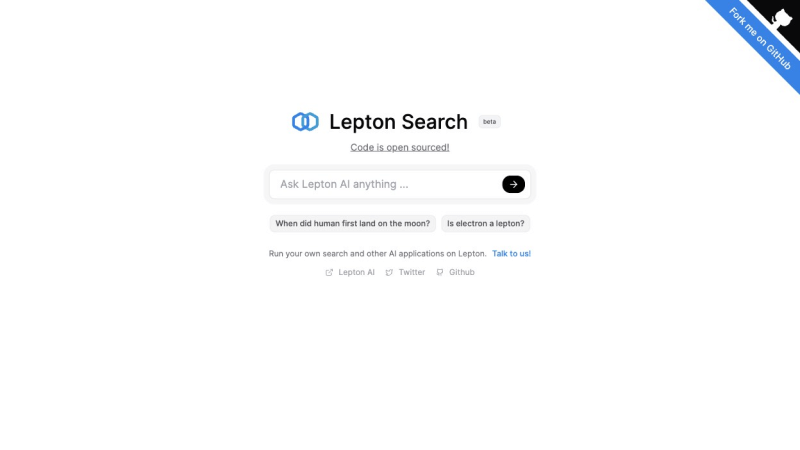
Features of Lepton Search
- Free and Open Source: The code of Lepton Search is open source, which means developers can freely use, modify, and distribute the code, promoting technology sharing and innovation.
- Conversational Search: Lepton Search allows users to interact with the search engine through natural language, providing a more intuitive and friendly search experience.
- Built-in Large Language Model (LLM) Support: Lepton Search integrates a large language model, which enables it to understand and generate natural language, thereby providing more accurate search results.
- Search Engine Integration: Lepton Search has a built-in search engine function, capable of quickly retrieving and providing relevant information, implemented by calling an external search engine API (Bing Search API).
- Customizable UI Interface: Developers can customize the user interface of Lepton Search according to their own needs, to adapt to different application scenarios and user preferences.
- Search Result Sharing and Caching: Lepton Search supports sharing search results and can cache search results, improving user experience and search efficiency.
- Cloud-Native Platform: Lepton Search runs on the Lepton AI cloud platform, with scalability, flexibility, and security, suitable for handling large-scale AI tasks.
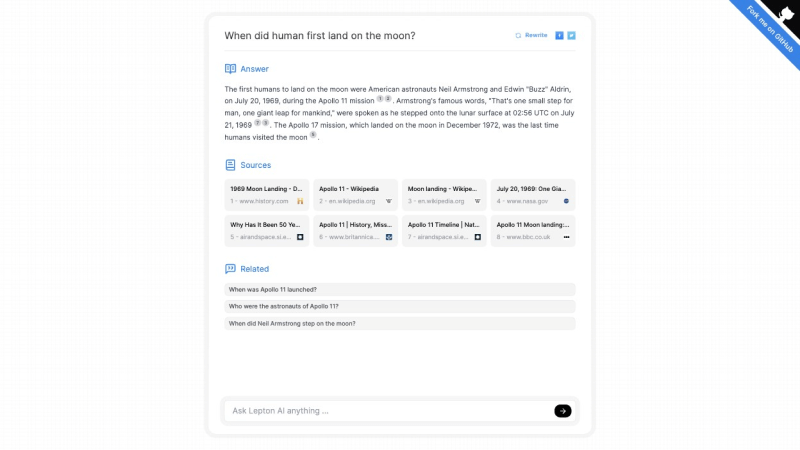
Lepton Search Official Website Entry
- Official Website Address:https://search.lepton.run/
- GitHub Code Repository:https://github.com/leptonai/search_with_lepton
How to Use Lepton Search
Ordinary users can experience it through the Lepton Search online web version, and developers can also deploy it themselves. The specific steps are as follows:
- Clone the Lepton Search project:
git clone https://github.com/leptonai/search_with_lepton.git - Run the
pip install -U leptonai && lep logincommand to automatically set up the LLM and KV functions - Set the Bing key:
export BING_SEARCH_V7_SUBSCRIPTION_KEY=YOUR_BING_SUBSCRIPTION_KEY - Build the frontend network:
cd web && npm install && npm run build - Run the backend server:
BACKEND=BING python search_with_lepton.py