
What is LayerBack
LayerBack is an AI-based diagram image conversion tool. Users only need to upload flowchart screenshots, system architecture diagrams, or whiteboard photos, and LayerBack can "read" the shapes, connectors, and text in the image like a human, reconstructing them into truly editable Visio (VSDX), PowerPoint (PPTX), draw.io, and SVG files, rather than simply embedding the original image into a file shell. It supports in-browser online fine-tuning. It provides a REST API and MCP Server, and can seamlessly integrate into AI Agent workflows such as Claude and Cursor. Register to enjoy 2 free conversions; uploaded files are automatically deleted after 72 hours, balancing efficiency and privacy.
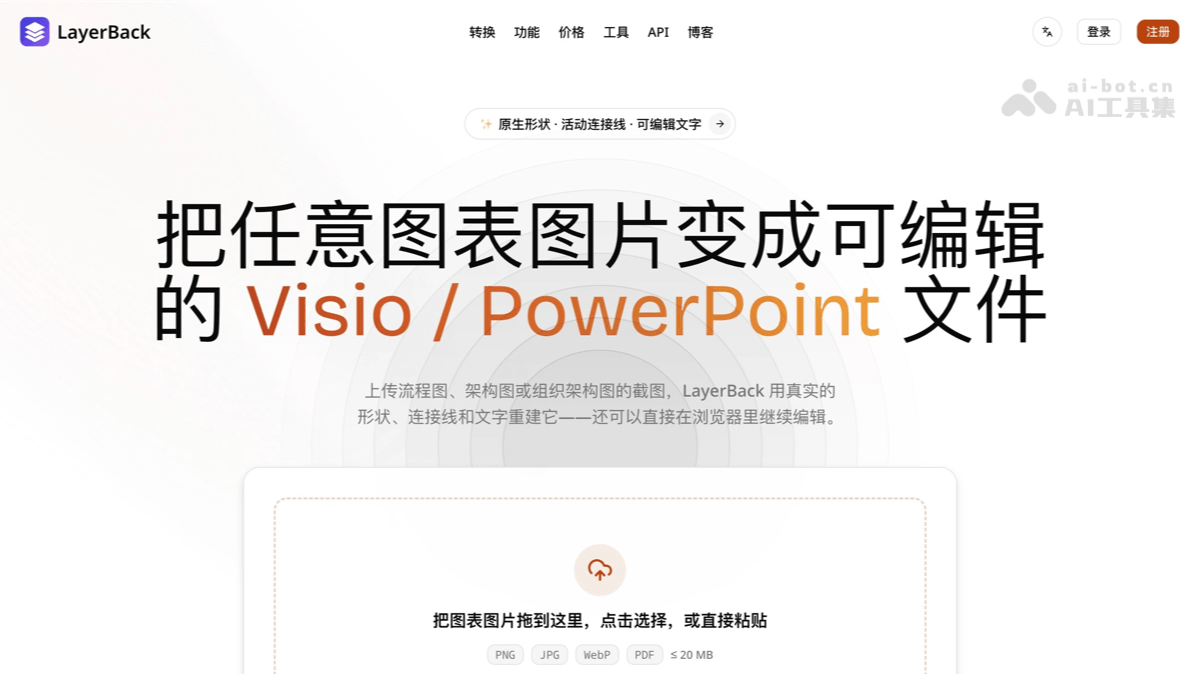
LayerBack's Main Features
-
One-Click Image-to-Editable-Diagram Conversion: Upload PNG, JPEG, WebP, or PDF, and AI automatically recognizes and reconstructs the diagram structure, completely eliminating manual tracing.
-
Truly Editable Native Objects: Every rectangle, diamond, text, and arrow is a real object; when you move a node, the bound connectors follow and adjust synchronously.
-
One Conversion, Four Formats: A single conversion outputs VSDX, PPTX, draw.io, and SVG simultaneously, with no need to repeatedly consume credits by format.
-
Full Coverage of Multiple Diagram Types: Supports common types such as flowcharts, system architecture diagrams, UML, ER diagrams, organizational charts, and network topology diagrams.
-
In-Browser Online Editing: After conversion is complete, you can directly modify text, adjust layout, and change color schemes online, then re-export.
-
Screenshot and Whiteboard Image Restoration: Document screenshots, PDF captures, and clear whiteboard photos can all be processed.
-
API and MCP Integration: REST API + Webhook callbacks support batch automation;
npx -y layerback-mcpenables any MCP client to gain diagram conversion capabilities. -
Free Trial and Privacy Protection: Registration includes 2 free conversions, credits are automatically refunded if conversion fails, and files are automatically deleted after 72 hours.
How to Use LayerBack
-
Register and Log In: Visit Layer Back's official website https://layerback.com/, register an account, and automatically receive 2 free conversion credits, with no credit card required.
-
Upload an Image: Drag and drop, click to select, or directly paste a diagram image from the clipboard (PNG/JPG/WebP/PDF, ≤20MB).
-
Wait for AI Reconstruction: About 30 seconds; AI completes shape recognition and structure reconstruction.
-
Online Fine-Tuning: Correct text, adjust layout and color schemes in the browser editor.
-
Export and Use: Download VSDX, PPTX, draw.io, or SVG as needed, and open them natively in Visio / PowerPoint to continue editing.
LayerBack's Core Advantages
-
Reconstruction, Not Packaging: Most converters on the market just wrap images into file containers, but what LayerBack restores is the diagram itself; every element can be moved, restyled, and rewritten.
-
Intelligent Preservation of Connection Relationships: Arrows always stay connected to the correct shapes, so you won't have the awkward experience of "the line is lost" during editing.
-
30-Second Conversion Speed: About 30 seconds from pixels to an editable file, far less than the hours required for manual redrawing.
-
Developer- and AI Agent-Friendly: OpenAPI specification, Webhook polling-free, and MCP Server in one, naturally suited to 2026's Agent workflows.
-
Zero cost on failure: Credits are automatically refunded if the conversion fails, reducing hesitation about trial and error.
LayerBack's comparison with similar competitors
| Comparison dimension | LayerBack | EdrawMax | Lucidchart |
|---|---|---|---|
| Core positioning | Image to editable diagram | Comprehensive drawing + AI generation | Online collaborative drawing |
| Image restoration capability | AI reconstructs native objects | No such capability | No such capability |
| AI method | Image recognition → structural reconstruction | Generate diagrams from text descriptions | AI-assisted generation |
| Output format | VSDX / PPTX / draw.io / SVG | Proprietary format + multiple exports | Proprietary format + limited exports |
| Online editing | Supported | Supported | Supported (strong collaboration) |
| API / MCP | Both provide | No MCP | No MCP |
Who LayerBack is for
-
Workplace office workers: Consultants, project managers, and product managers who need to restore chart screenshots from PPTs and PDFs into editable assets.
-
Technical teams: Engineers and architects who need to migrate legacy system architecture diagrams and network topology diagrams to Visio or draw.io.
-
Educators and researchers: Teachers and students who want to reuse charts and diagrams from papers and textbooks.
-
Developers and automation teams: Use the REST API for batch diagram migration and document automation pipelines.
-
AI Agent users: Advanced users who let Agents such as Claude and Cursor add the "image to editable diagram" capability.
LayerBack's frequently asked questions
A: Yes. The exported VSDX is the native Visio format, and PPTX can also be opened and edited directly in PowerPoint. All shapes, text, and connectors are real objects.
A: The paid plan is 3,000 credits per month (about 300 conversions). A single conversion costs 10 credits and includes all four output formats, with automatic credit refunds on failure.
A: Clear whiteboard photos can be processed, but recognition quality depends on image clarity. Photos with even lighting and no obstructions are recommended.
A: No. Uploaded files and conversion results are automatically deleted after 72 hours, and the platform does not retain user content long term.