
What Is Kuxuan AI
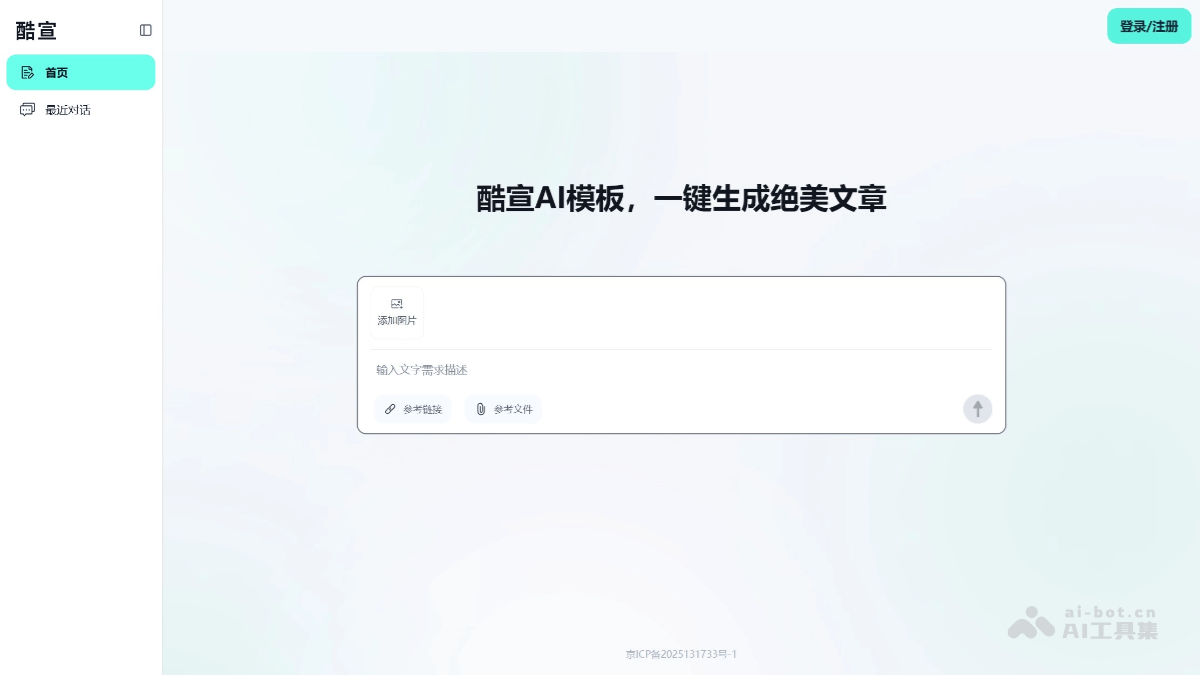
Kuxuan AIis an AI article generation tool that helps users quickly generate high-aesthetic articles with templates. Its core features include AI template article generation: users only need to enter a topic or requirements to generate a beautifully designed article with a template, or they can directly enter existing text for layout. Kuxuan AI is very friendly to multi-image scenarios. After users upload images, AI intelligently plans image positions, completes text-image integration, and generates high-definition articles with neat layout. Kuxuan AI supports one-click synchronization to multiple platforms, such as WeChat Official Accounts, and can export to PDF and other file formats, making it convenient for local retention and cross-device sharing.
Main Features of Kuxuan AI
-
AI Template Article Generation: Users enter a topic or requirements, and a beautifully designed article with a template is automatically generated. Existing text can also be directly entered for layout. The article has an independent link, making it convenient to share to WeChat and Moments, saving the trouble of creating an Official Account.
-
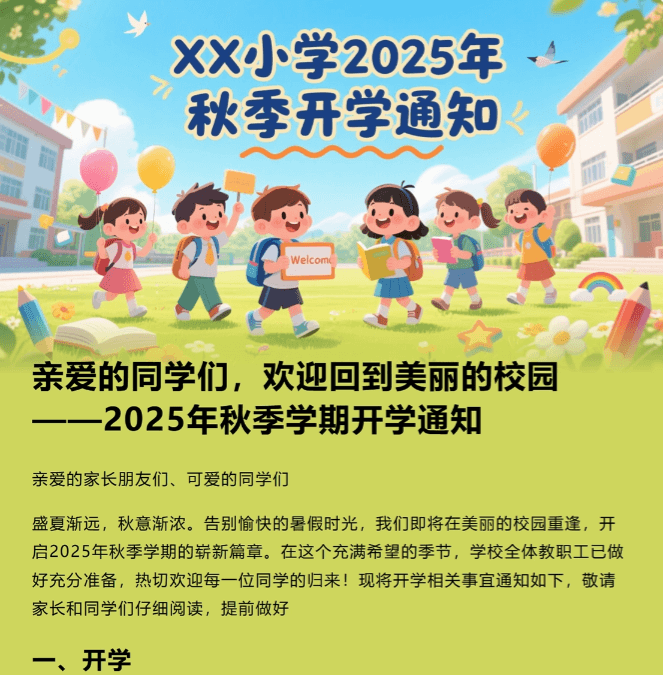
Multi-Image Scenario Adaptation: After images are uploaded, AI intelligently plans image positions, completes text-image integration, and generates high-definition articles with neat layout, with no need to manually adjust image positions. It is suitable for various scenarios such as children's activity photos, work illustrations, and more.
-
One-Click Sharing and Export: Users can scan a QR code to share to WeChat Moments with one click, copy the link to share to various platforms, and use the PDF export function for convenient local retention and archiving. There is also a one-click copy to Official Account function, which copies the article exactly as it is into the WeChat editor with the format fully preserved.
How to Use Kuxuan AI
- Visit the Platform: Visit the Kuxuan AI official website https://kuxuanai.com/, and register or log in.
-
Enter a Topic or Requirements: Users enter the article topic or specific requirements on the platform, and Kuxuan AI generates a beautifully designed article with a template based on the input content.
-
Upload Images: Users can upload relevant images, and Kuxuan AI intelligently generates an illustrated article template based on the image content and article topic.
-
One-Click Article Generation: Click the generate button, and Kuxuan AI quickly generates the article and provides an independent link, making it convenient for users to view and share.
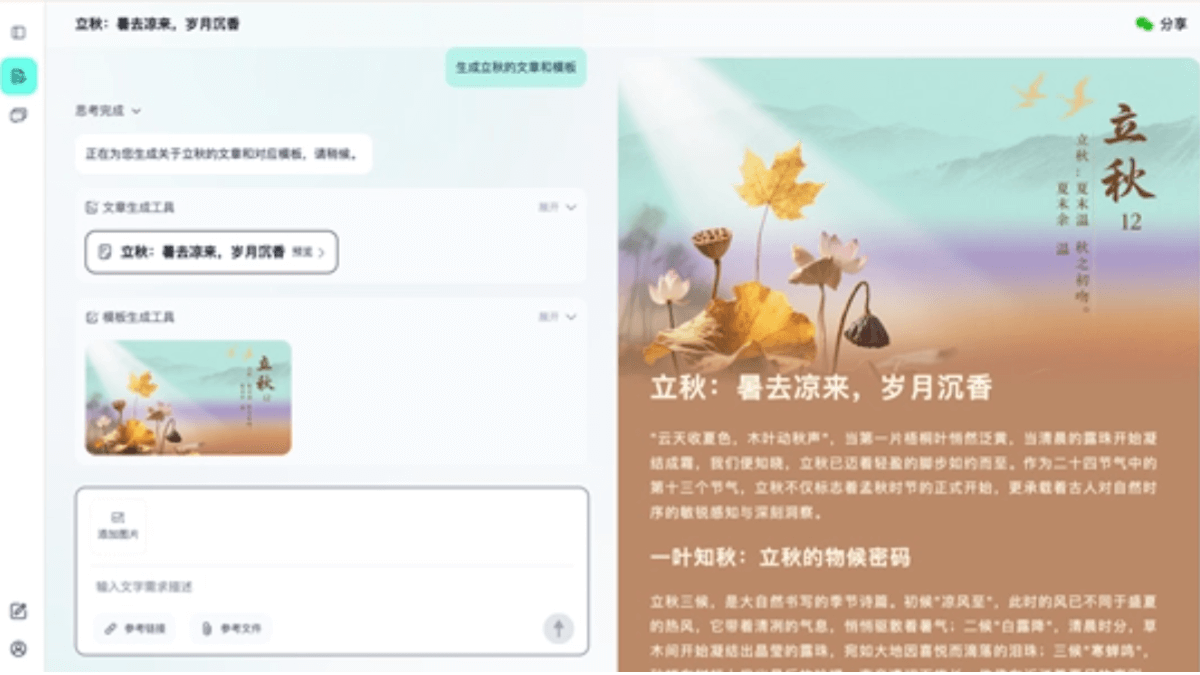
- Share, Synchronize, and Export: Users can scan a QR code to share the article's WeChat card to WeChat friends and Moments, or copy the link to share to any usage example: click the "Smart to Official Account" button to one-click copy all article formats to the WeChat editor with the format perfectly preserved. The article can also be exported to PDF and other file formats, making it convenient for local saving or cross-device sharing.
Usage Example: "Generate an article and template for the Start of Autumn"
Application Scenarios of Kuxuan AI
-
Records: Quickly generate record-based articles, such as work logs and activity records, for convenient organization and archiving.
-
Promotion: Create promotional copy, such as product promotion and brand promotion, to enhance the appeal and reach of the content.
-
Reporting: Create reporting materials, such as work reports and project progress reports, to clearly display work results.
-
Summary: Write summary articles, such as annual summaries and project summaries, to help sort out and review the key points of work or activities.