
What is KindlePPT
KindlePPT is anAI PPT creation tool, capable of quickly generating professional PPTs, video scripts, quizzes, and papers. Users only need to input relevant information, and KindlePPT can automatically create content within 60 seconds, supports multiple template choices, and allows users to make personalized edits. It simplifies the content creation process and improves efficiency, making it suitable for educators, business professionals, and content creators.
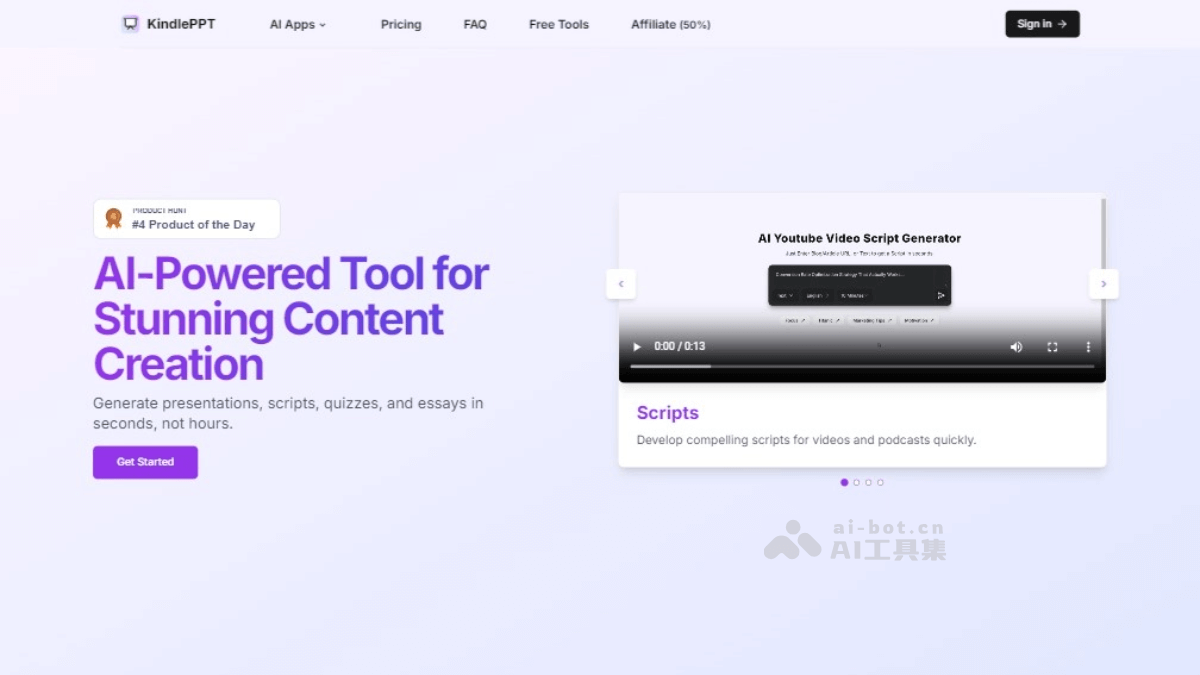
KindlePPT's main features
- Intelligent presentation generation: Quickly creates presentations based on AI technology, providing multiple templates and customization options.
- Video script creation: Generates optimized video scripts suitable for platforms such as YouTube.
- Paper writing assistance: Helps users quickly generate structured and original papers.
- Quiz and exam generation: Creates educational quizzes, supports custom formats and AI-generated questions.
- Content editing and customization: Users can edit and adjust AI-generated content to meet specific needs.
- Multi-format export: Supports exporting generated content in multiple formats, such as PDF, PPT, etc., for easy sharing and use.
KindlePPT's product official website
- Product official website:kindleppt.com
How to use KindlePPT
- Visit the website: Visit the KindlePPT official website.
- Register or log in: New users register an account; existing users log in directly.
- Choose a feature: After logging in, you will see the different feature options provided by KindlePPT, such as creating PPTs, video scripts, papers, etc.
- Input content:
- For presentations, you can choose to upload a document or enter a URL, and KindlePPT will automatically generate slides based on the content.
- For video scripts, you may need to provide the video's topic or outline.
- For papers, you need to provide the research topic or related materials.
- For quizzes, you need to provide questions and answers, or let the AI generate questions based on the provided materials.
- Customize and edit: After AI generates content, you can use the tools provided by KindlePPT to edit and customize it, such as changing the layout, colors, fonts, etc.
- Preview and adjust: During the editing process, you can preview the generated content and make adjustments as needed.
- Export and share: Once you are satisfied with the generated content, you can export it in the desired format, such as PDF or PPT, and share it with others.
KindlePPT's product pricing
- Subscription options: There are two subscription options, namely monthly payment and annual payment, $10 per month; $80 per year.
- Benefits included:
- Provides an unlimited number of presentations, scripts, quizzes, and papers.
- Supports converting blogs or text into presentations, scripts, quizzes, and papers.
- Supports more than 100 languages. Provides customization features. Provides priority support. Includes future updates.
KindlePPT's application scenarios
- Education field:
- Teachers can use KindlePPT to quickly generate teaching presentations and improve lesson preparation efficiency.
- Students can use it to create research reports, papers, and quizzes, assisting with learning and exam review.
- Corporate Training:
- Corporate trainers can use KindlePPT to create training materials and course content, improving training efficiency.
- Enterprises can use it to generate presentations for internal sharing sessions or team-building activities.
- Marketing:
- Marketers can use KindlePPT to quickly create presentations for product introductions, market analysis, and advertising.
- Marketing teams can use it to generate video scripts for content creation on social media and video platforms.
- Content Creators:
- Bloggers and self-media creators can use KindlePPT to convert text content into presentations, increasing content diversity.
- Video creators can use it to generate video scripts, improving video production efficiency.