
What is KeyVox
KeyVox is an AI voice assistant built on top of the PC operating system, supporting Mac and Windows. The tool replaces the keyboard and mouse as the entry point for computer operations with voice: say an app or website name to open it directly, or select text or a file and state your need to execute it: compress images, trim videos, convert formats, rewrite text, and more. KeyVox features a built-in skill library with dynamic invocation, supports remote control of the computer via WeChat on mobile, and sends the results back to the phone after the task is completed. The tool supports local execution to protect privacy, with millisecond-level response, letting AI seamlessly integrate into daily office work.
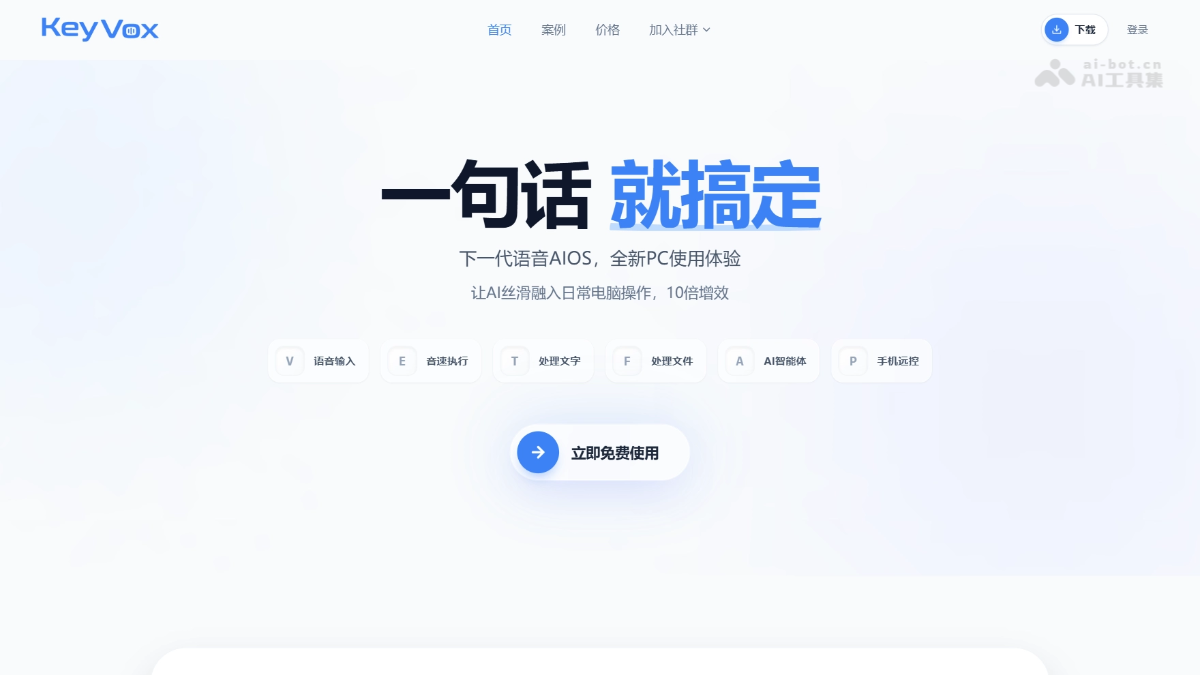
KeyVox's main features
- Voice input: Supports intelligent voice recognition, automatic error correction, and filtering of filler words, and can switch tone style or customize roles according to application scenarios.
- Sound-speed execution: Say a website or application name to open it instantly, trigger searches by voice, quickly input complex text, or directly execute shortcut key commands.
- Process text: Supports instant translation, explaining terminology and slang, summarizing long texts; select any text and state your need to get the result.
- Process files: Use voice commands to process images, audio and video, PDFs, and Office documents, including dozens of operations such as cutout, compression, format conversion, splitting and merging, and more.
- AI agent: Complete various complex tasks such as file organization, document writing, life queries, AI-generated creation, and system management in one sentence.
- Mobile remote control: Remotely control the computer via WeChat to perform operations such as locking the screen, searching for files, and editing documents, and automatically send the results back to the phone after the task is completed.
How to use KeyVox
- Download and install: Visit the KeyVox official website https://keyvox.ai/ to download the corresponding Mac or Windows version and complete installation.
- Register and log in: Open the software, register an account and complete login to obtain free usage rights.
- Voice wake-up: Click the interface or press the set shortcut key to activate voice input mode and wait to listen for commands.
- State your need: Use natural language to say the operation you want to perform, such as "Open Bilibili" or "Compress this image".
- Automatic execution: After recognizing the intent, KeyVox automatically invokes the corresponding skill to complete processing locally or in the cloud.
- Get results: After processing is complete, view the results directly on the computer, or receive remote task feedback via the bound WeChat.
KeyVox application scenarios
- Efficient office work: Supports opening applications, searching for information, inputting complex addresses, or triggering shortcut keys by voice while keeping both hands on the keyboard, greatly improving operational efficiency.
- Content creation: Quickly complete multimedia processing work such as image cutout, video compression and editing, format conversion, and AI-generated PPTs through voice commands.
- Document processing: Split and merge PDFs, edit Office documents, and summarize and translate long texts in one sentence, without the need to manually find function entry points.
- Remote collaboration: When out, remotely lock the screen, search for files, and create documents via WeChat, and automatically receive the results on your phone after the task is completed.
- Intelligent queries: Use voice to query life information such as weather, stocks, express delivery, and flight tickets, or invoke creative tools such as AI drawing, voiceover, and music composition.