
What is JoyCast
JoyCast is AI audio enhancement software designed specifically for MacBook users. It can upgrade the built-in MacBook microphone to a professional studio-quality microphone, providing clear voice and powerful background noise reduction. The software runs entirely on-device, requires no internet connection, protects user privacy, and has no latency, no cloud services, and no tracking. After installation, simply select "JoyCast Mic" as the input source, and it can be used on mainstream conferencing platforms such as Zoom, Google Meet, and Teams. JoyCast uses AI technology to remove up to 97% of background noise, add subtle professional studio-grade enhancement effects, and support native 48 kHz audio. It is optimized for Apple Silicon, with latency of only about 20 milliseconds and memory usage of only 75MB.
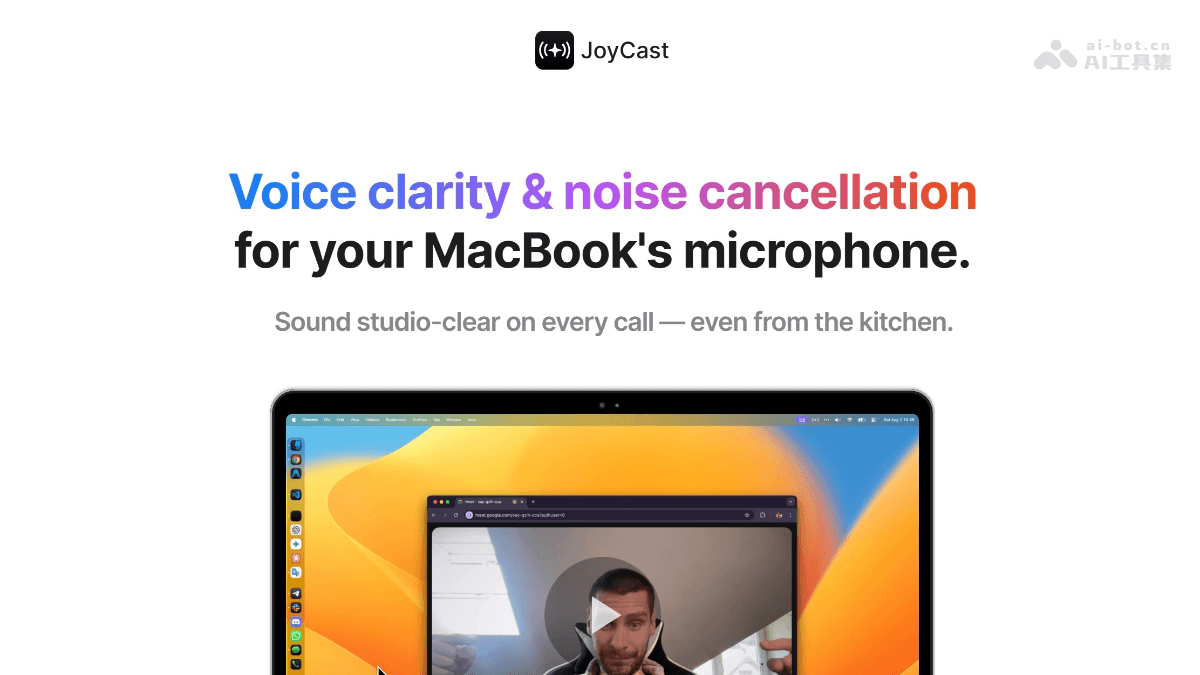
JoyCast's Main Features
-
Audio Enhancement: Upgrades the built-in MacBook microphone to a professional studio-quality microphone, providing clear voice and powerful background noise reduction, removing up to 97% of background noise, adding subtle professional studio-grade enhancement effects, and supporting native 48 kHz audio.
-
Support for Mainstream Conferencing Platforms: Suitable for Zoom, Google Meet, Teams, Slack, and any other platform that requires voice communication, ensuring high-quality audio in various meetings and calls.
-
Fully Local Operation: The software runs entirely on-device, requires no internet connection, has no latency, no cloud services, and no tracking, protects user privacy, and uses only 75MB of memory.
-
Simple and Easy to Use: After installation, simply select "JoyCast Mic" as the input source, with no complex setup required, suitable for all users, regardless of whether they understand audio technical details.
-
Sound Reactions: Provides fun sound emojis, making meetings no longer boring and adding interactivity and fun.
-
Camera Check: One-click camera check to ensure your appearance in video calls, making it convenient for users to confirm their video status at any time.
JoyCast's Official Website Address
- Official Website Address:https://joycast.ai/
JoyCast's Application Scenarios
-
Remote Meetings: Use on platforms such as Zoom, Google Meet, and Teams to provide clear voice and powerful background noise reduction, ensuring the quality of voice communication in meetings, so that others can hear you clearly even in noisy environments.
-
Content Creation: Suitable for recording podcasts, video introductions, screen recordings, etc., allowing you to obtain high-quality audio without professional recording equipment and enhance the professionalism of your content.
-
Online Teaching: Helps teachers and instructors provide clear voice in remote teaching, reducing the number of "Could you repeat that?" situations and making teaching smoother.
-
Game Streaming: Use in streaming software such as OBS and Streamlabs to provide perfect audio effects for game streaming and streamers, improving the viewing experience of the stream.
-
Everyday Calls: Use in instant messaging tools such as Slack to improve the clarity of voice calls and make everyday communication smoother.