
What is the JoyAgent Agent Platform
The JoyAgent Agent Platform is an enterprise-grade one-stop AI agent building and publishing platform launched by JD Cloud. The platform aggregates capabilities such as large models, knowledge bases, plugins, and workflows, and supports low-code development, allowing users to quickly build AI agents based on large language models (LLMs) using natural language without complex programming. The platform provides a rich set of preset templates and tools, and supports one-click publishing to mainstream IM and collaborative office channels such as WeChat and WeCom. Typical application scenarios include intelligent customer service, OA automation, and trending marketing, helping enterprises improve business efficiency and customer experience.
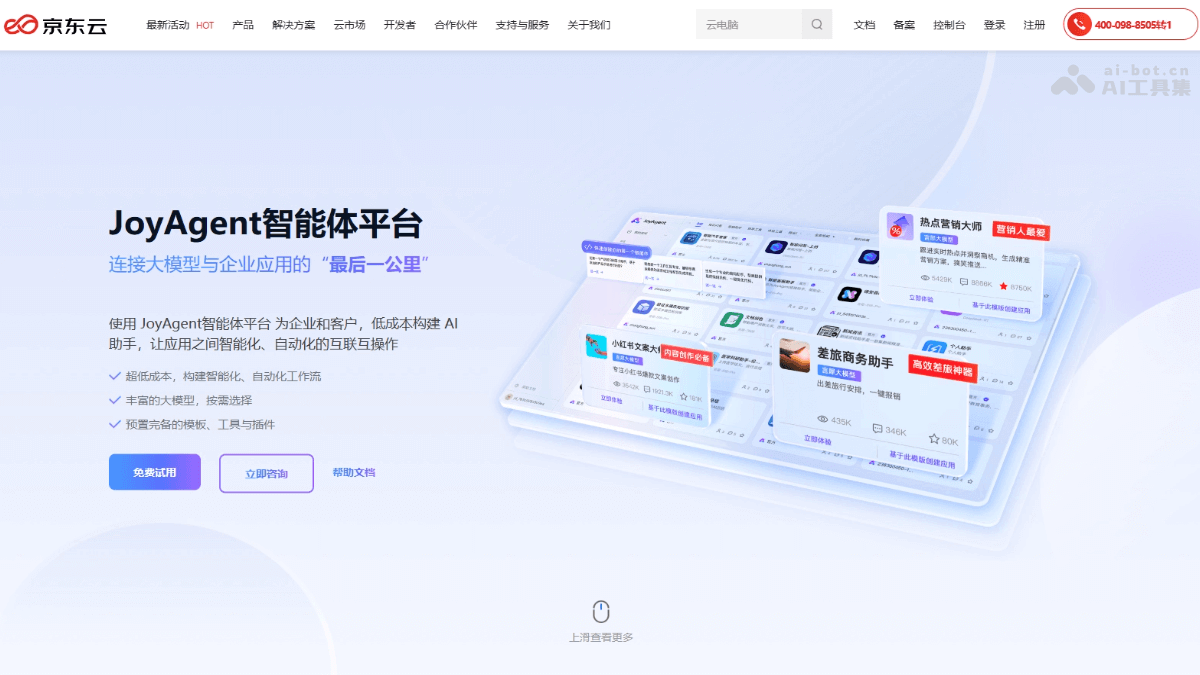
Main features of the JoyAgent Agent Platform
- Proactive analysis and intelligent decision-making: Proactively focuses on problems, performs precise computation and in-depth analysis. Based on the analysis results, it makes intelligent decisions and executes them precisely.
- Multimodal interaction and tool integration: Supports multiple input and output methods such as text, images, and video. Integrates tools such as search, data analysis, and code development to provide comprehensive support.
- Multi-agent collaboration: Multiple agents collaborate efficiently and make rapid decisions based on consensus algorithms. A dialogue planning committee discusses or votes to select the best solution for execution.
- Low-code building and extension: Provides template-based building to quickly set up intelligent workflows. Supports AI-native operation, with a rich selection of large models as needed. Preset plugin tools support flexible custom extension.
- One-click publishing and multi-channel integration: One-click publishing to mainstream channels such as WeCom and WeChat Official Accounts. Seamlessly integrates with existing office and communication environments to improve convenience.
How to use the JoyAgent Agent Platform
- Register and log in: Visit the JoyAgent Agent Platformofficial website, and complete registration and login as prompted.
- Create an agent:
- Select a template: The platform provides a variety of preset templates, such as intelligent customer service and OA automation. Select an appropriate template according to your needs.
- Customize an agent: Create a brand-new agent and configure it from scratch.
- Configure the agent:
- Basic information: Set basic information such as the agent's name, description, and persona.
- Dialogue logic: Configure the agent's dialogue style, reply logic, and so on to ensure it meets business needs.
- Knowledge base: Upload local documents or import online data to train the agent's knowledge base.
- Plugins: Select or develop plugins to enhance the agent's capabilities. For example, add plugins such as web search and weather query.
- Workflow: Based on workflow orchestration, combine capabilities such as large models, knowledge bases, and plugins to enhance the agent's understanding and execution of complex tasks.
- Preview and debug:
- Preview: In preview mode, converse with the agent to test whether the responses meet expectations.
- Debug: In the debugging interface, view the agent's execution process and optimize the configuration.
- Publish the agent:
- Select a publishing channel: Publish agents with one click to mainstream instant messaging and collaborative office platforms such as WeChat, WeCom, official accounts, and websites.
- Configure access: Perform the necessary configuration according to the requirements of the publishing channel to ensure the agent runs properly.
Application scenarios of the JoyAgent agent platform
- Intelligent customer service: Automatically answer questions and improve customer satisfaction.
- OA automation: Handle office tasks such as travel applications and improve efficiency.
- Trend marketing: Analyze trends to generate marketing strategies and keep up with market dynamics.
- Knowledge management: Build a knowledge base to help employees quickly obtain information.
- Collaborative office: Integrate mainstream platforms to support team collaboration.