
What is Jiazuo
Jiazuo is an AI design tool launched by Taobao, mainly for merchants in the home decoration and home furnishing e-commerce industry. Merchants upload product images, and AI technology generates scene images in multiple styles with one click, choose models for display and customize image generation, with effects comparable to professional studio photography. Jiazuo can reduce shooting and design costs, increase product click-through and conversion rates, provide merchants with efficient, low-cost design solutions, and help them better display products and enhance competitiveness on e-commerce platforms.
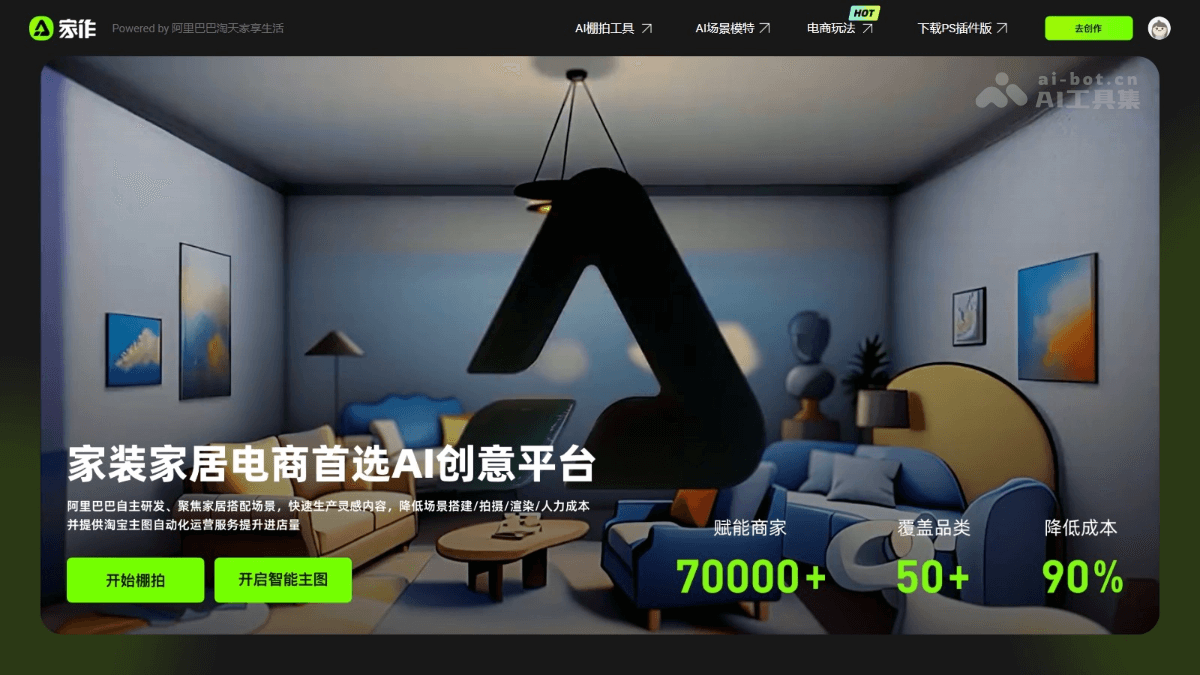
Main features of Jiazuo
- AI studio photography tool: Merchants upload product images, and AI automatically generates scene images in multiple styles for product display.
- AI scene model: AI automatically generates model display effects based on the product, supporting adjustment of poses, expressions, etc.
- Taobao smart main image: AI generates optimized main images based on product images to increase click-through rate.
- Taobao Fangwojia: Supports merchants uploading product materials, making it convenient for consumers to preview products in a virtual environment.
- 3D showroom: Merchants create virtual 3D showrooms to display products and conduct virtual livestreams.
How to use Jiazuo
- Registration and login: VisitJiazuo official website, and log in to the platform with a Taobao account.
- Select a feature module: Select the corresponding feature module according to your needs.
- AI studio photography tool:
- Upload images: Upload images, with support for smart cutout.
- Select a style: Choose a display style suitable for the product from the multiple styles provided by the platform.
- Parameter settings: Choose a suitable composition method and aspect ratio.
- Bind a product: Bind a store product under a Taobao account, and select or directly enter the product ID
- Generate images: Click the generate button, and AI automatically generates scene images in multiple styles.
- Download or use: Download the generated images directly, or use them for product detail pages, main images, etc.
- AI scene model:
- Upload product images: Upload product images.
- Adjust the model: Select elements such as the model's pose, expression, and clothing, and adjust them to the best display effect.
- Generate images: Click the generate button, and AI generates product display images with a model.
- Apply to the store: Use the generated images in the store's main images or detail pages to improve product display effects.
- Taobao smart main image:
- Host products: Host the products that need optimization with the platform.
- Select a mode: Choose "Hosted optimization mode" to let AI optimize automatically, or "Manual comparison mode" to select the best main image yourself.
- View data: Use the platform's data statistics feature to view data such as click-through rate and transaction rate after optimization.
- Create a 3D showroom:
- Upload models: Upload 3D models of products.
- Design the showroom: Choose a showroom template, adjust layout, lighting, and other elements to create a virtual showroom.
- Preview and Share: Preview the showroom effect, share it with customers, or use it in virtual livestreaming.
- Put in My Home:
- Upload Product Assets: Upload 3D models or other assets of products.
- Preview Effect: Consumers preview the effect of placing products in their homes in a virtual environment.
- Boost Conversion: Help consumers make better decisions and increase the store's conversion rate.
Application Scenarios of Jiazuo
- Store and Detail Page Optimization: Create a virtual showroom for product display and virtual livestreaming to enhance the user experience.
- Enrich Detail Pages: Use AI-generated images on detail pages to help consumers better understand products.
- Consumer Experience: Consumers preview the effect of placing products in their homes, reducing uncertainty in purchase decisions.
- Marketing Promotion: Use AI-generated images in marketing channels to increase click-through and conversion rates.
- Design Creativity: Quickly generate multiple design solutions to improve design efficiency.