

What is J1 Assistant
J1 Assistant is an aggregator-type app launched by Luo Yonghao's AI startup project Jarvis AI smart assistant. J1 Assistant currently only offers an Android version, and the official website has blocked domestic IPs. The biggest feature of J1 Assistant is the voice input button. Users can input voice through this button, and can convert the voice into text messages to send, send to the Google search engine, send to its own AI model for inquiries, send to ChatGPT AI for inquiries, or use as a new memo.
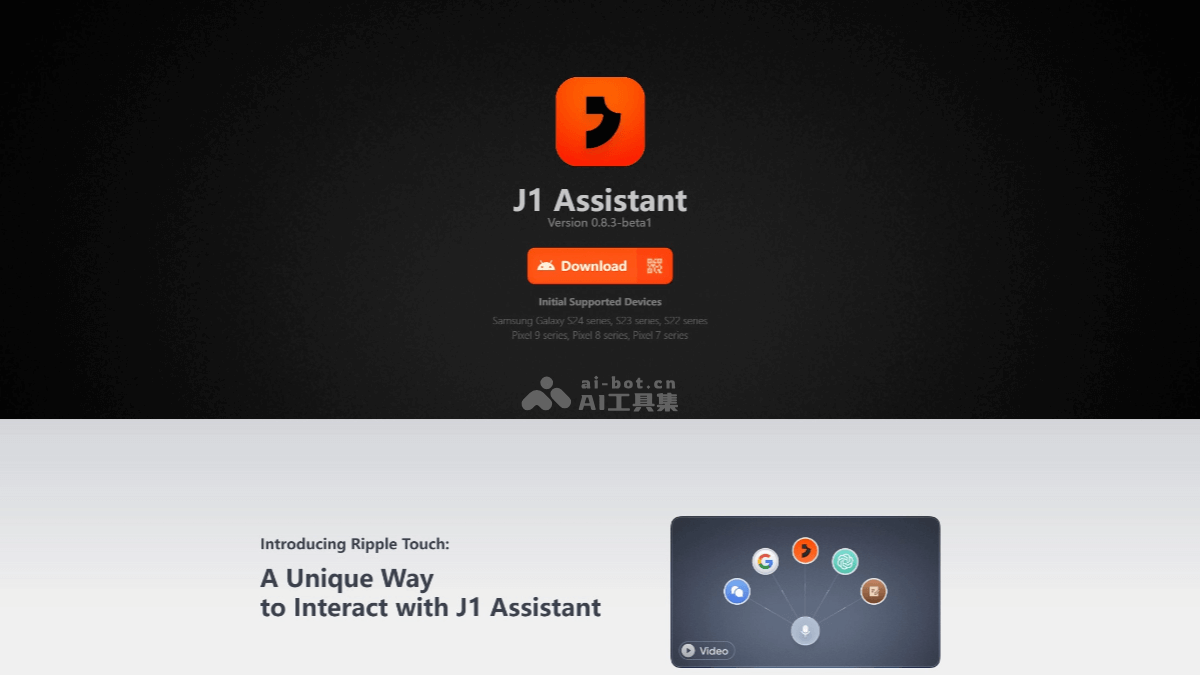
Main features of J1 Assistant
- Voice input and processing: Users can input voice through the voice input button, and J1 Assistant supports converting voice into text.
- Message sending: The converted text can be sent as a message.
- Search engine integration: Users can send voice content to the Google search engine for queries.
- AI model interaction: J1 Assistant supports sending users' questions to its own AI model or the ChatGPT AI model for inquiries.
- Memo creation: Users can use voice content as a new memo.
How to use J1 Assistant
- Download and installation
- Visit the J1 Assistant official website:matter.ai , download the Android version installation package.
- Transfer the downloaded installation package to a supported Android device, such as the Samsung Galaxy S24 series, Galaxy S23 series, Galaxy S22 series, Google Pixel 9 series, Google Pixel 8 series, and Google Pixel 7 series.
- Registration and login: Register and log in to an account, which requires verification using an overseas phone number.
- Use voice features
- After logging in, enter the J1 Assistant main interface, and you will see a microphone icon.
- Long-press the microphone icon to start inputting voice commands, and the voice content will automatically be converted into text.
- After releasing the microphone button, the converted text will be displayed on the screen. At this point, you can choose to send the voice content to different platforms:
- Send to Google Search: Click the search button, and J1 Assistant will use the voice content as the search keyword and call the Google search engine for a query.
- Send to ChatGPT: Click the GPT button, and J1 Assistant will send the voice content to the ChatGPT AI model to obtain its generated answer.
- Send to J1 Assistant's own AI model: Click the J1 button, and J1 Assistant will use its own AI model to understand the voice content and give the corresponding answer.
- Create a memo: Click the notepad button, and J1 Assistant will use the voice content as the content of a new memo.
- Task management and memos
- When creating a memo through voice input, you can describe the memo content in detail, such as to-do items, meeting minutes, etc.
- J1 Assistant supports creating reminder lists. Users can specify a reminder time in the voice command, such as "remind me at 9 p.m. to prepare for the exam," and J1 Assistant will set the reminder according to the command.
- Users can view and manage created memos and reminder lists at any time, and modify, delete, and perform other operations on their contents.
- Multitasking and intelligent conversation
- J1 Assistant has multitasking capabilities. Users can send continuous and complex instructions to the assistant, such as "Schedule a meeting at 10 AM tomorrow and notify Zhang San and Li Si to attend the meeting." J1 Assistant will break down the task into small steps such as scheduling the meeting and sending notifications, and then complete them one by one.
- When engaging in intelligent conversation with J1 Assistant, it can understand complex semantic content and provide accurate and personalized answers based on the user's voice commands, such as answering questions about weather, news, stocks, and more.
J1 Assistant Supported Devices and Availability
- Supported Devices: J1 Assistant currently supports the Samsung Galaxy S24 series, Galaxy S23 series, Galaxy S22 series, Google Pixel 9 series, Google Pixel 8 series, and Google Pixel 7 series.
- Version: J1 Assistant is currently in Beta version, in the testing phase.
- Availability: It has been launched overseas, and access from mainland China IPs has been blocked.
J1 Assistant Application Scenarios
- Personal Assistant: Helps users manage daily tasks and reminders, such as scheduling and memos.
- Information Query: Users can quickly query information through voice input, such as weather, news, stocks, and more.
- Learning and Research: Assists users in learning and research, providing rapid information retrieval and material organization.
- Life Assistant: In daily life, users can obtain various life services through voice commands, such as navigation and shopping lists.
- Cross-Language Communication: For users learning languages or needing to communicate with people from different language backgrounds, J1 Assistant AI can provide language translation services.