
What is Ito
Ito is an open-source intelligent voice dictation tool that uses its unique "VibeTyping" technology to convert users' spoken intent into polished text. It supports use in various applications such as email clients, documents, chat platforms, browsers, and code editors, providing customizable global keyboard shortcuts and instant text insertion. Ito can automatically apply intelligent punctuation and formatting based on context, supports multilingual transcription, and offers custom vocabulary and adaptation capabilities, learning from usage patterns to improve accuracy. Ito prioritizes user privacy, supports local processing options, and its code is fully open source.
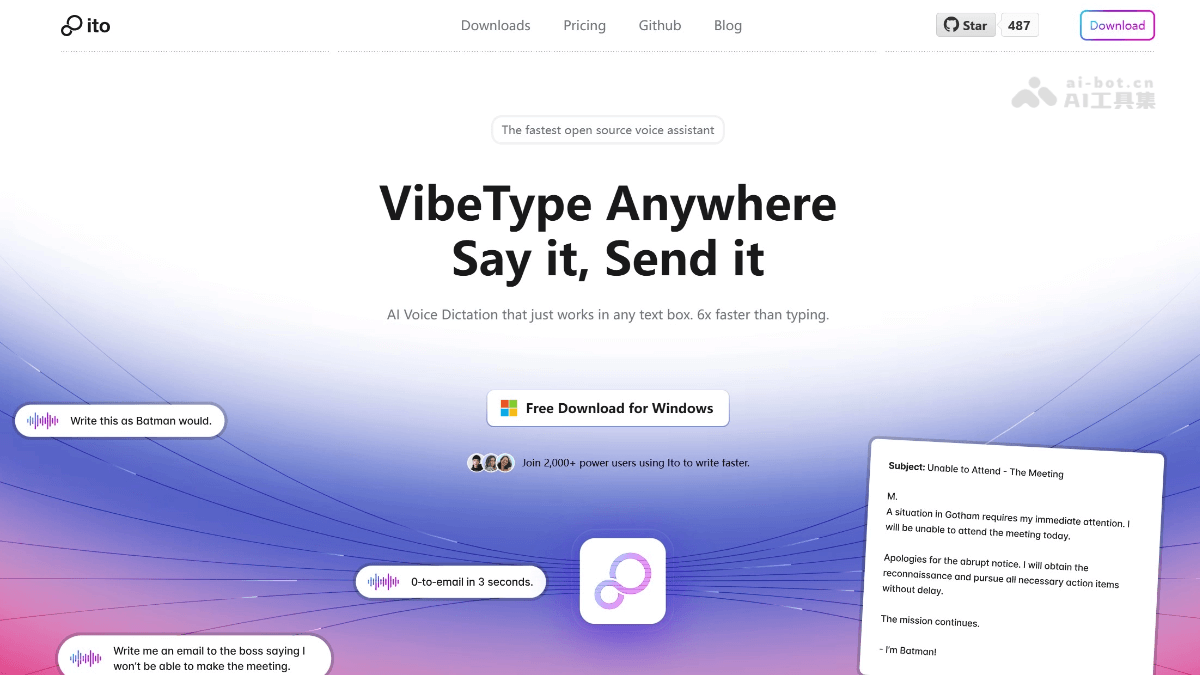
Ito's main features
-
Universal voice dictation: Can be used in any application, supports customizable global keyboard shortcuts and instant text insertion, enabling a seamless voice input experience.
-
Context-aware formatting: Automatically applies intelligent punctuation and formatting based on context, adapting to text needs in different scenarios.
-
Custom vocabulary and adaptation: Users can add custom vocabulary, and the system learns from usage, improving accuracy over time.
-
Multilingual support: Supports real-time transcription in over 100 languages, meeting the needs of multilingual users.
-
Data management and synchronization: A built-in note system saves transcription content, supports cross-device cloud synchronization and data export, making it convenient for users to manage and use data.
How to use Ito
-
Download and install: Visit Ito's official website https://ito.ai/或GitHub页面,根据操作系统(如macOS、Windows)选择合适的版本进行下载并安装。
-
Launch the app: After installation is complete, open the Ito app. On first use, simple setup may be required, such as selecting a language and configuring shortcuts.
-
Start dictating: In scenarios where text input is needed, press the customized global shortcut or click the start dictation button in the Ito interface to begin voice input.
-
Custom settings: Through Ito's settings options, you can add custom vocabulary, adjust formatting rules, synchronize data, etc., to meet personalized needs.
-
Use voice commands: Ito supports voice commands. Users can perform certain operations through voice commands, such as inserting punctuation and switching languages.
-
View history: Ito saves users' dictation history, and users can view and manage these records within the app.
Ito's project address
- Project official website:https://ito.ai
- Github repository:https://github.com/heyito/ito
Ito's application scenarios
-
Document writing: Quickly input text in word processing software to improve writing efficiency, suitable for writing articles, reports, papers, etc.
-
Email writing: Quickly compose email content through voice input, saving time, especially suitable for use on mobile devices.
-
Chat and social: In chat applications or social media platforms, quickly reply to messages by voice, convenient and fast.
-
Code writing: Use voice input in code editors to write code comments or quickly generate code snippets, improving development efficiency.
-
Multilingual learning: Supports transcription in multiple languages, can be used for language learning and practice, helping users improve their language expression ability.
-
Meeting minutes: Transcribes meeting content in real time during meetings, making it convenient for subsequent organization and review.