
What is IronClaw
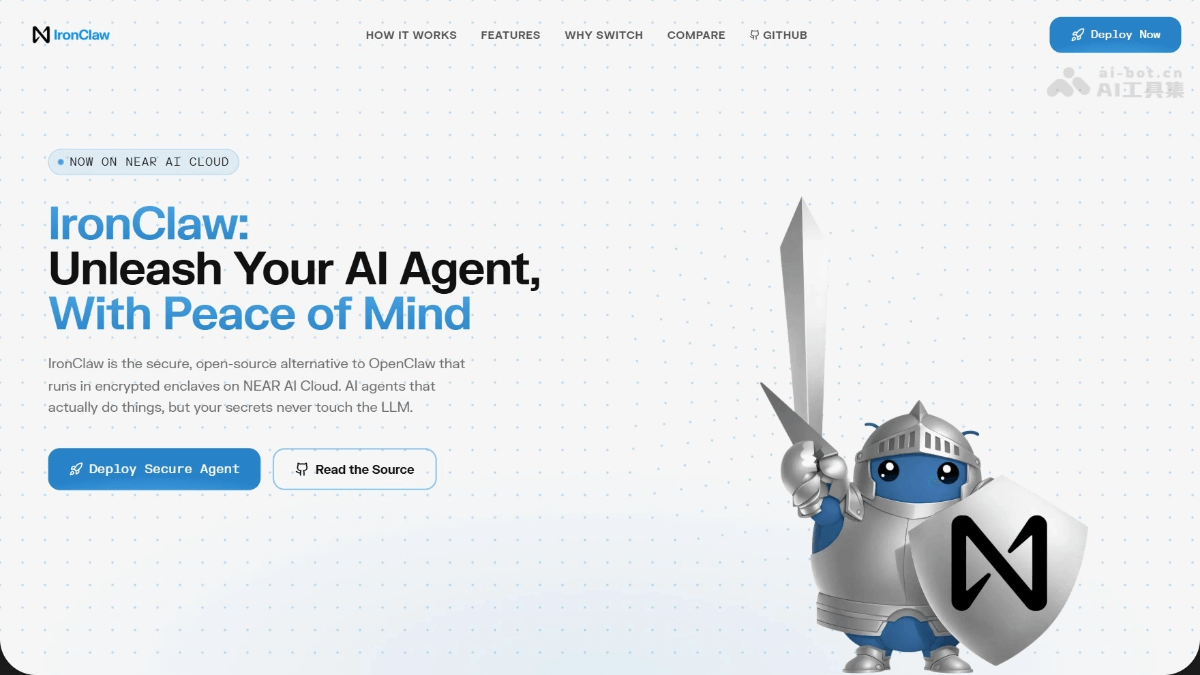
IronClaw is an open-source AI assistant launched by the NearAI team, implemented in the Rust language, focusing on local-first and secure controllability. IronClaw uses WASM sandbox isolation for tool execution and manages credentials through an encrypted vault, ensuring sensitive data is never exposed to the LLM. The tool supports multiple models (OpenAI, local LLMs, etc.), persistent memory, a Web interface, and Docker sandboxing. It is suitable for deployment by individuals and teams that prioritize privacy, and also offers a one-click cloud deployment solution via NEAR AI Cloud.
Main Features of IronClaw
- Security Architecture
- WASM Sandbox: Supports isolating untrusted tools to run in WebAssembly containers with capability permissions.
- Encrypted Vault: Ensures credentials are injected at the host boundary, and raw keys are never exposed to the LLM.
- Prompt Injection Protection: Defends against attacks through pattern detection, content sanitization, and policy rules.
- Endpoint Allowlist: Strictly restricts tools to accessing only pre-approved HTTP hosts and paths.
- Intelligent Interaction
- Multi-Channel Support: Covers REPL, HTTP Webhook, Telegram/Slack, and real-time Web gateway.
- Persistent Memory: Uses PostgreSQL and pgvector to implement hybrid full-text and vector search.
- Dynamic Tool Building: Supports users generating custom WASM tools through natural language descriptions.
- MCP Protocol Integration: Can connect to external Model Context Protocol servers to extend capabilities.
- Automated Deployment
- Scheduled Task Engine: Supports Cron scheduling, event triggers, and Webhooks to achieve background automation.
- Docker Sandbox: Provides an isolated container environment to securely execute AI-generated code.
- Multi-Model Compatibility: Supports OpenAI, local LLMs, and various OpenAI-compatible endpoints.
- Flexible Deployment Methods: Includes a single binary file, Docker, package managers, and cloud TEE environments.
How to Use IronClaw
- Installation and Deployment
-
Quick Installation: Install in multiple ways through the Windows installer package, PowerShell script, Shell script, Homebrew, or Cargo compilation.
-
Database Preparation: Create a PostgreSQL database and enable the pgvector extension as the data storage backend.
-
Initial Configuration: Run the
ironclaw onboardcommand to start the wizard and complete database connection, NEAR AI authentication, and key encryption settings.
-
- Daily Use
-
Interactive Conversation: Execute
cargo runorironclawto start the REPL for command-line interaction. -
Web Interface Access: Use a browser through the built-in Web gateway to chat, manage memory, and view task logs.
-
Background Automation: Configure Cron schedules, event triggers, or Webhooks to implement scheduled tasks and automatic responses.
-
- Feature Extensions
-
Connect External Models: Select an OpenAI-compatible endpoint in the wizard, or set environment variables to connect to providers such as OpenRouter and Ollama.
-
Install custom tools: Install WASM tools from the registry or describe your requirements and let the system automatically build new tools.
-
Deploy channel integrations: Configure WASM channels such as Telegram and Slack to enable multi-platform message access.
-
- Operations and debugging
-
Log viewing: Set the
RUST_LOG=ironclaw=debugenvironment variable when running to obtain detailed debugging information. -
Test verification: Use
cargo testto run unit tests, or execute specific test cases to verify functionality.
-
IronClaw's project address
- Project website:https://www.ironclaw.com/
- GitHub repository:https://github.com/nearai/ironclaw
IronClaw's application scenarios
-
Privacy-first personal assistant: Securely handle schedules, notes, and sensitive conversations on a local device, with data never leaving your control.
-
Enterprise security operations: Manage server credentials through an encrypted vault, automate deployment and monitoring tasks, and prevent key leakage.
-
Code security review: Run AI-generated code analysis tools in a WASM sandbox to isolate potentially malicious code and protect the development environment.
-
Multi-channel intelligent customer service: Connect simultaneously to Telegram, Slack, and a Web interface to provide personalized automated reply services based on long-term memory.
-
Sensitive data processing: Analyze medical records, financial data, or legal documents locally to meet compliance requirements such as HIPAA while leveraging AI capabilities.