
What is Qianwen Input Method
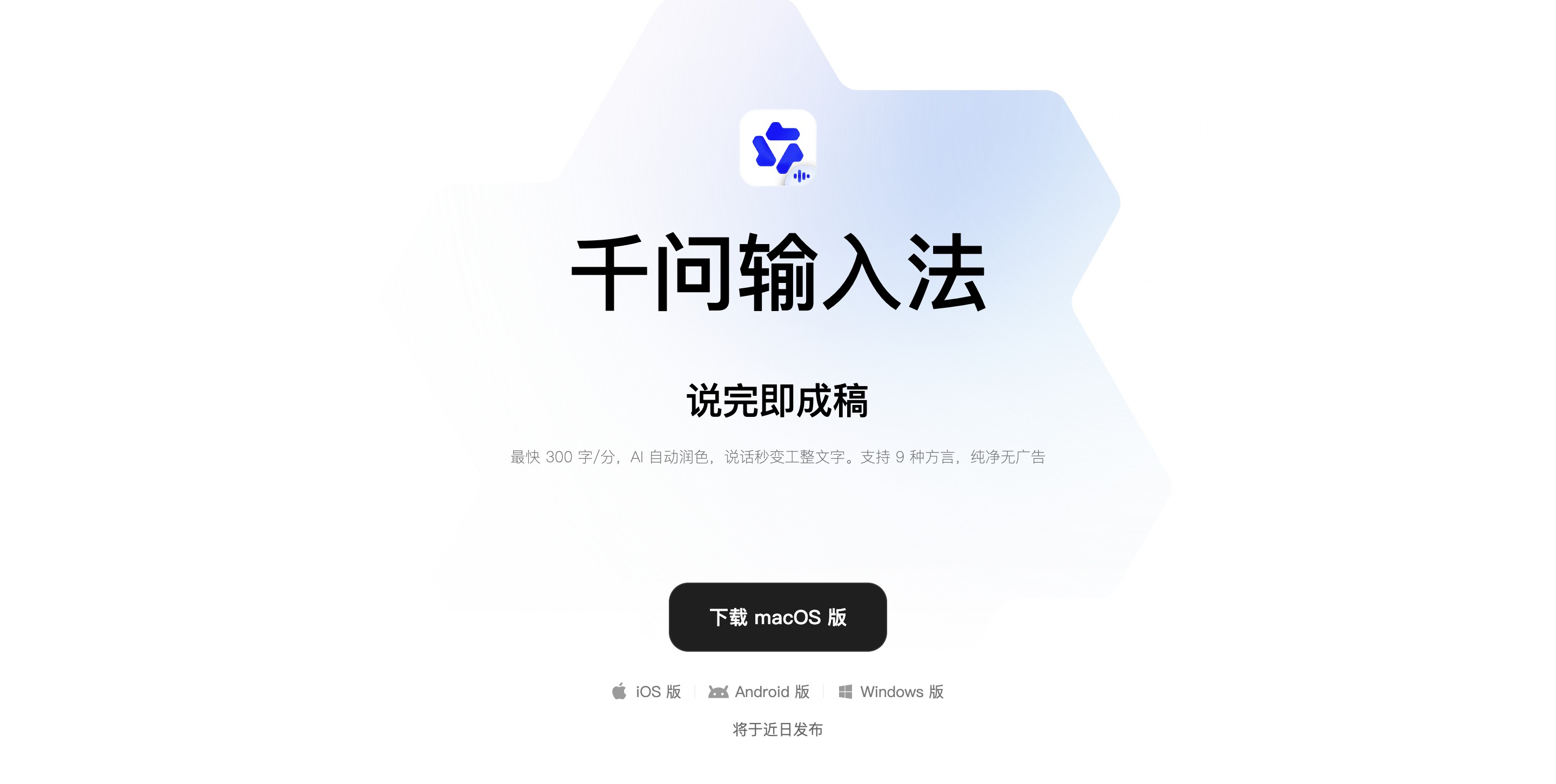
Qianwen Input Method is an independent AI voice input method launched by the Alibaba Tongyi Qianwen team, with the slogan "Speak casually, write beautifully." It is powered at its core by the Qianwen large model'sCosyVoicespeech and text understanding capabilities. It does not simply convert speech to text; it first understands the semantics of the dictation, automatically removes filler words such as "um" and "ah," corrects slips of the tongue, and organizes loose spoken language into structured written text with paragraphs and key points. The product supports voice input at up to 300 characters per minute, recognition of 9 dialects, and mixed Chinese-English speech, and can switch between voice input and AI command modes to verbally issue complex tasks such as looking up information or writing emails.
Main features of Qianwen Input Method
-
AI intelligent speech transcription and spoken language polishing: Dictated content is processed by the large model in real time, automatically removing redundant filler words and repeated expressions, correcting slips of the tongue, and converting casual spoken language into fluent written language that is directly entered on screen, saving a great deal of post-editing work.
-
Context understanding and structured writing: For loose dictation with jumps in logic or multiple topics, it automatically summarizes the semantics, breaks it into levels, adds numbering and headings, and outputs formatted text such as meeting minutes, to-do lists, and outline notes, ready to use as soon as dictation is finished.
-
Voice-activated AI command execution mode: Double-click the preset shortcut key to enter AI command mode, and verbally issue tasks such as "help me look up information," "write a leave request email," or "translate the above content into English." The large model completes them in a floating window and returns the result without interrupting the current workflow.
-
Multi-dialect and mixed Chinese-English recognition: Built-in recognition models for nine major dialects (including Cantonese, Sichuanese, etc.) with no need to manually switch languages, and it supports mixed Chinese-English dictation and accurate transcription of professional English terminology, adapting to users' expression habits in multiple scenarios.
-
Traditional Pinyin and Shuangpin keyboard input: In addition to voice capabilities, it fully provides Pinyin input and Shuangpin schemes such as Xiaohe Shuangpin, with complete basic input method capabilities including candidate word prediction, cloud dictionary, and shortcut punctuation input, so it can be used long-term as a daily main keyboard input method.
-
Customizable shortcut keys and personalized settings: The voice wake-up shortcut key and the command mode shortcut key both support user customization. You can switch microphone devices, set the polishing writing style (official documents/essays/self-media, etc.), and view voice history and cumulative input statistics.
How to use Qianwen Input Method
-
Download and install: Go to the Qianwen Input Method official website https://ime.qianwen.com/,或手机应用商店,搜索并下载安装对应平台的客户端或独立App。
-
Enable and set as default input method: Enable "Qianwen Input Method" in system settings and set it as the current default input method; on mobile, it needs to be enabled in keyboard management, and on PC, the voice input component can be enabled in the client settings.
-
Voice input on screen: In any app that allows text input (documents, chat windows, browser search boxes, etc.), press and hold the default shortcut key (right Alt on Windows / right Command on macOS) to start speaking. After releasing it, the input method automatically inserts the polished text at the current cursor position.
-
Activate AI command mode: Double-click the same shortcut key to enter AI command mode, verbally state the task requirement (such as "help me change the above paragraph into a formal email format" or "check tomorrow's weather"), and after the floating window returns the result, confirm to insert or copy it for use.
-
Personalized settings: Enter the Qwen Input Method settings page, where you can modify the wake-up shortcut, select a microphone device, enable or disable automatic polishing and dialect recognition, and manage voice history and cumulative input statistics according to your habits.
Core advantages of Qwen Input Method
-
Deep understanding by a large model, not just transcription: It is powered by the Qwen large model CosyVoice capability at its foundation, understanding the semantics of dictation before output, automatically removing filler words, correcting slips of the tongue, and transforming fragmented spoken language into structured, polished written text.
-
Ultra-fast voice input efficiency: Supports voice-to-text speeds of up to 300 characters/minute , producing a draft as soon as you finish speaking, greatly improving efficiency in scenarios such as document writing and message replies.
-
Recognition of 9 dialects without switching: Built in with nine mainstream dialect models including Cantonese and Sichuanese, no need to manually switch languages, and it also supports mixed Chinese-English speech and accurate transcription of professional terminology.
-
Voice directly to AI commands: Double-click the shortcut to enter AI command mode, verbally issue complex tasks such as looking up information, writing emails, and translation, and the floating window returns results directly without interrupting your workflow.
-
Clean and zero-threshold to use: Committed to zero ads, no subscription, and no login required to use core functions; all AI voice transcription and polishing capabilities are openly available to users without barriers.
-
Full-platform coverage and keyboard input combined: The macOS version is already online, and the iOS, Android, and Windows versions will be released soon; it also provides traditional keyboard input such as Pinyin/Shuangpin, and can be used long-term as a daily main input method.
-
Alibaba ecosystem synergy potential: As Alibaba's independent AI input method, it is expected in the future to deeply connect with the entire ecosystem including Taotian, Alipay, and DingTalk, bringing large model capabilities to every input action of users.
Comparison of Qwen Input Method with similar competitors
| Comparison dimension | Qwen Input Method | Doubao Input Method | WeChat Input Method |
|---|---|---|---|
| Company | Alibaba | ByteDance | Tencent |
| Underlying model | Qwen large model CosyVoice | Seed-ASR 2.0 | Self-developed voice model |
| Voice input speed | Up to 300 characters/minute | About 62 characters/minute (mobile) | Not clearly specified |
| Spoken language polishing | ✅ Automatically removes filler words, corrects slips of the tongue, and structures into written text | ✅ Automatically filters redundant words and automatically breaks sentences | ✅ Automatic punctuation and semantic optimization |
| AI command mode | ✅ Enter by double-clicking the shortcut, can issue tasks such as looking up information/writing emails | ✅ Built-in AI agent platform, supports creating personalized agents | ❌ No independent AI command mode |
| Dialect support | 9 dialects (Cantonese, Sichuanese, etc.) | 15+ dialects (Cantonese, Sichuanese, Shaanxi dialect, etc.) | Multi-dialect recognition (upgraded in version 3.0) |
| Offline voice | Not clearly specified | ✅ 150MB offline model, usable on weak networks | ❌ Weaker performance in offline scenarios |
| Mixed Chinese-English speech | ✅ Supported | ✅ Supported, excellent professional terminology recognition | ✅ Supported |
| Platform coverage | macOS is live, iOS/Android/Windows coming soon | iOS, Android, macOS are live, Windows is live | iOS, Android, macOS, Windows all platforms |
| Keyboard input | Pinyin/Shuangpin (Xiaohe, etc.) | 9-key/26-key/Shuangpin, no Wubi/handwriting | Pinyin/Shuangpin/Wubi/handwriting |
| Ecosystem collaboration | In the future, can connect with Taotian, Alipay, DingTalk, Amap, etc. | Doubao App ecosystem, Douyin, Feishu, etc. | WeChat ecosystem, cross-device clipboard sync |
| Advertising and fees | Completely free, no ads, core features usable without login | Completely free, no ads | Completely free, no ads |
Application scenarios of Qianwen Input Method
-
Writing workplace documents and organizing weekly reports and meeting minutes: When in a meeting or brainstorming a plan, casually dictate work content and opinions, and Qianwen Input Method automatically removes spoken-language clutter and organizes them into structured weekly reports, project summaries, or meeting minutes, directly typing them onto the screen in Word/WPS, greatly reducing keyboard input and later formatting time.
-
Quickly replying to customer and colleague messages in instant messaging: In chat windows such as WeChat, DingTalk, and Feishu, directly dictate the intent of the reply by voice, and Qianwen Input Method generates appropriate reply text based on the current conversation context (adapting automatically between formal and colloquial) and types it onto the screen, allowing both hands to handle other tasks at the same time.
-
Content creators dictating drafts and capturing inspiration: When self-media operators and copywriters have a flash of inspiration, they dictate scattered ideas, and Qianwen Input Method organizes them into a well-structured topic outline, script framework, or draft tweet, especially suitable for mobile scenarios such as driving or walking where typing is inconvenient.
-
Academic researchers and programmers dictating professional content: When mixing Chinese and English to dictate paper paragraphs, code snippet logic, or technical comments, Qianwen Input Method accurately recognizes English terminology and symbol names and correctly transcribes them into standardized text, suitable for development and writing environments such as VS Code and LaTeX editors.
-
Text input assistance for dialect users and middle-aged and elderly groups: Users who can speak a dialect but find it inconvenient to type Pinyin can directly dictate in their hometown dialect, and Qianwen Input Method recognizes it and converts it into standard Chinese characters on the screen, helping elders send WeChat messages to their children, grassroots workers dictate visit records in dialect, and so on.
-
Cross-language communication in multilingual environments: Supports mixed Chinese and English speech and professional terminology recognition, suitable for users such as foreign trade practitioners and international students who need to frequently switch input between Chinese and English, and can generate standardized bilingual content by dictation.