
What is ImageToVideo AI
ImageToVideo AI is a tool based on artificial intelligence technology that converts static images into dynamic videos. By analyzing image content and combining it with text prompts or instructions provided by the user, it adds animation effects, transition effects, background music, and other elements to images, generating videos with certain visual effects and storytelling.
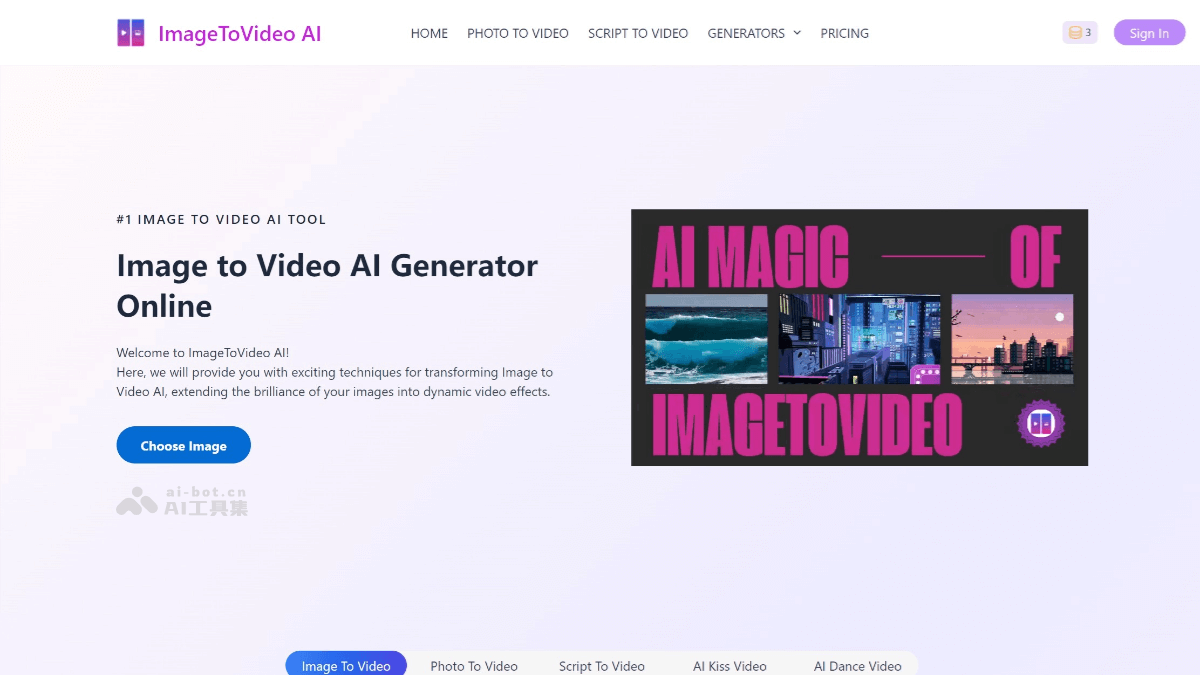
Main features of ImageToVideo AI
- Image to video: Users can upload single or multiple static images, and it automatically recognizes image content and extracts key information. It supports multiple image formats, such as JPG, PNG, GIF, WebP, etc.
- Generate dynamic videos: Based on AI technology, it adds dynamic effects to static images, such as panning, zooming, rotating, etc., making the images 'come alive.' It generates video content matching the text prompts or instructions entered by the user. It supports generating multiple video formats, such as MP4, MOV, etc.
- Add background music and sound effects: Users can choose from a built-in music library or upload their own music files. It supports adjusting the music volume and playback time.
- Add subtitles and voiceovers: Text content can be converted into voiceovers and added to the video. It supports voiceover generation in multiple languages. Users can also add subtitles to enhance the readability of the video.
- Choose video templates and styles: It provides a variety of preset video templates, and users can choose different styles according to their needs. It supports customizing parameters such as the video aspect ratio and resolution.
- Add animation effects: It provides a variety of animation effects, such as fade in and fade out, gradients, flickering, etc. Users can customize the speed and duration of the animation.
- Watermark-free output: The generated video files can be watermark-free, ensuring the purity of the video.
- HD video export: It supports HD video export, ensuring video quality.
- One-click sharing: Users can share generated videos to social media platforms with one click, such as YouTube, TikTok, WeChat, Weibo, etc.
ImageToVideo AI official website address
- Official website address:imagetovideoai
Application scenarios of ImageToVideo AI
- Personal creation: Used to make travel memory videos, family gathering videos, etc., turning static photos into vivid footage and recording beautiful moments in life.
- Content creation: Helps bloggers and self-media creators quickly generate attractive video content and improve creation efficiency.
- Social media: Provides rich video materials for social media platforms, enhancing the attractiveness and spread of content.
- Education field: Can be used to make teaching videos, transforming static image materials into dynamic video explanations and improving teaching effectiveness.
- Advertising and marketing: Enterprises can use it to make product promotional videos, advertising videos, etc., making them more attractive.