
What is Ideogram 3.0
Ideogram 3.0 is launched by Ideogram AI image generationmodel. Ideogram 3.0 achieves a leap in image generation quality, with a high degree of realism, excellent text rendering, and powerful language understanding, supporting the generation of complex scenes and refined light, shadow, and color effects. Based on uploaded reference images or the random style exploration feature, users can quickly specify aesthetic styles that are difficult to describe in words, achieving a more efficient and expressive creative process. Ideogram 3.0 performs excellently in text and layout generation, can precisely handle complex typography, provides strong support for fields such as graphic design, advertising, and marketing, helps small and medium-sized enterprises and entrepreneurs efficiently generate professional-quality graphic design works, and improves design efficiency and quality.
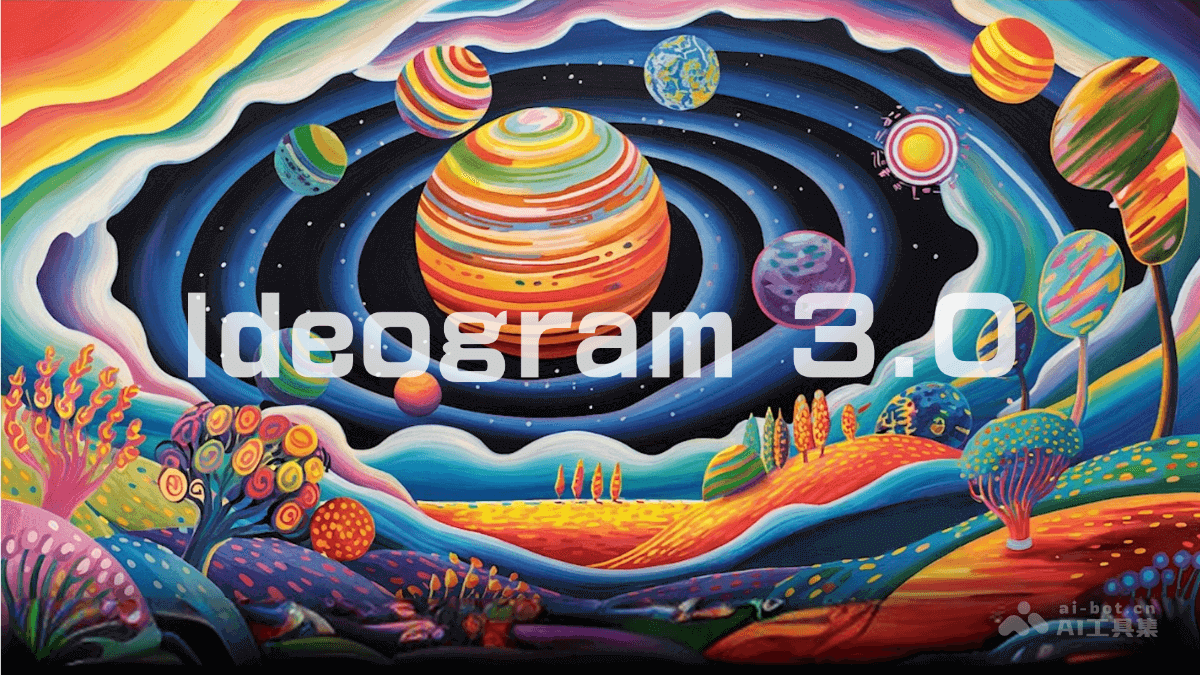
Main features of Ideogram 3.0
- Precise text rendering: Supports handling complex typography designs and stylized text.
- Style reference feature: Users upload up to three reference images to guide the style of the generated content.
- Random style exploration: Provides a preset style library of 4.3 billion styles, allowing users to randomly explore unique styles, and supports saving and reusing liked styles based on style codes.
- Magic prompt: Based on simple prompts, automatically generates professional design works.
Ideogram 3.0 project address
- Project official website:ideogram.ai/3.0
Ideogram 3.0 performance
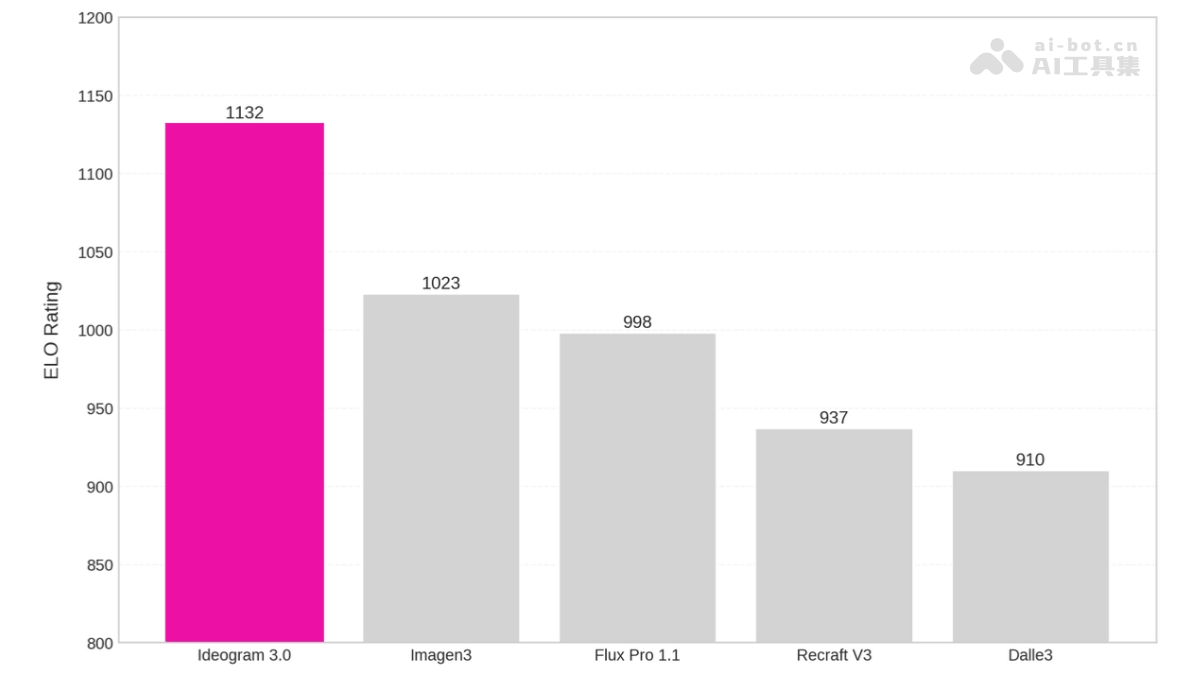
In evaluations by professional designers, Ideogram 3.0 scored as high as 1132 points, far ahead of other mainstream image models (such as Imagen3, Flux Pro 1.1, etc.).
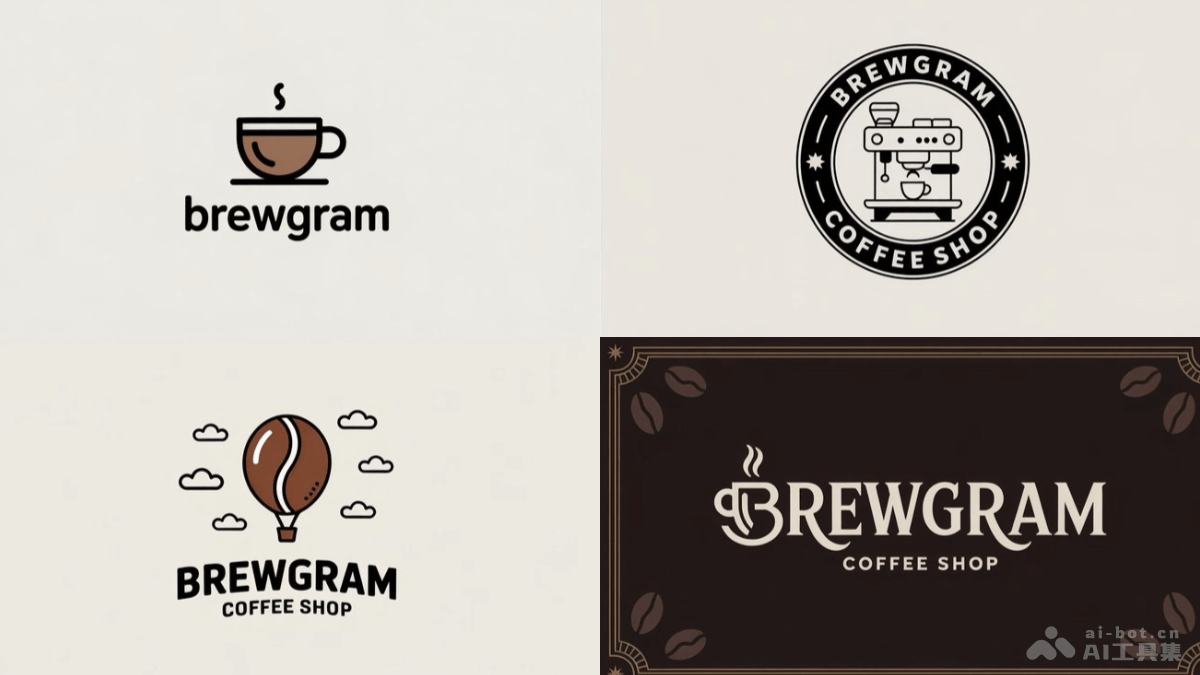
Ideogram 3.0 image generation examples
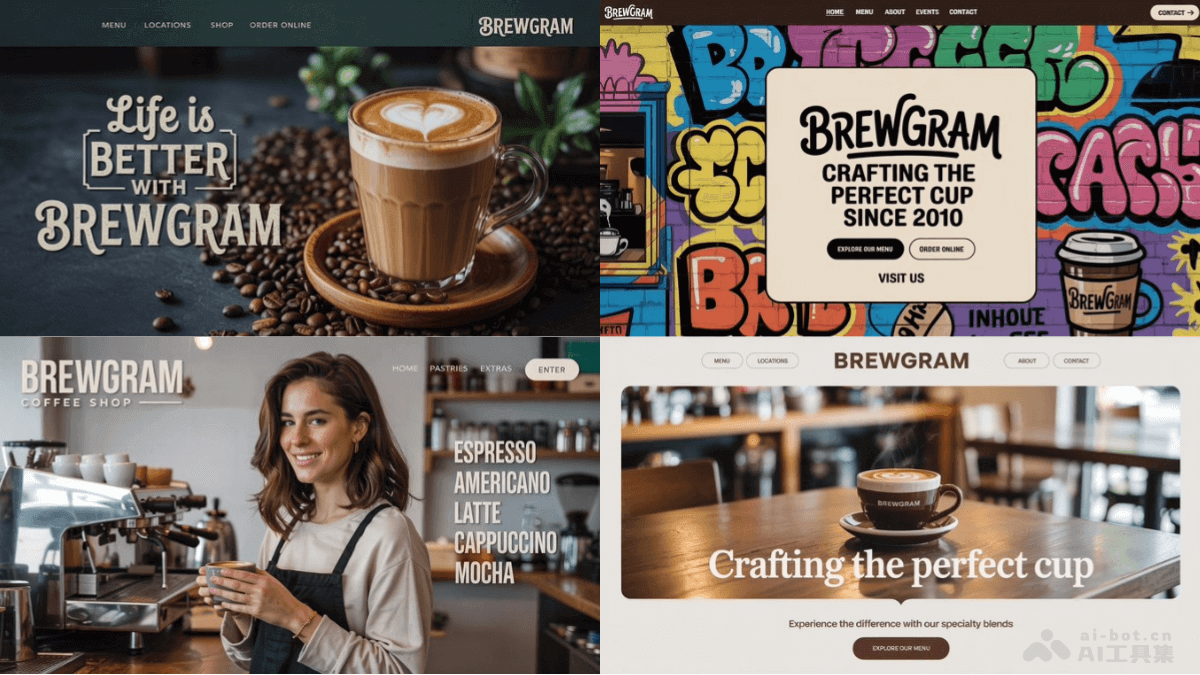
Prompt: Logo for Brewgram coffee shop. (Logo for Brewgram coffee shop)
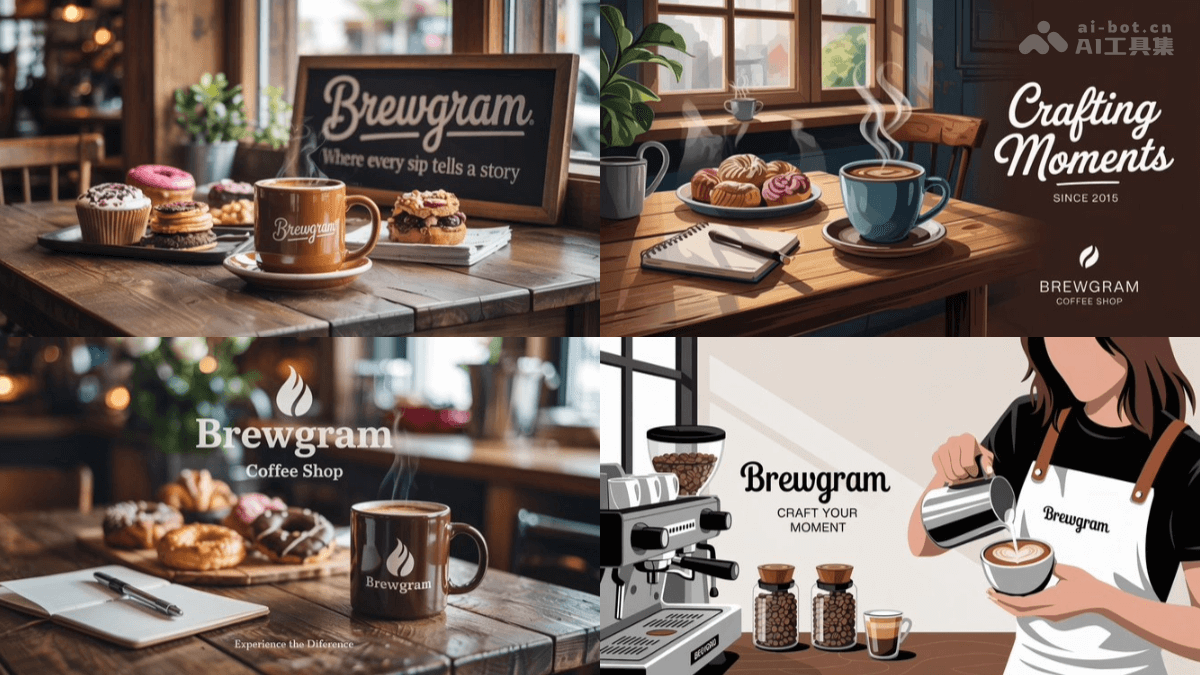
Prompt: Ad for Brewgram coffee shop. (Ad for Brewgram coffee shop)
Prompt: Landing Page for Brewgram coffee shop. (Landing page for Brewgram coffee shop)
How to use Ideogram 3.0
- Visit the website: Visit Ideogram 3.0'sofficial website。
- Create an account: Follow the prompts to complete registration and login.
- Enter prompt: Enter a descriptive prompt in the generation interface.
- Use style reference: If there are specific style requirements, upload up to three reference images. The system automatically generates design works.
- Explore random styles: If you are unsure of a specific style, use the Random Style feature. The system randomly selects from 4.3 billion preset styles.
- Adjust parameters (optional): Adjust generation parameters as needed, such as resolution, generation speed, etc.
- Generate image: Click the "Generate" button, and the model will generate an image based on the prompt and settings.
Application scenarios of Ideogram 3.0
- Commercial design: Quickly generate brand logos, advertising posters, web designs, etc., meeting diverse commercial needs.
- Creative art: Helps artists create unique paintings and illustrations, explore new styles, and inspire artistic inspiration.
- Content creation: Provides high-quality image content for social media and video production, improving visual effects.
- Product design: Generate product concept images and packaging design sketches to facilitate design optimization and creative presentation.
- Education and Learning: As a teaching aid, help students understand complex concepts and inspire creative thinking.