
What is iArt.ai
iArt.ai is an AI-driven motion graphics generation tool, positioned as a zero-learning-curve alternative to Adobe After Effects. Users only need to describe their ideas in natural language, upload a Figma design, or input audio, and the AI agent can automatically complete layout, typography, animation, transitions, and pacing within 30 seconds, generating broadcast-quality vector animation. It supports 4K@60fps export, multilingual prompts, voice cloning, and MCP tool integration, enabling users with no animation experience to quickly create Apple Keynote-level professional motion graphics.
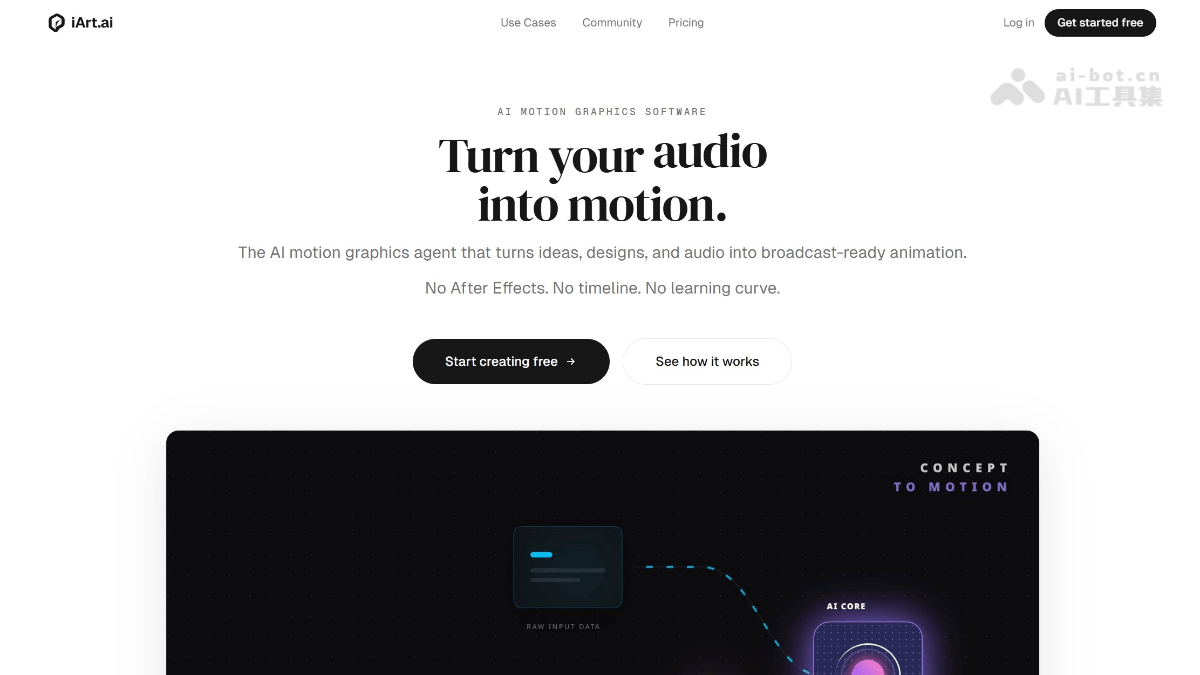
Main features of iArt.ai
-
Concept to animation: Input a text description, and the AI understands the logic and automatically animates it scene by scene, with no manual keyframes.
-
Design to animation: Upload a Figma design or brand poster, maintain pixel-level precision, and automatically add advanced animation effects.
-
Voice-synced animation: Clone a voice or choose a voice library, and graphics automatically dance to the rhythm, pauses, and emphasis of the speech.
-
Multi-source input: Supports text, Figma, Notion documents, images, audio files, YouTube links, and more.
-
Audio to kinetic typography: Automatically extract highlight clips from podcasts/lectures and package them into animated text short videos.
-
Brand consistency: Generate openers, lower thirds, end cards, etc., maintaining a unified visual language without needing a style guide.
-
Multi-format export: Supports MP4 (H.264), GIF, and Lottie JSON, up to 4K@60fps.
How to use iArt.ai
- Visit the platform: Open the iArt.ai official website https://www.iart.ai/。
-
Describe or upload: Enter a text prompt, or drag in images, Figma designs, or documents; set voice cloning/voice library and background music
-
AI generation: The AI agent builds motion graphics scene by scene—automatically handling layout, typography, timing, and transitions, completing within seconds
-
Edit and adjust: Modify timing, colors, text, and easing curves to gain real control rather than only being able to accept everything or regenerate
-
Export and share: Download MP4 (up to 4K) with one click or get an instant-play share link, with no render queue
Core advantages of iArt.ai
-
Zero learning curve: No keyframes, timelines, plugins, or months of learning; if you can write a sentence, you can create professional animation
-
30-second generation: Traditional After Effects takes 2–8 hours, while iArt takes only 30 seconds to complete
-
Zero prompt anxiety: After uploading a design, the AI automatically suggests animation types (such as "product launch presentation"), with no need to carefully craft prompts
-
Vector-precise animation: Unlike Sora/Runway footage generation, it focuses on vector motion graphics, with precisely controllable typography and timing
-
Native multilingual support: Supports Chinese, English, Japanese, Spanish, French, German, Portuguese, Arabic, Korean, and more
-
Truly editable: Output results can be adjusted layer by layer, unlike most AI tools where you can only accept everything or regenerate
-
MCP integration: Natively connect to existing tools like Notion, Figma, with no import/export friction
Comparison of iArt.ai with similar competitors
| Comparison dimensions | After Effects | Vyond | iArt.ai |
|---|---|---|---|
| Learning curve | Months | Days | Zero |
| Time per video | 2–8 hours | 1–3 hours | 30 seconds |
| Monthly cost | $23/month + plugins | $49/month | Free to start, Pro $20/month |
| Explainer video production | Complex projects, manual keyframes | Template-driven, drag-and-drop elements | One prompt, AI auto-generates |
| Custom styles | Unlimited (fully manual) | Limited templates | AI generates unlimited styles |
| Revision and iteration | Manual redo | Re-drag elements | Second-level re-prompting, instant iteration |
| 4K export | Manual render queue | Not supported | One-click export |
| Multilingual support | Requires manual handling | Partially supported | Native multilingual throughout the entire workflow |
iArt.ai application scenarios
-
Product explainer videos: Turn abstract concepts such as algorithms, processes, and strategies into scene-by-scene animations.
-
Brand logo animation: Add effects such as particle reveals, liquid morphing, and shape building to brand logos.
-
Social media content: Quickly generate motion graphics for TikTok, Reels, and Shorts in ratios such as 9:16, 1:1, and 16:9.
-
Podcast/lecture highlight editing: Automatically extract audio highlights and package them into dynamic typography short videos.
-
Product launch presentations: Upload a Figma prototype and generate an animated product introduction video with one click.
-
Corporate training and internal communication: Transform Notion documents into visualized animated training materials.