
What is Heyday
Heyday is an AI-driven knowledge assistant tool that, in the form of a browser extension, helps users automatically save and organize learning and research content from the web. It can turn users' browsing history, conversations, emails, and documents into a searchable and referenceable knowledge base, improving personal and professional productivity. Heyday's core features include visualized search history, keyword-triggered browsing history prompts, and automatic content categorization, allowing users to quickly review and reuse their previous learning and research results.
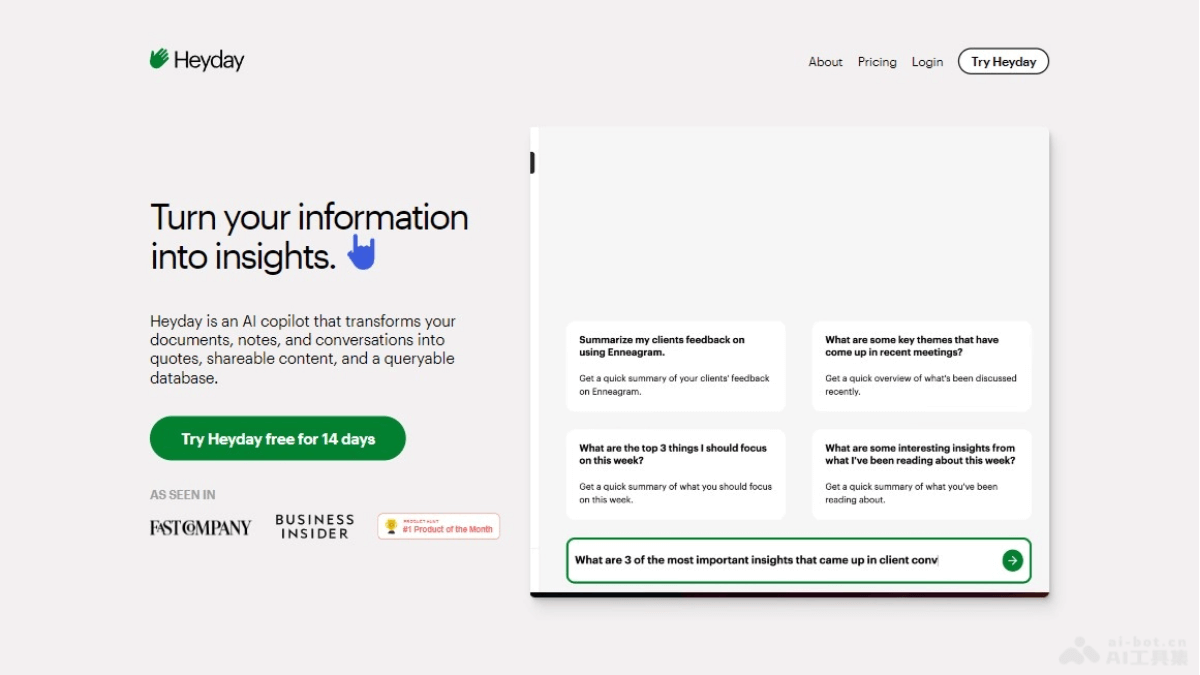
Heyday's main features
- Automatically save web content: Heyday can automatically save web pages users have visited, without the need for manual bookmarks.
- Visualized search engine history: When using a search engine, Heyday can prompt users with web pages they have previously browsed that are related to the search keywords.
- Keyword-triggered browsing history: When users browse content on the same topic again, Heyday will prompt them with related web pages they have seen before.
- Automatically categorize browsed content: Heyday supports users in categorizing content they have read into custom topics, making it easier to manage and review.
- Highlights: Users can use Heyday to highlight key points while reading articles and jump to the corresponding location.
- Search and review: Users can search keywords through the Heyday dashboard to find previously highlighted key points and related articles.
Heyday's official product website
- Official product website:heyday.xyz
Heyday's product pricing
- Monthly subscription: The price is $40 per month. It provides one month of Heyday access.
- Annual subscription: The price is $299 per year (saving more than 35% compared with the monthly subscription). It provides one year of Heyday access.
Heyday's application scenarios
- Academic research: Researchers and scholars can use Heyday to manage and review large amounts of literature and research materials, and quickly find important citations and data.
- Student learning: When preparing papers, reports, or projects, students can use Heyday to organize and review reference materials, improving learning efficiency.
- Content creation: Content creators and bloggers can use Heyday to integrate previous findings and research to create new content works.
- Business analysis: Enterprises and business analysts can use Heyday to track and cite data from multiple projects, improving decision-making efficiency.
- Social media management: Social media managers can reuse past tweets or posts, and use Heyday to organize and review social media content.
- Personal knowledge management: Individual users can use Heyday to organize and review personal learning and insights, building a personal knowledge base.