
What is Handy
Handy is an open-sourcespeech-to-textdesktop app that runs completely offline and supports Windows, macOS, and Linux. Built with Rust and React/TypeScript, it has a simple interface and is easy to use. Users activate recording via a keyboard shortcut, and speech is processed locally and converted directly to text without an internet connection, protecting privacy. Handy offers multiple speech recognition models, such as Whisper and Parakeet V3, and supports GPU acceleration and automatic language detection.
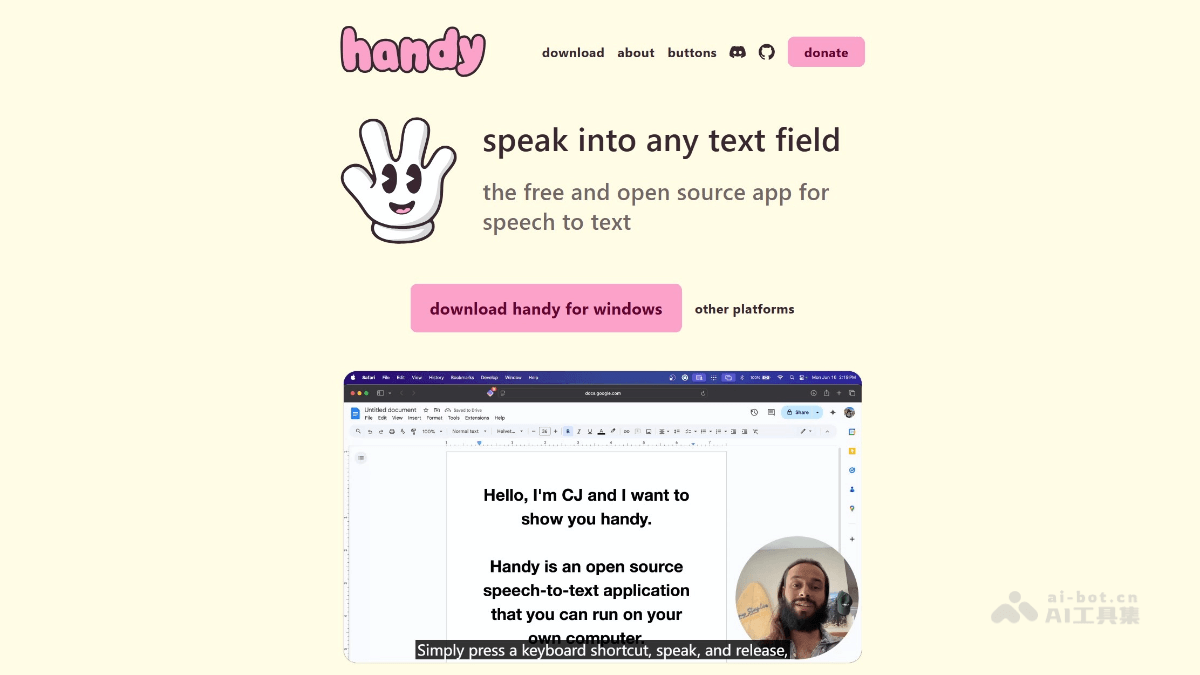
Handy's main features
-
Completely offline operation: All speech processing and transcription are done locally without relying on the network, protecting user privacy.
-
Cross-platform support: Compatible with Windows, macOS, and Linux, meeting the needs of different users.
-
Keyboard shortcut operation: Users can quickly start and stop recording via customizable keyboard shortcuts, making operation convenient.
-
Speech transcription: Transcribes speech into text in real time and pastes it directly into any text box, improving input efficiency.
-
Multiple speech models: Supports models such as Whisper and Parakeet V3, providing GPU acceleration and automatic language detection.
-
Open source and extensible: Based on the open-source philosophy, users can extend and improve the app themselves to meet personalized needs.
How to use Handy
-
Download and install: From the official Handy website https://handy.computer/ or the GitHub page, download the latest version and install it according to the platform-specific instructions.
-
Launch and authorize: Launch the Handy app and grant the necessary system permissions, such as microphone and accessibility permissions.
-
Configure shortcuts: In Handy's settings, configure your preferred keyboard shortcuts for starting and stopping recording.
-
Start recording: Press the configured shortcut, start recording and speak, and Handy will transcribe speech into text in real time.
-
Get the text: After recording ends, Handy will paste the transcribed text directly into the application you are using.
-
Debug mode: If you need to debug or develop, you can enter debug mode via a shortcut (macOS:
Cmd+Shift+D,Windows/Linux:Ctrl+Shift+D).
Handy's project address
- Project website:https://handy.computer/
- Github repository:https://github.com/cjpais/Handy
Handy's application scenarios
-
Text recording: When writing or taking notes, quickly generate text content through voice input to improve efficiency.
-
Meeting notes: Transcribe speech content in real time during meetings for easier subsequent organization and review.
-
Content creation: When creating content for blogs, articles, social media, and more, voice input is more natural and smooth.
-
Learning assistance: When learning a language or listening to lectures, transcribe speech into text for easier review and understanding.
-
Office automation: In office scenarios, quickly generate documents such as emails and reports, saving typing time.
-
Personal assistant: As a personal voice assistant, it helps record to-do items, schedules, and other information.