
What is GPTExcel
GPTExcel is an artificial intelligence-based spreadsheet assistant tool that helps users efficiently handle spreadsheet tasks in Excel, Google Sheets, and more. Through intelligent features such as formula generation, automated script writing, and SQL query generation, it simplifies complex data processing workflows. Users only need to input their requirements, and GPTExcel can quickly generate the corresponding formulas or scripts and provide detailed explanations to help users quickly understand and apply them. GPTExcel supports features such as spreadsheet template generation, data visualization, and regular expression generation, and can meet diverse needs ranging from data organization to analysis.
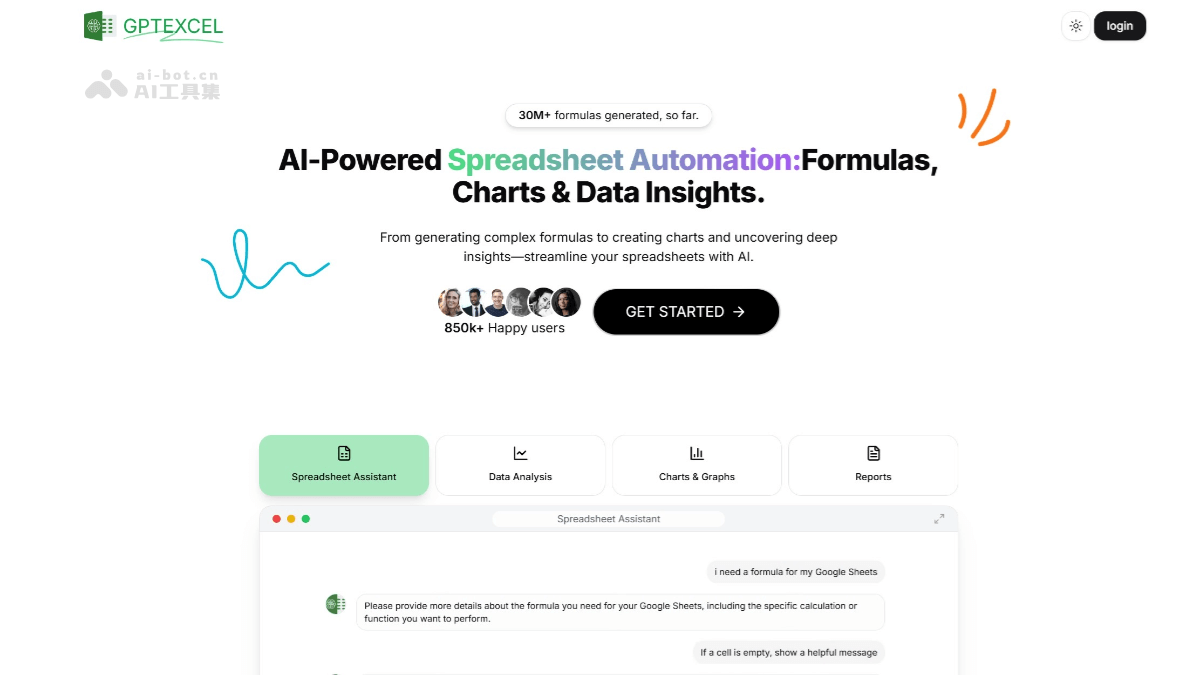
GPTExcel's main features
- Formula generation and explanation: Users can simply describe their needs and let GPTExcel automatically generate complex Excel formulas and provide detailed formula explanations, helping users quickly understand and apply them.
- Automated script generation: GPTExcel can generate automation scripts for Excel (VBA), Google Sheets (Apps Script), Airtable, and more, simplifying repetitive tasks.
- SQL query generation and debugging: Users can use GPTExcel to quickly generate and debug advanced SQL queries, making it convenient to interact with database systems.
- Regular expression generation and explanation: Provides regular expression generation and explanation features to help users perform data validation, filtering, and text processing.
- Spreadsheet template generation: GPTExcel can generate a variety of spreadsheet templates according to user needs, helping users quickly start projects.
- Data visualization: Supports converting table content from images into editable spreadsheets and generating multiple types of visualization charts to improve data analysis efficiency.
- Multilingual support: GPTExcel supports more than 50 languages, including Chinese, meeting the language needs of different users.
GPTExcel's official website address
- Official website address:gptexcel.uk
GPTExcel's application scenarios
- Finance: Finance personnel can use GPTExcel to quickly generate complex financial formulas for financial indicator calculations, data analysis, and report creation.
- Data analysis:Data analysts can use GPTExcel's formula generation, SQL query generation, and regular expression generation features to quickly process and analyze data.
- Sales and market research: Sales teams can use GPTExcel to analyze sales data, formulate sales strategies, and generate sales reports. Market researchers can generate SQL queries to extract and analyze market data from databases to support decision-making.
- Human resources: In human resource management, GPTExcel can be used for employee information management, performance analysis, and data visualization. It can generate spreadsheet templates and automation scripts to help HR personnel efficiently handle large amounts of data.