
What is gling
gling is AI video editing software that uses artificial intelligence technology to automatically remove bad takes, silence, and filler words from videos, optimizing the editing process. gling provides a variety of video editing features including AI subtitles, auto zoom, and noise cancellation, ensuring professional content. It can generate titles and chapters that help videos succeed and provide video creative ideas. Users only need three simple steps: upload the original video, edit and refine, and download or export to complete video editing. gling supports integration with mainstream video editing software and can directly export MP4 or MP3 files.
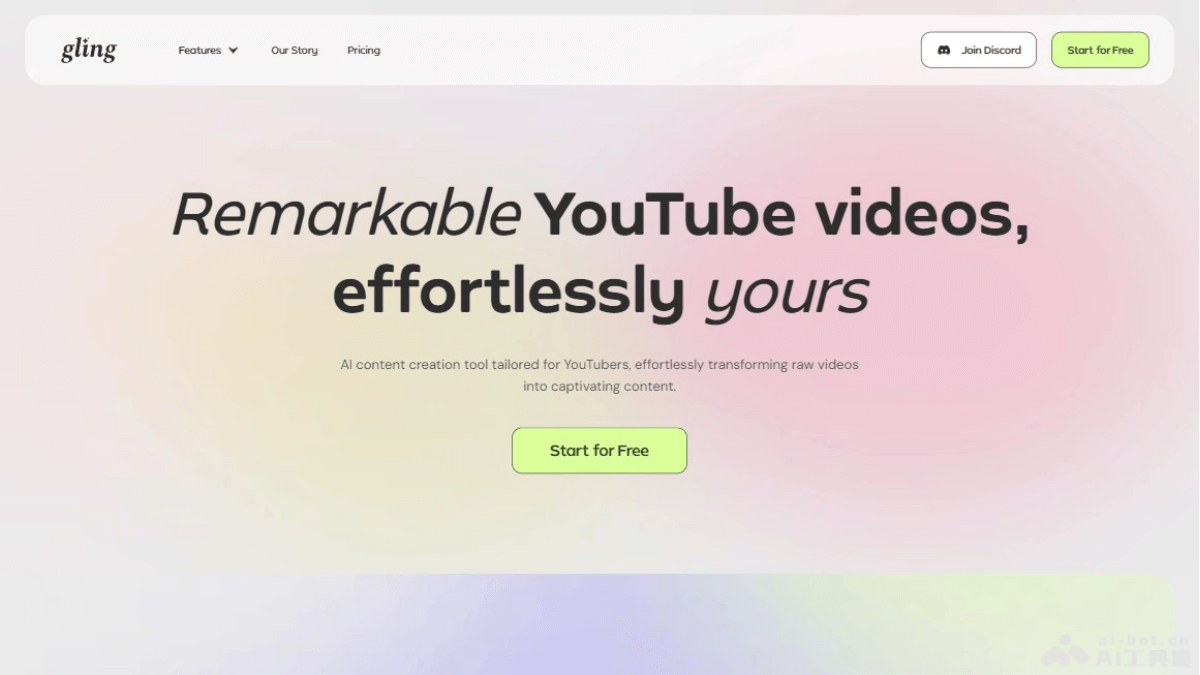
gling's main features
- Automatic removal of bad takes: quickly remove bad shots from videos, saving editing time.
- Eliminate silence and filler words: AI automatically identifies and deletes silent parts and filler words in videos, such as "um," "ah," etc.
- AI subtitle generation: automatically generate subtitles for videos, improving content accessibility.
- Auto zoom: automatically zoom based on video content, highlighting important parts.
- Noise cancellation: reduce or eliminate background noise in videos, improving audio quality.
- Title and chapter generation: help users generate titles and chapters that aid YouTube optimization.
gling's official product website
- Product official website:gling.ai/
gling's product pricing
- Free version (FREE):Suitable for beginners to explore and learn. Can create 1 hour of media content per month. Can accesslimited AI feature access.1 free video export, including all advanced features.
- Basic version (PLUS):$15 per month, $10 per month with annual payment, designed for light users with a limited number of videos produced per month. Can accessunlimited AI feature access.Process 10 hours of media per month. Can performunlimited video exports.
- Professional version (PRO):$30 per month, $20 per month with annual payment. Tailored for users who need the highest performance. Can accessunlimited AI feature access.Process 30 hours of media per month. Can performunlimited video exports.
gling's application scenarios
- Personal video bloggers: individual YouTubers or content creators on other video platforms can use gling to improve video quality and save editing time.
- Podcasts and interviews: podcast producers and interview programs can use gling to automatically remove unnecessary silence and filler words, making conversations smoother.
- Online education: educational content creators can use gling to edit course videos and automatically add subtitles, improving the accessibility of learning materials.
- Corporate training videos: enterprises can use gling to edit internal training videos, improving video professionalism and viewing experience.
- Product demos and tutorials: product demo videos and instructional tutorials can be edited through gling, ensuring information is conveyed clearly and without redundancy.
- News and media production: news organizations and media companies can use gling to quickly edit news clips, improving the timeliness and quality of reporting.